You wanted everything in Notion — schedule, notes, action items, all in one place — and AI Meeting Notes looked like the missing piece. Then you saw the math. For a 5-person team, Business runs about $100/month. Paying that just to unlock one feature feels excessive. But swapping your whole workflow to some external tool would break the Notion-centric setup you've spent a year building. That's a real middle ground, and this article is written for it.
Why Notion AI Meeting Notes needs the Business plan
The May 2025 change folded AI into Business / Enterprise
Current pricing as of May 2026:
| Plan | Annual (per user/month) | Monthly (per user/month) | AI Meeting Notes |
|---|---|---|---|
| Free | $0 | $0 | Trial only |
| Plus | $10 | $12 | Trial only |
| Business | $20 | $24 | Full access |
| Enterprise | Contact sales | Contact sales | Full access |
So in practice, real production access to AI Meeting Notes lives on Business or above.
What AI Meeting Notes actually does
From Notion's help docs:
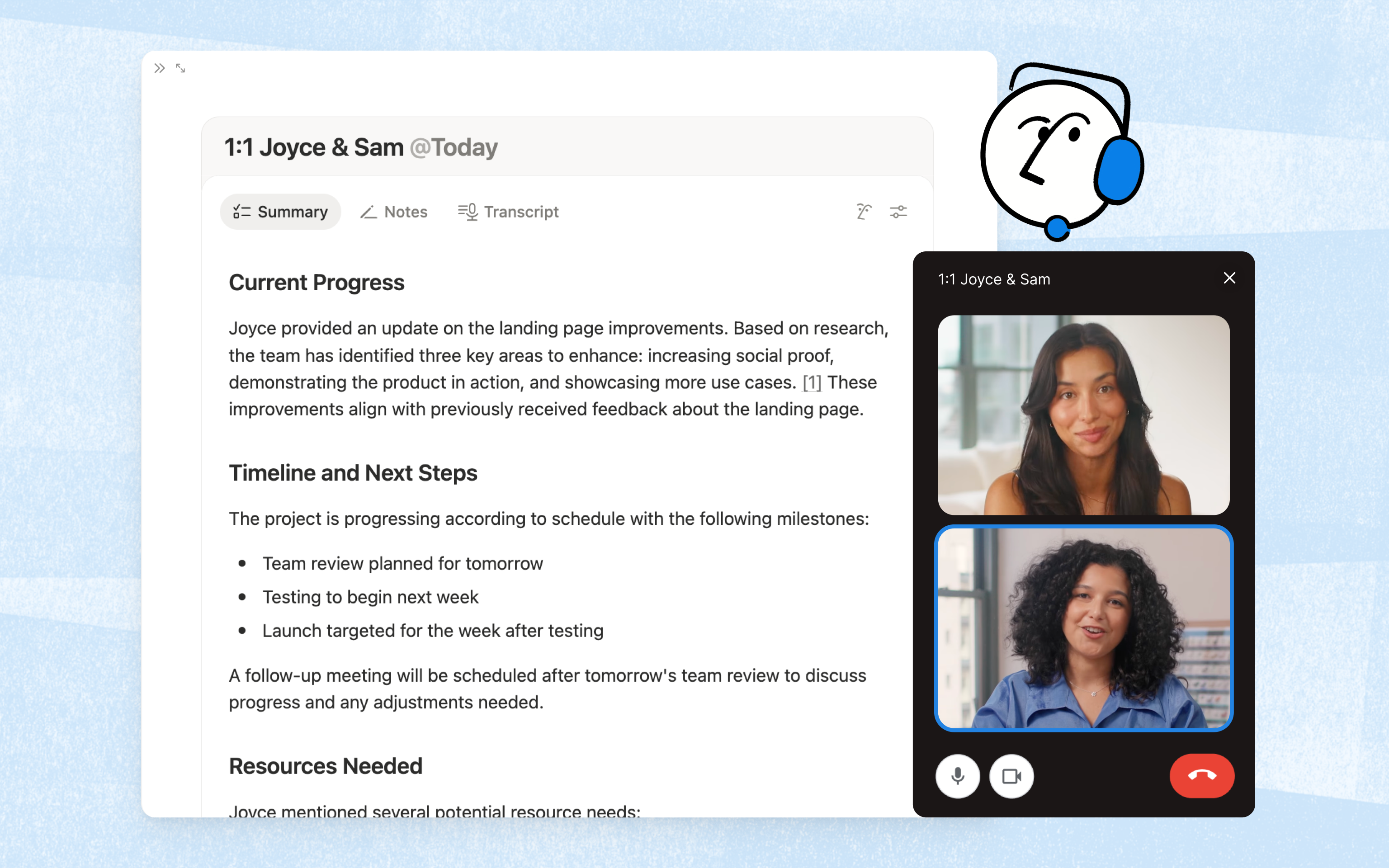
- Desktop app v4.7.0 or later required (macOS 13+ or recent Windows)
- Local capture: system audio + mic — it does not join your meeting as a bot
- AI writes the summary automatically; speaker identification is English-only
- Transcripts support 16 languages, including Japanese
- 10 hours/day cap per user
- Audio files are deleted right after processing (only kept for 3 days if mobile processing fails)
- Browser version captures mic only — no system audio
The 30-day Business trial gets you most of the way to a real test
If jumping straight to a paid Business seat feels too steep, running the trial for a week or two first is a reasonable first move.
What you can (and can't) do on Plus or Free
Free / Plus is effectively "trial mode"
- AI feature usage capped at roughly 20 invocations per month
- Custom summary instructions and the deeper options are limited
- Anything resembling daily meeting-notes coverage isn't sustainable
For "I want to try this a handful of times," Plus does the job. For "every meeting, every day, automatically," it's either Business or an external tool.
The flip side: trial usage stacks up
If it clicks for your workflow, upgrade. If it doesn't, the four tools below are worth a serious look.
Picking an external tool: three things to weigh
1. Pricing — and where the team-size break-even sits
- Solo: Business $20 vs external $9–$24/month
- 5 people: Business $100 vs external $40–$100/month
- 10+ people: starts to tip the other way once "everyone in one Notion ecosystem" matters — more on that below
2. Bot-in-the-room vs local capture
This one gets glossed over too often. AI note tools split into two camps:
- Bot-joining: tl;dv, Otter, Notta, Fireflies — they send a bot into your meeting to record it
- Local capture: Qureco and Notion AI Meeting Notes itself — record from your own machine, nothing in the participant list
3. OS and platform
Some tools are browser-based and OS-agnostic (tl;dv, Otter). Others are platform-specific desktop apps (Qureco on macOS, Notion's own desktop app for AI Meeting Notes).
Pick based on what your team actually runs on every day.
The bot-free, local-capture pick: Qureco
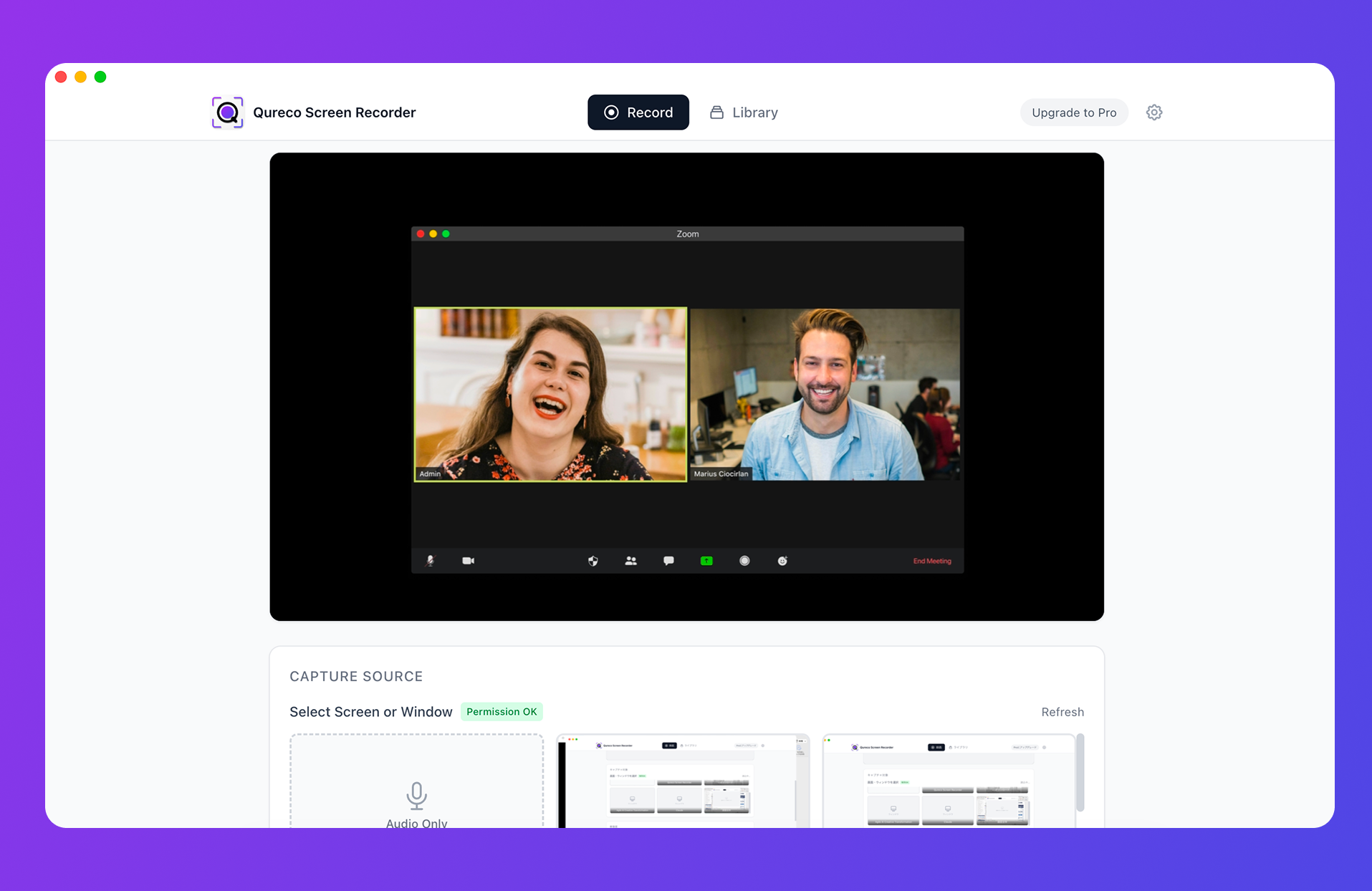
The closest spiritual match to Notion AI Meeting Notes
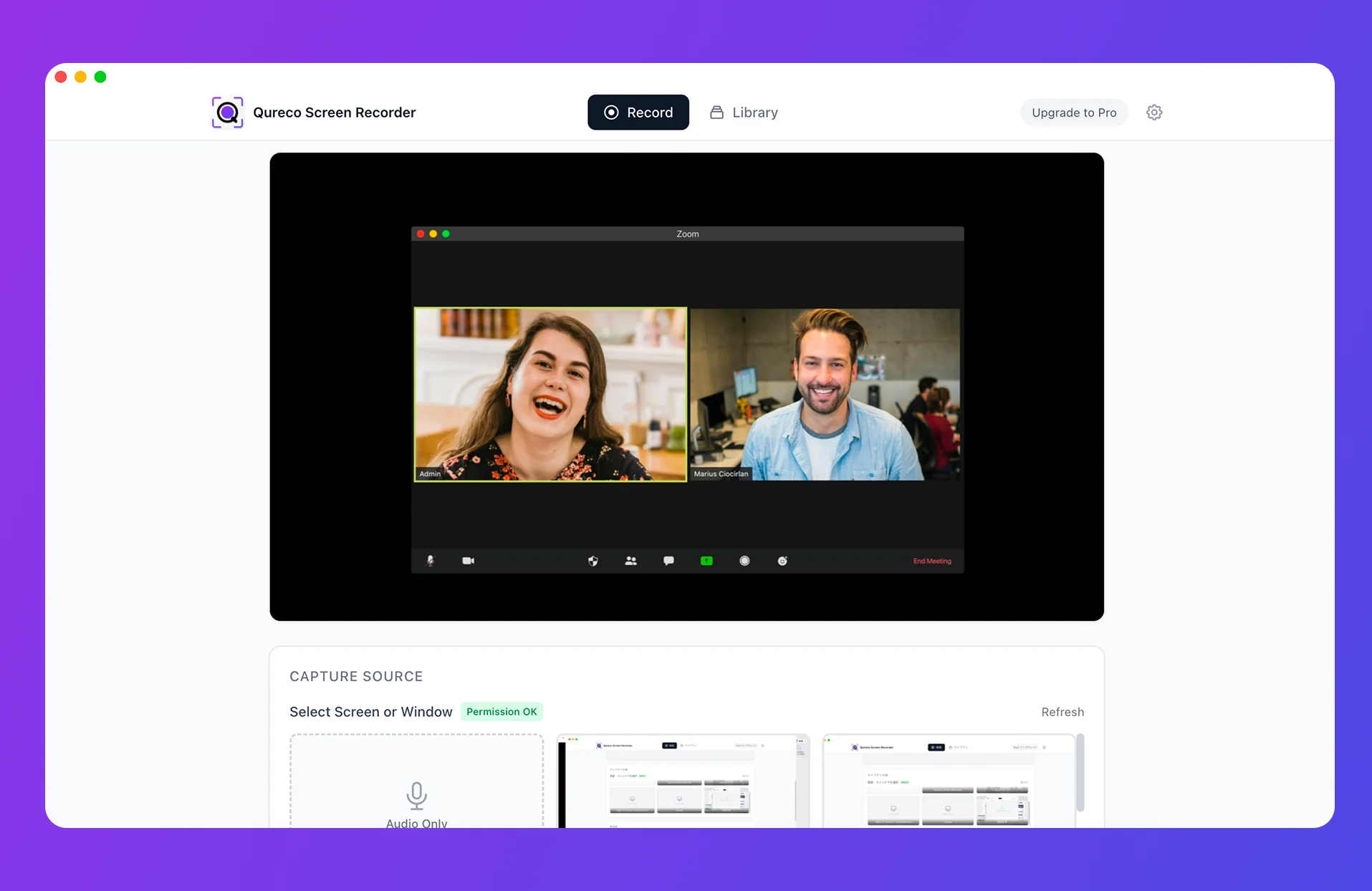
- Records the meeting (screen + system audio + mic) from your own machine
- AI generates meeting notes automatically from the recording
- Pushes notes straight into your Notion workspace
- Nothing joins the call — no bot, no invite, no consent prompt to navigate
$9/month Pro, not priced per user
First two weeks are free, no card on file.
No bot to invite
Qureco records from your machine, so you're not adding a participant at all. Same operational feel as Notion AI Meeting Notes.
Qureco vs Notion AI Meeting Notes, side by side
| Item | Notion AI Meeting Notes | Qureco |
|---|---|---|
| Notion plan required | Business or higher | Free / Plus is fine |
| Monthly cost | $20/user | $9 (no per-user fee) |
| OS | macOS 13+ / Windows | macOS (as of May 2026) |
| Capture method | Local audio | Local screen + audio |
| Notes → Notion | Automatic | Automatic |
| Screen recording kept | No | Yes |
| Bot in the call | None | None |
For Mac-first teams who want to "keep Notion on Plus and add AI meeting notes," this is the cleanest fit.
The 3 bot-joining external tools
tl;dv — built for clip-and-share
Built around the "share just this 30 seconds with the team" use case — client calls, interviews, sales reviews. Strong timestamped highlights and clipping. Notion export is supported.
- Pricing: free plan available, Pro starts around $20/month
- Supported meetings: Zoom, Google Meet, Microsoft Teams
- Strengths: highlight reels, CRM integrations
- Weaknesses: bot-only — not a fit when bringing a bot is awkward
Notta — multilingual accuracy with strong Japanese
Originally a Japan-built tool that doubles down on transcription accuracy. 58 languages supported, notably strong Japanese transcription. Notion export is built in.
- Pricing: free tier (120 min/month), Pro from around $14/month
- Supported meetings: Zoom, Google Meet, Teams, Webex
- Strengths: Japanese accuracy, multilingual coverage, file-upload transcription
- Weaknesses: bot-required; summary quality is solid but not best-in-class
Otter — real-time collaborative editing
The collaborative note-taking pick: multiple attendees can edit the same notes during the meeting. Best for English-speaking teams.
- Pricing: free tier (300 min/month), Pro around $16.99/month
- Supported meetings: Zoom, Google Meet, Teams
- Strengths: live collaborative editing, English accuracy
- Weaknesses: Japanese accuracy is modest; bot-required
The 3-tool comparison
| Item | tl;dv | Notta | Otter |
|---|---|---|---|
| Pro pricing | ~$20/mo | ~$14/mo | $16.99/mo |
| Free tier | yes | 120 min/mo | 300 min/mo |
| Japanese accuracy | OK | Strong | Modest |
| Notion integration | Yes | Yes | Limited (mostly copy) |
| Bot in the call | Required | Required | Required |
Business upgrade vs external tool: where does the math actually tip?
The question everyone arrives at: "Is upgrading to Business actually cheaper than bolting on an external tool?"
Monthly cost by team size
Rough monthly meeting-notes cost per setup:
| Team size | Notion Business only | Notion Plus + Qureco | Notion Plus + Notta (Pro) × seats |
|---|---|---|---|
| 1 person | $20 | $10 + $9 = $19 | $10 + $14 = $24 |
| 3 people | $60 | $30 + $9 = $39 | $30 + $42 = $72 |
| 5 people | $100 | $50 + $9 = $59 | $50 + $70 = $120 |
| 10 people | $200 | $100 + $9 = $109 | $100 + $140 = $240 |
The bigger the team, the wider the gap between Business and Plus + external tool.
Is upgrading to Business worth it just for meeting notes?
Business includes a lot beyond AI Meeting Notes: 90-day page history, SAML SSO, private teamspaces, advanced page analytics, bulk PDF exports.
Which one is yours?
A quick decision matrix:
| If you're… | The pick is |
|---|---|
| Mac-first, no bots in meetings, solo or small team | Qureco — keep Notion Plus / Free, low cost, no bot in the room |
| Heavy on international meetings, multilingual accuracy is the top priority | Notta — 58 languages including Japanese |
| Focused on clipping and sharing moments from client calls | tl;dv — highlights and clip-sharing |
| English-only meetings with team-wide simultaneous editing | Otter — real-time collaborative editing |
| Already on Notion Business | Notion AI Meeting Notes — no extra spend |
Wrap-up
Since May 2025, Notion AI Meeting Notes has been locked behind Business / Enterprise, and Plus / Free are effectively in trial mode. The Notion-as-hub workflow doesn't have to break, though — pairing Plus / Free with an external meeting-notes tool keeps it intact.
If "no bots in the call," "Mac-first," and "don't break the Notion workflow" all line up, the closest match to Notion AI Meeting Notes in spirit is Qureco. Two weeks free, no card on file.

Qureco Screen Recorder
Powerful screen recording app for Mac
Record meetings, let AI handle the notes, just read what arrives in Notion.
Try all features free for the first two weeks.