"I want to keep my meeting notes in Notion — but how much of that actually works inside Notion AI? Does my current plan cover it? Will it run cleanly on a Mac?" If you're holding off on building a workflow until those answers feel solid, you're in good company.
Why teams pick Notion as their meeting-notes home
Before getting into the AI mechanics, it's worth asking: why Notion instead of Slack or Google Docs? Teams who run meeting workflows in Notion usually point to three things.
| What Notion gives you | Why it matters for meeting notes |
|---|---|
| Databases | Filter and search notes by date, project, attendees, and any custom property |
| Nested pages | Meeting notes sit under the project they belong to; decisions can be promoted upward |
| Built-in AI | Recording, summarization, and task extraction can all happen inside Notion |
From here, let's look at what Notion AI specifically brings to meeting notes.
Three building blocks of Notion AI for meeting notes
It helps to think of Notion AI's meeting-notes capabilities in three buckets:
| Capability | Role | Scope |
|---|---|---|
| AI Meeting Notes | Records, transcribes, and summarizes meetings live | Desktop app, partial mobile |
| AI summarization, task extraction, cross-search | Post-processing for existing notes | All Notion AI features |
| Templates + databases | Turn meeting notes into reusable assets | Standard Notion features |
Here's what each one actually does.
1. AI Meeting Notes (the /meet block — Notion's native meeting recorder)
/meet on any page brings up Notion's native AI meeting notes feature. Hit record, and it captures the system audio playing on your machine. When the meeting ends, transcript, summary, and action items get written to that same page.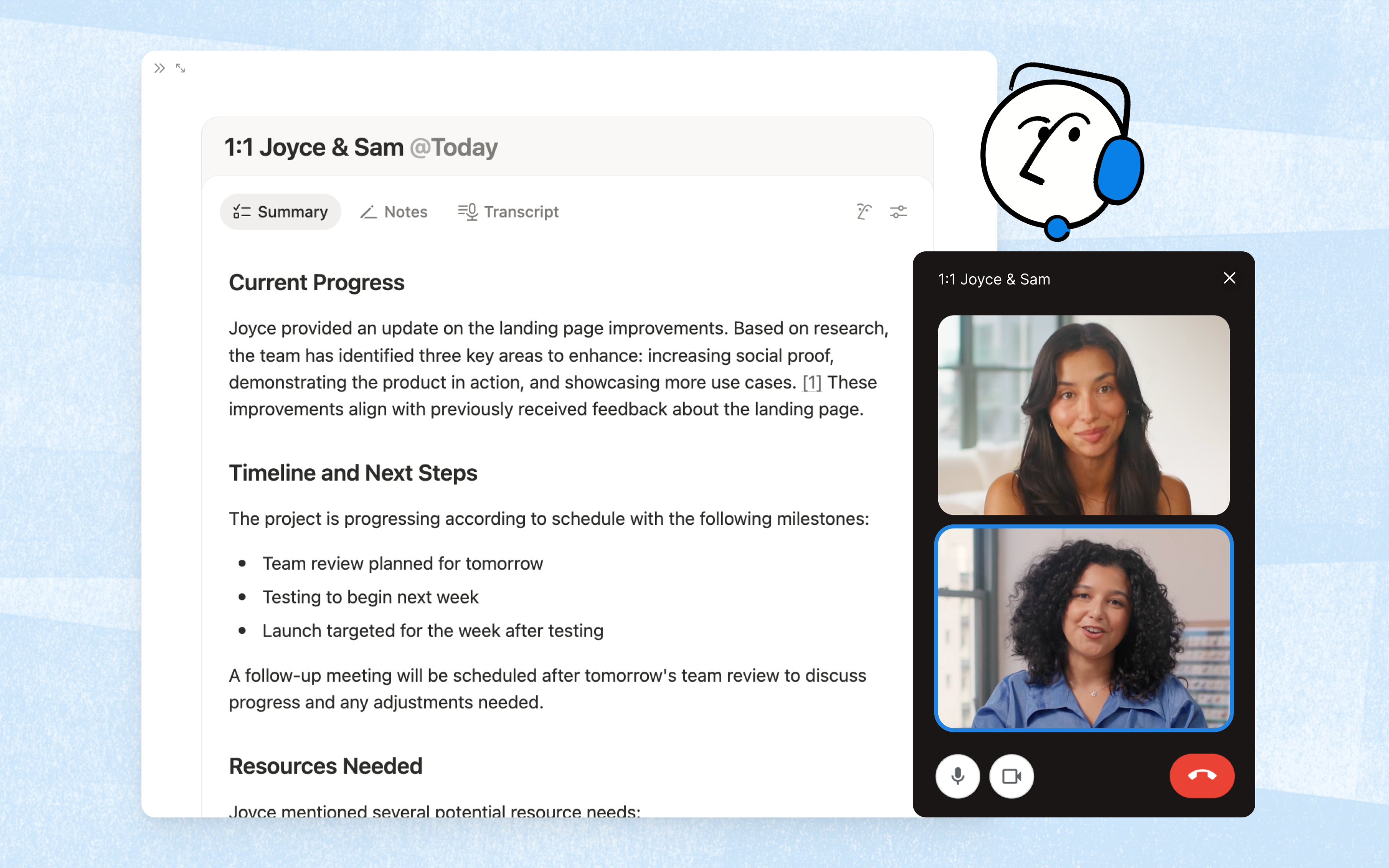
- Requires the desktop app v4.7.0 or higher (macOS 13+ or the latest Windows)
- The browser version can only pick up microphone input — no system audio
- Transcription supports 16 languages, including Japanese
- Went GA (general availability) in April 2026
- iOS and Android apps support in-person recording
- Notion Calendar links meetings to Zoom / Google Meet events
2. AI summarization, task extraction, and cross-meeting search
Once notes exist in Notion — whether you wrote them by hand or AI Meeting Notes generated them — you can ask Notion AI to "summarize this," "pull just the decisions," or "turn the action items into tasks."
3. Templates and databases for repeatable workflows
Templates and databases aren't AI features per se, but treating them as part of the meeting-notes story is what prevents the "I can't find anything six weeks later" problem.
Three situations where Notion AI alone runs out of road
Up to this point, it might sound like Notion AI is all you need. With the right setup, it often is. But here are three realistic situations where it stops being enough.
Situation 1: Your plan is below Business
Notion pricing as of May 2026 (annual billing, per user):
| Plan | Per user / month | AI Meeting Notes |
|---|---|---|
| Free | $0 | Trial only |
| Plus | $10 | Trial only |
| Business | $20 | Full feature |
| Enterprise | Contact sales | Full feature |
Situation 2: You need the video, not just the audio
For UX reviews, customer demos, or engineering incident reviews, "I want to see that screen again" comes up a lot. In those cases, recording video alongside notes pays for itself.
Situation 3: You don't want a notetaker bot in the room
Notion AI Meeting Notes runs locally on your machine, so it doesn't join the meeting as a bot — which is genuinely a plus, especially compared to tools like Otter or tl;dv that show up in the participant list.
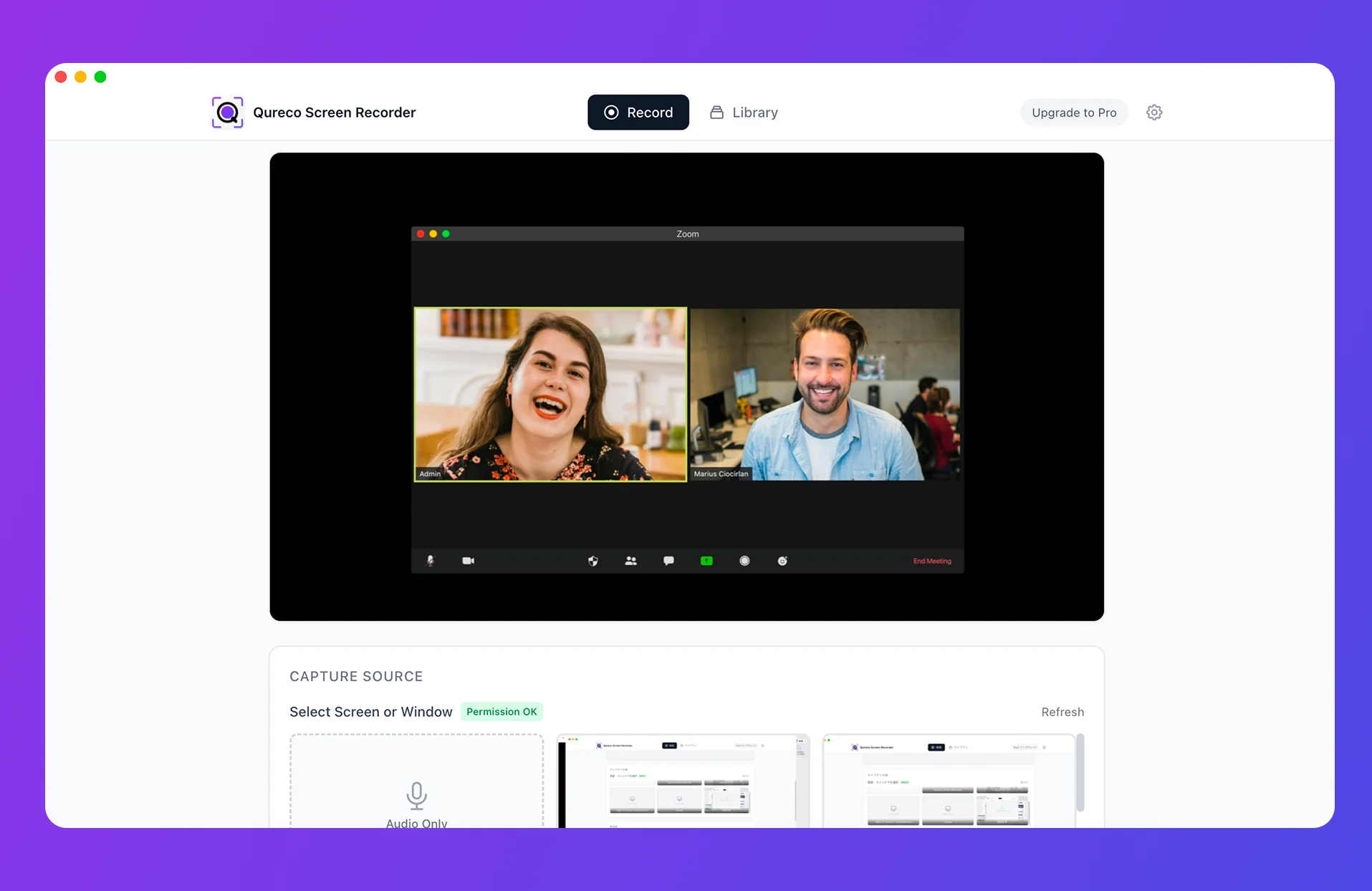
For Mac users, Qureco pairs well with Notion
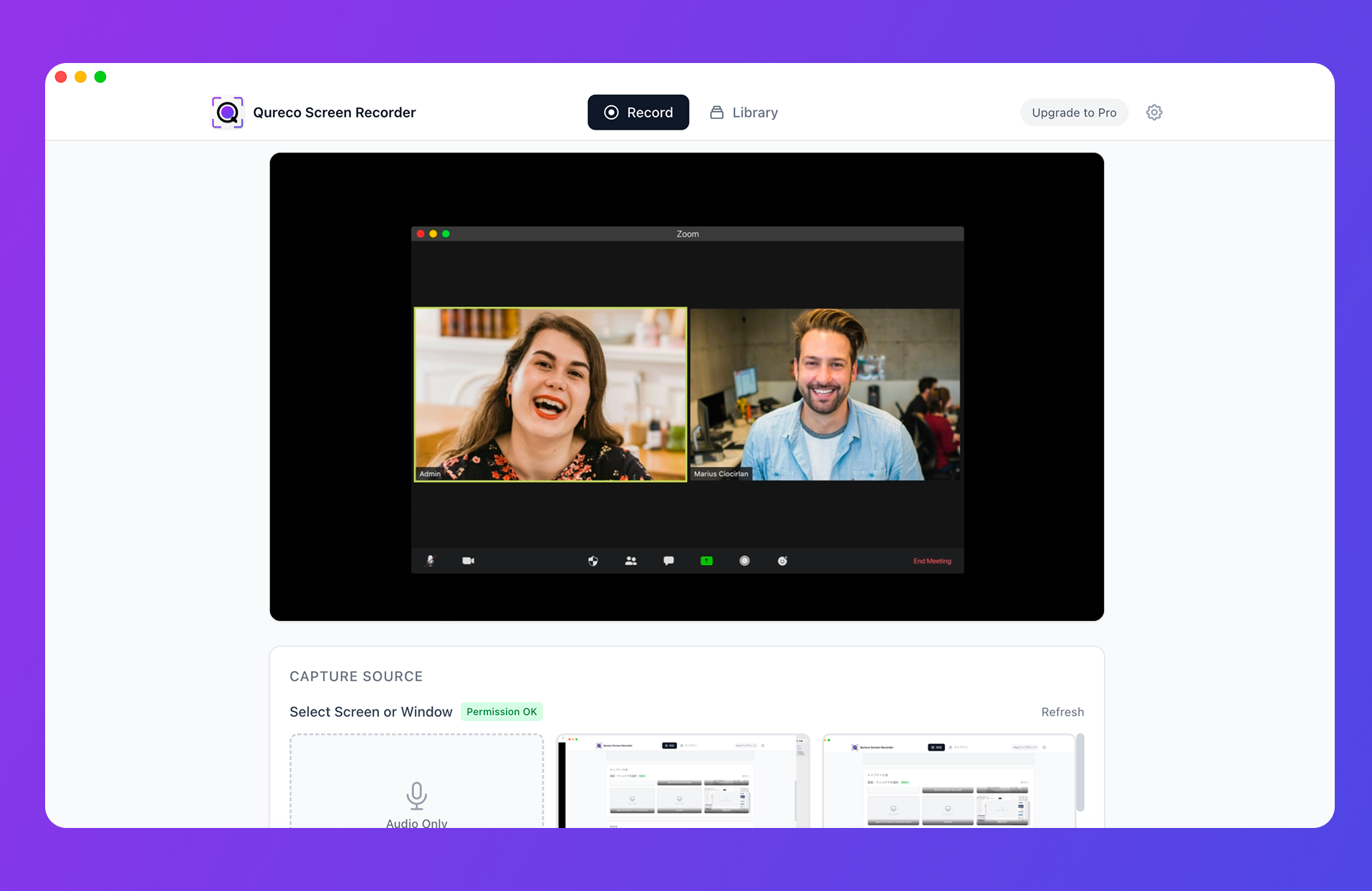
| Aspect | Notion AI Meeting Notes | Qureco (Pro) + Notion |
|---|---|---|
| Required Notion plan | Business or higher | Free / Plus also works (API integration) |
| Video recording | Audio only | Full screen recording saved |
| AI meeting notes | Generated inside Notion | Generated in Qureco, pushed to Notion |
| Notion sync | Auto-output on same page | One-click export to your database |
| Virtual audio setup | Not needed | Not needed |
| Bot in the meeting | None (local capture) | None (local capture) |
| OS support | macOS 13+ / latest Windows | Mac (Windows planned) |
Why this combination works well, #1: It doesn't depend on your Notion plan
Why this combination works well, #2: Record → AI notes → Notion in one click
The meeting-notes format is customizable inside Qureco, and you can prompt it to regenerate — "list decisions as bullets," "split action items by owner and due date" — without leaving the recording.
Why this combination works well, #3: No bot, so external meetings stay clean
No virtual audio (BlackHole, etc.) setup either — system audio works out of the box right after install. If you've ever tried wrestling BlackHole into a Mac recording chain, the difference is immediate.
Three habits that make any meeting-notes-in-Notion workflow work
Whichever route you go — Notion AI on its own, Qureco-plus-Notion, or something else — these three habits make the difference between a workflow that lasts and one that quietly dies in month three.
Lock the template in early
Write notes as if they're an asset, not a one-time read
Match the storage location to sensitivity
Internal-only meetings go in the internal workspace; client meetings get a per-client page. Notion's page-level sharing handles this well — but only if you decide the boundaries on day one rather than during a fire drill. The mistake most teams make is mixing everything into one big database and then realizing six months in that they have to retroactively re-classify hundreds of pages to share a single section externally. Pick the split up front, and the system stays maintainable indefinitely.
Wrapping up: a first step toward "meeting notes in Notion"
- Notion AI's meeting-notes story has three pillars: AI Meeting Notes, AI summarization, and template/database workflows
- It breaks down when you're on Plus or Free, want video alongside the notes, or hold a lot of external meetings
- For a Mac-native workflow that goes from recording all the way to Notion in one motion, pairing Qureco with Notion is a practical answer
If "I'll write up the notes later" is a phrase you'd like to retire — start with this afternoon's meeting, and let Notion have the result before tomorrow morning's standup.
Qureco Screen Recorder
Powerful screen recording app for Mac
Record meetings, let AI handle the notes, just read what arrives in Notion.
Try all features free for the first two weeks.