"We've been writing meeting notes in Notion for months. But when I tried to walk a stakeholder through that decision from three months ago, I couldn't even remember which page it was on."
You search your own Notion pages, your teammates' pages, the Slack links you shared, Notion's search bar. Nothing useful comes back. So you end up emailing the original attendees, piecing together their fading memories, and rebuilding the rationale from scratch.
Why managing meeting notes in Notion still fails
You're already writing notes in Notion. They still can't be found when needed. The usual reasons:
- Pages scatter across personal workspaces: "ProductSyncMay15," "PM Notes," "20260515_PMSync" — each person creates pages under their own area, nothing collects in a team workspace
- Inconsistent titles, no tags: free-form pages only respond to exact full-text matches in Notion search. You can't filter or narrow later
- Shared once in Slack, then gone: a month later the message has scrolled off, and Slack search returns unrelated threads
Not being able to find a meeting record costs real time: walking executives through past decisions, dealing with transitions when the person who knew where things were has left, watching the same debate repeat six months later because nobody can point to the original call. Minutes to resolve with a library, hours without one.
The minimum setup for a 5-30 person team
The three things you actually need
You don't need an enterprise knowledge platform. The stack is:
- Mac: one department head's machine is enough to start. You don't need every team member's Mac configured
- Notion: a team plan (the free tier works for most). If your team already uses Notion, build on top
- AI minutes tool: something that auto-generates notes from a recording. Manual transcription is the first thing to break under load — automate it from day one
Start small: personal → team → department
Trying to roll this out to everyone at once is the most common way to fail. Follow this sequence:
| Stage | Duration | Scope | What you do |
|---|---|---|---|
| Stage 1: Personal | 2 weeks | Just you | Record and log every meeting you attend to your Notion DB |
| Stage 2: Team | 1 month | Your team (5-10) | Share the template; everyone logs the team's standing meetings |
| Stage 3: Department | 2-3 months | Department (up to 30) | Standardize the format; document the registration rules |
The first two weeks — just you — are the most important. If the workflow doesn't survive your own habits, it won't survive your team's. Don't promote a process that hasn't proven itself.
Building the meeting DB in Notion
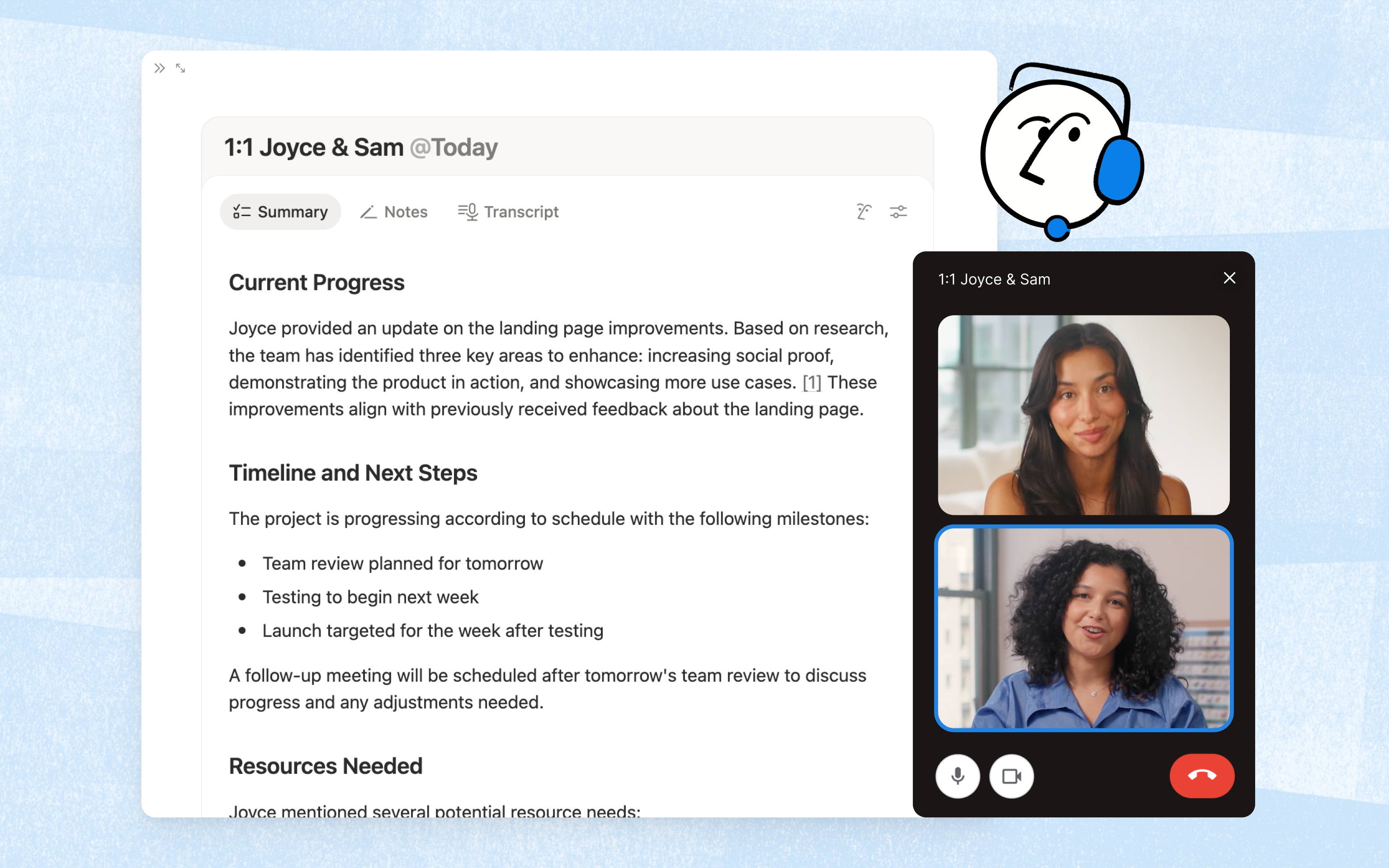
The seven properties your meeting DB actually needs
| Property | Type | Purpose | Example |
|---|---|---|---|
| Meeting name | Title | Primary key | "2026/05/15 Product Sync" |
| Date | Date | Time-based sorting and filtering | 2026-05-15 |
| Category | Select | Filter by meeting type | Standing / 1:1 / Ad-hoc / Client |
| Attendees | Multi-select | Find meetings by participant | Tanaka, Sato, Yamada |
| Related project | Relation | Link to your project DB | Product A |
| Related tasks | Relation | Link to your tasks DB (see below) | "Roadmap adjustment," "Pricing draft" |
| Recording link | URL | Reference back to the raw recording | https://... |
Properties added "just in case" stay empty. Run the system for a month with these seven, then add more only when you've genuinely felt the lack.
Set up three views
One database, but the way you display it changes the experience:
- Latest view: sorted by date descending. The default — shows this week's and last week's meetings up front
- Category board view: board grouped by category. You can see at a glance whether "Ad-hoc" meetings have exploded compared to "Standing"
- My meetings view: filtered to entries where you're in Attendees. For scanning only your own history
In Notion, setting all three takes about five minutes.
Templates keep the meeting page consistent
Attach a template to the database's "+ New" button. The body should always have these three blocks:
## Agenda
(Filled in beforehand or at the start of the meeting)

## Decisions
- Decided: Change pricing to $X
- Decided: Defer feature Y to next quarter

## Action items
- [Tanaka] Draft pricing doc by 5/22
- [Sato] Complete user research by 5/20
Decided: prefix on decisions and the [Owner] format on action items. Three months later, full-text search will pay back this discipline several times over. Notion's search is keyword-based, so the cleaner your conventions, the better the search experience.Linking the meeting DB to a tasks DB
| Aspect | Meeting DB | Tasks DB |
|---|---|---|
| Purpose | "When, with whom, what we discussed" | "Who does what by when" |
| Key properties | Meeting name, date, attendees, category | Task name, owner, due date, status |
| How they connect | "Related tasks" relation links to multiple tasks | Reverse "Meeting" relation appears automatically |
The flow:
- Action items go in the meeting page body during the meeting (per the template)
- At the bottom, create new tasks in the tasks DB through the "Related tasks" relation
- Manage owner, due date, status from the tasks DB side
- When tasks complete, the meeting DB's rollup reflects it automatically
Rollups make completion rates visible
| Rollup | Source | Aggregate | Example output |
|---|---|---|---|
| Action total | Related tasks → name | Count | 5 |
| Completed | Related tasks → status | Count "Done" | 3 |
| Completion rate | Related tasks → status | % of "Done" | 60% |
Phasing notes
- Run the meeting DB alone for the first two weeks. Adding the tasks DB on day one doubles complexity and kills adoption
- Once the meeting DB feels natural, add the "Related tasks" relation in week three
- Keep tasks DB statuses to three: "To do / In progress / Done." Don't expand early
Don't throw away the raw recordings
The ideal pipeline:
- Hit record on your Mac when the meeting starts (no setup, one click)
- AI generates the minutes the moment the meeting ends
- One-click sync sends the minutes plus recording URL to a new Notion DB page
- Adjust action item owners if needed
Practical rules for what you actually record:
- Only standing meetings, decision meetings, and client meetings
- Treat casual chats and 1:1s as opt-in, decided per meeting
- Set retention to 6 months to 1 year. After a year, keep the minutes and delete the raw recording
- Always announce upfront: "I'm recording this and saving the minutes to our meeting DB"
Tag design: keep it small, keep it search-friendly
The rule of five
- Standing
- 1:1
- Ad-hoc
- Client
- Decision
Every additional tag adds a moment of hesitation for whoever's logging. Hesitation increases the cost of compliance, and compliance is what makes the whole library work. Run it for a month, prune the tags no one used, only add new ones in a deliberate monthly review.
Three search axes that actually matter
Three months from now, you'll search for past meetings using some combination of:
- When: filter by date range
- Who: filter by Attendees
- Which project: follow the project relation
Decided:, format action items as [Owner] task, don't abbreviate proper nouns. Boring conventions that double your search hit rate three months in.Three walls you'll hit when rolling out to the team
Wall 1: "We don't have a culture of writing minutes"
Wall 2: "People don't want to be recorded"
Some initial resistance is normal. Two things ease it: limit recording to standing and decision meetings (skip casual ones), and state the retention and use case upfront ("Raw recording deleted after 6 months; used only for verifying minutes"). "It can be deleted anytime" plus "It won't be used for anything weird" — if both are common knowledge, resistance drops sharply.
Wall 3: "No one keeps it updated"
Qureco makes "recording → minutes → Notion" the shortest path
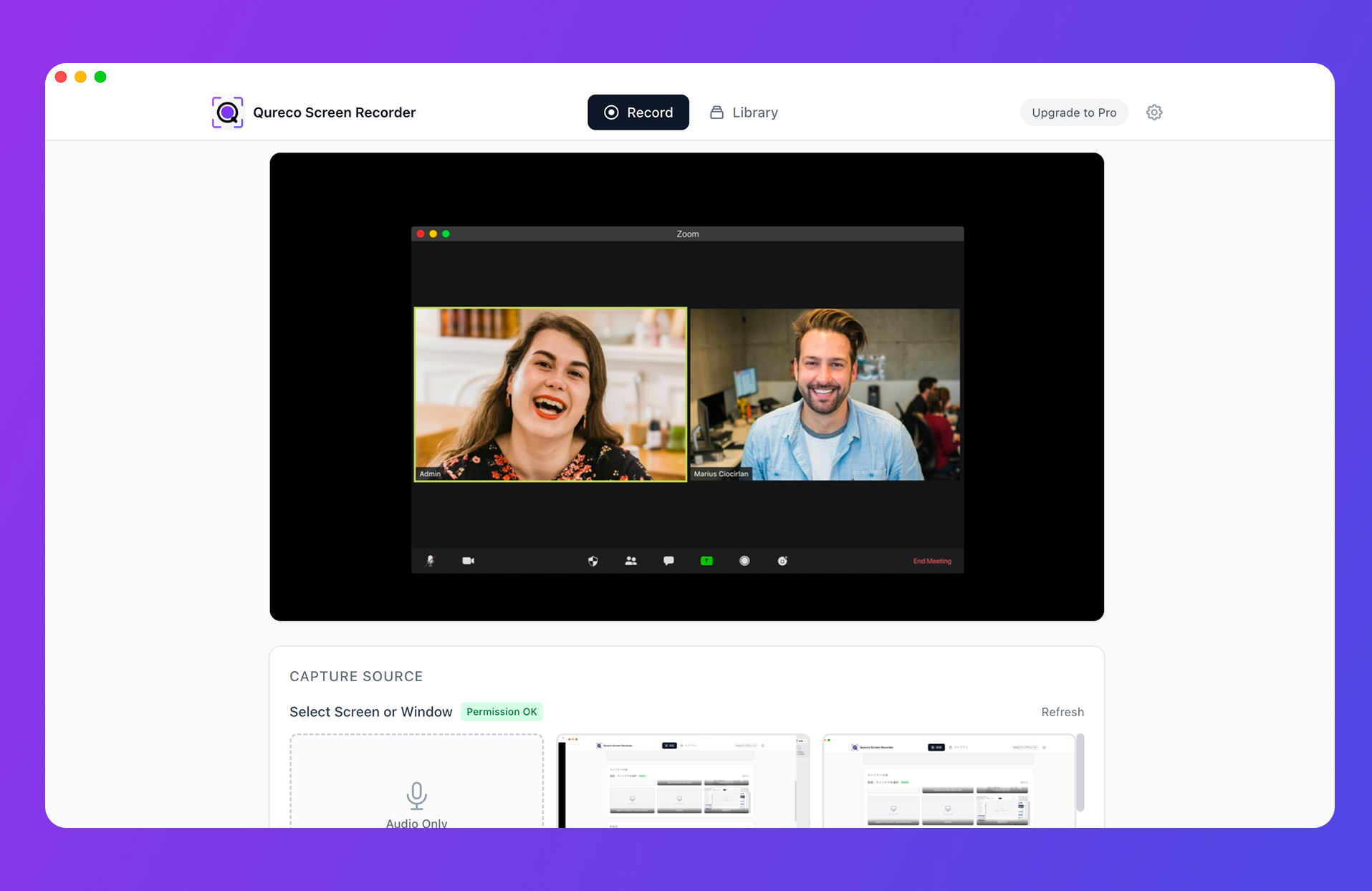
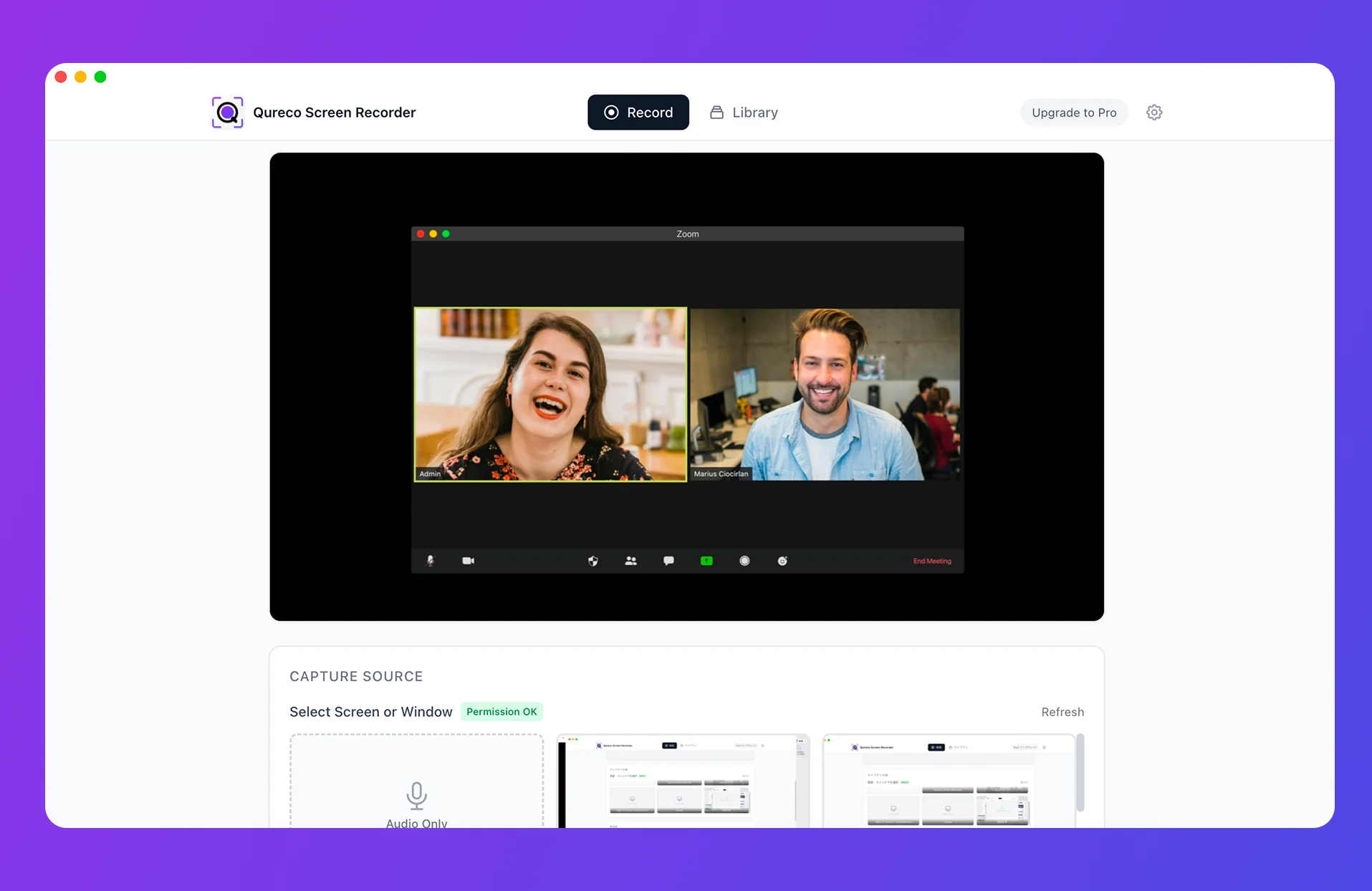
To run the workflow above, you need something that bridges recording, AI minutes, and Notion. Qureco is built for exactly this path on Mac.
- Mac screen recorder, zero setup: install and start recording in the same minute
- AI minutes auto-generated: generate from recordings with customizable templates
- One-click Notion sync: send minutes and recording URL straight to your Notion DB
- Risk-free trial: free tier covers unlimited recording with no watermark; Pro ($9/month launch price) starts with a free two-week trial, no card on file
For a department head who wants to start a meeting library without waiting for company-wide rollout, this is the lowest-friction option to get moving.
Four moves to start next week
You don't need a major tooling initiative. With a Mac, Notion, and AI minutes, you can roll this out in stages:
- Create a meeting DB in Notion (seven properties, three views, one template)
- Record your next standing meeting with Mac + AI minutes + DB entry (just yourself, for two weeks)
- After two weeks, add a tasks DB with a relation and rollup to surface action item completion rates
- Share the template with one teammate (and move to Stage 2)
"Managing meeting notes in Notion" evolves from "just creating pages" to "starting from notes and tracking decisions and actions." If "I can't find that meeting" disappears from your team in three months, you've already built a knowledge asset that pays back every quarter.

Qureco Screen Recorder
Powerful screen recording app for Mac
Record meetings, let AI handle the notes, just read what arrives in Notion.
Try all features free for the first two weeks.