"Could you stop inviting that meeting bot to my calls?" During a one-on-one last month, a junior team member said exactly that. We'd rolled out tl;dv six months earlier, and I thought it was a great win. But the people actually in the meetings were quietly saying they felt watched.
You're not the only manager facing this. Bot-based AI note-takers are convenient, but junior staff or external clients often push back — so you end up disabling the bot for the important calls and falling back to manual notes. The quality of your meeting record drops, and the original problem comes right back.
This article lays out how to make "no bots in our meetings" an official policy rather than an apology. You'll get five ground rules, a scene-by-scene decision table, a tool selection framework, and a four-step rollout plan. Going bot-free is a legitimate organizational choice, not just a compromise — and it can be a stronger one than the "always invite the bot" alternative.
No-bot AI meeting notes? Try QurecoA Mac-native, device-side tool. Nothing appears in the meeting view — recording, AI minutes, and Notion sync all happen on your own laptop. We cover it in detail later, but you can try it now if you want.
Why "no AI bot in the meeting" is suddenly on the table
84% of participants change their behavior when a bot joins
The "I'm being recorded" feeling kills psychological safety
Google's re:Work research has long emphasized that the most productive teams share one trait: psychological safety. The freedom to be wrong, half-formed, or politically inconvenient.
When a participant labeled "Notetaker" or "tl;dv bot" sits in the call, people instinctively run a quick mental loop: "This is being recorded, summarized by AI, and shared with someone." Then they stop speaking freely. This isn't a flaw in the tool — it's a normal human response.
Some meetings simply can't host a bot
Before debating "to invite or not to invite," look at the meetings where inviting is barely an option to begin with:
- Sales calls and client meetings (asking the client "May I add a bot?" every time is impractical)
- Job interviews (you don't want candidates to feel surveilled)
- One-on-ones and performance reviews (your direct report won't be honest with a third-party transcript running)
- Board meetings and HR-sensitive discussions (auto-uploading to external SaaS may violate your own compliance policy)
For many organizations, more than half of all meetings already run without a bot, whether you planned it that way or not. Making "no bot" the default rather than the exception simply names what's already happening.
The legal line between "secret recording" and "self-recording"
A quick legal note for context: in many jurisdictions — including most of the US under one-party consent statutes — recording a meeting you're personally participating in, for your own reference, is generally lawful. What gets you into trouble is sharing or publishing the recording without participants' awareness, which can become a privacy violation. In several US states (California, Florida, and a handful of others), wiretap laws require consent from every participant before any audio recording.
The 5 ground rules for a no-bot meeting policy
The core of the policy. Five rules, each chosen to be easy to remember and to enforce.
- Default: no third-party AI bot in any meeting. Tools that join as a participant ("Notetaker," "tl;dv bot," "Otter") are not used unless the exceptions section below applies
- Recording happens on the participant's own device. Each person uses an approved device-side tool to capture audio they need to remember
- Always announce at the top of the call. "I'm recording this for our notes" — one sentence, every time. Skipping this isn't acceptable
- AI-generated notes live in one central place. The team's chosen storage (Notion, in most cases) holds every meeting's notes, regardless of who captured them
- Recordings have a defined retention period. Six months for raw recordings, indefinite for the cleaned notes. Set the deletion schedule on day one
The exceptions worth writing in advance:
- A recurring all-hands or company-wide meeting where everyone has pre-agreed to bot-based notes
- A meeting where the host has explicitly invited a bot (you don't have to opt out of someone else's setup)
- Internal recurring meetings where the team has voted to keep using a bot for convenience
Writing the exceptions in alongside the rules is what gives people confidence the policy isn't being applied rigidly.
Scene-by-scene decision table
When does each rule kick in? A quick lookup for common situations:
| Meeting type | Recording? | How to capture? | Notes |
|---|---|---|---|
| Sales / client call | Yes, after announcing | Device-side tool | Never invite a third-party bot to the customer's call |
| 1-on-1 with direct report | Optional; ask the report first | Device-side tool | Default to off if the report says no |
| Job interview | No | Manual notes | Don't record candidates without explicit consent and a clear retention policy |
| Internal team standup | Yes | Device-side tool | Notes go to the team's Notion DB |
| Board / HR meeting | Yes, with consent | Device-side tool | Check compliance policy; recordings may be subject to retention rules |
| Cross-team project sync | Yes | Device-side tool | Captured by the meeting's facilitator |
| Vendor demo | Optional | Device-side tool | Useful for sharing back with teammates who couldn't attend |
| All-hands | Per company policy | Whatever's standard | If a bot is the company norm, this is the exception |
The reason a table works better than rules is that real meetings are messier than rule categories. People look at the table once, find the row that fits, and move on.
Three problems no-bot teams face, and how to solve them
Once you decide to go bot-free, three predictable issues show up. Plan for them in advance.
| Problem | Why it happens | The fix |
|---|---|---|
| Note quality degrades to memo-only level | Manual notes miss details and bias toward the writer | Record on the participant's own device + AI summary |
| "Who's taking notes?" turf war | Without a system, the burden gets pushed around | Rotation of note duty, or AI automation |
| Recordings scatter across personal laptops | No central archive, no team memory | Centralize in Notion or a shared knowledge base |
How to pick a "device-side" tool for a no-bot team
To make the policy executable, your team needs one approved device-side tool. Here's the selection framework.
Bot-based vs device-side: the structural difference
| Dimension | Bot-based tool | Device-side tool |
|---|---|---|
| Where it runs | External server, joins as a participant | On the user's own laptop |
| How participants see it | Visible as "Notetaker" or similar | Invisible to other participants |
| Data flow | Auto-uploaded to vendor cloud | Local first, optional cloud sync |
| Usable in client meetings | Awkward at best | No issue |
| Used for AI training | Some tools default to opt-in | Usually out of scope when local |
Five things to check when picking a tool
- No bot required — nothing labeled "Notetaker" appears in the meeting
- AI summary built in — recording alone leaves you with the original problem
- Notion / Slack integration — needed for the central archive rule
- Speaker diarization — essential for multi-person meetings
- Storage security — encryption and an AI-training opt-out
Qureco as one option
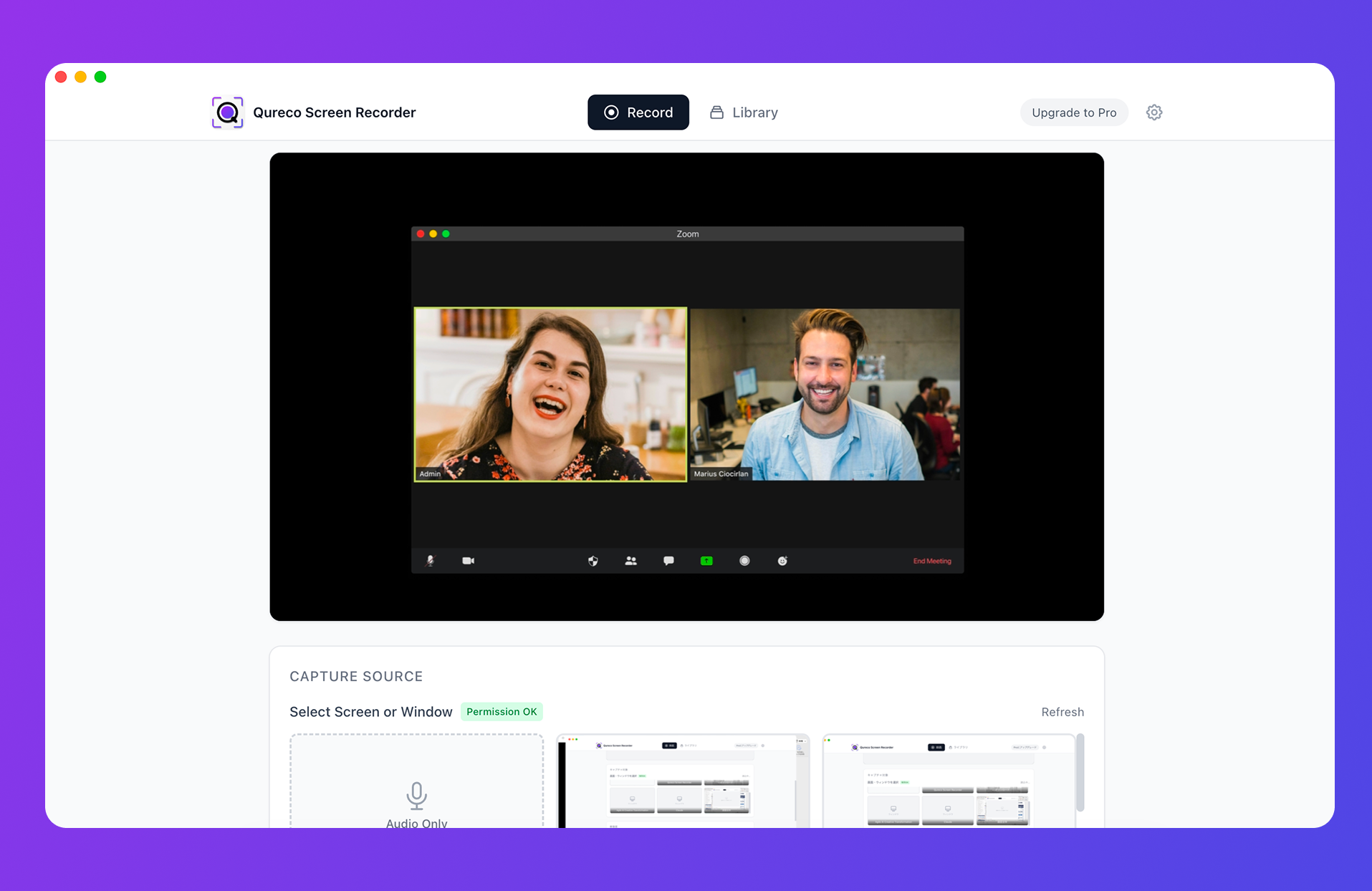
Qureco is one tool that fits all five criteria. It's a Mac application you install on your own device, so nothing appears in the meeting view. Recording, AI-generated minutes, and Notion sync all happen from your laptop in a single flow.
The free plan offers unlimited recording with no watermark, and the Pro plan ($9/month) unlocks AI notes and Notion integration. Pro is free for the first two weeks with no card on file — which makes "have one manager try it for two weeks, then roll out" a low-risk path.
Rolling out the policy: a four-step plan
A policy nobody adopts is worse than no policy at all. Here's how to make "no bots" stick.
1. Audit the current state
Run a quick Slack poll to find out which tools team members are inviting, to which meetings, and what their concerns are. Skipping this step is the single most common reason for resistance later: people feel the new rule is imposed without anyone listening first.
2. Draft the policy as a single-page Notion doc
3. Run a two-week trial
Don't flip to mandatory enforcement immediately. Run a two-week trial under the new rules, then collect "what worked" and "edge cases I didn't expect" from the team. Two weeks is enough to surface the situations the policy didn't anticipate, without dragging the rollout out indefinitely.
4. Finalize with explicit exceptions
FAQ
What about external partners who invite their own bot to the call?
That's an exception (rule 1 covers it). You aren't responsible for the other side's tooling. The clean response is to note that the meeting is being recorded by their tool, and decide whether you also need your own device-side capture for your records.
Does the policy apply to async screen-share videos too?
No. Async video messages (Loom-style) are inherently a recording you're choosing to share, with everyone aware. They're outside the scope of this policy.
What if a junior team member doesn't want even a device-side recording in their 1-on-1?
How do we handle recordings if someone leaves the company?
Pre-document this: when an employee leaves, their personal recordings on the device-side tool are deleted within X days (typical: 30). Any recordings already synced to the team's Notion stay with the team. Make sure this is in the policy doc from day one.
Wrap-up: "no bots" is a choice, not a concession
The recap:
- 84% of participants modify their speech once a bot joins
- Many meetings (sales, 1-on-1s, interviews) can't host a bot anyway
- Device-side tools keep note quality intact while removing the bot from the room
- Five ground rules, a scene-by-scene table, and a four-step rollout are enough to make the policy stick
A reasonable next step is to try one device-side tool with the manager team first. Qureco's free plan lets you test recording without signup friction, and the Pro features are available for a free 30-day trial without entering a card.

Qureco Screen Recorder
Powerful screen recording app for Mac
Record meetings, let AI handle the notes, just read what arrives in Notion.
Try all features free for the first two weeks.