"Apparently Notion has an API." You heard that somewhere and searched it — and what came back was a pile of unfamiliar words: tokens, endpoints, JSON. "Wait, does this even matter to me? I'm not an engineer." If you quietly braced yourself, you're not alone.
What is the Notion API? In one line: "a window to operate Notion from the outside"
"API" stands for Application Programming Interface, but you don't need to memorize the term. Just think of it as "a window that connects apps to each other."
With the Notion API, you can do things like:
- Automatically create a new page in Notion from an external app
- Pour your calendar events into a Notion database
- Fire a Slack notification when Notion gets updated
A familiar analogy
Picture a service counter at a city office. You can't reach behind the counter and grab files yourself — but if you fill out the right form and ask, the clerk pulls the file for you.
What the Notion API can and can't do
What it can do
What you can request through the Notion API is mainly creating, reading, and updating Notion's contents.
| What it can do | Example |
|---|---|
| Create pages | Auto-add meeting-note or task pages to a database |
| Add blocks | Write headings and bullet lists inside a page |
| Read databases | Pull a list of pages matching a condition |
| Update properties | Flip a "Status" to done, set a date |
What it can't do
- Recording a meeting (audio/video)
- Transcribing audio
- Summarizing text into meeting notes
Keep this "delivery only" nature in mind — it makes the use-case thinking later much clearer.
Is the Notion API free?
Even on Notion's free plan, you can create an integration (more on that below) and use the API. There's no extra charge for making API calls themselves.
So: "the Notion API is free, but the surrounding tools may not be."
Do you really need to code? There's a no-code path too
No-code (Zapier / Make) — connect with settings alone
With connector tools like Zapier or Make, you can build a flow — "when X happens, create a page in Notion" — entirely by clicking, without writing a single line of code. Common connections like "when an event is added to Google Calendar, add it to Notion" work with settings alone.
Writing code (GAS / Python) — maximum freedom, but you run it
This means hitting the API directly from Google Apps Script (GAS) or Python. You can build any format or complex logic you want, but you have to handle error-handling and scheduling yourself, which requires technical knowledge.
Side by side:
| No-code (Zapier/Make) | Writing code (GAS/Python) | |
|---|---|---|
| Tech skill | Almost none | Required |
| Flexibility | Within what's provided | Nearly unlimited |
| Cost | Tools are often paid | Mostly free (self-hosted) |
| Best for | Non-engineers / standard connections | Developers who want fine control |
If you're a non-engineer, starting with no-code is the realistic choice.
How to get started with the Notion API (minimum steps)
For those who want to just try it, here are the minimum steps. The entry point is roughly the same whether you go no-code or code.
- Create an integration: On Notion's developer page, create a "new integration" and pick a workspace. This becomes the "agent" that interacts with Notion.
- Get the secret token: Copy the integration's "secret." This is the passphrase (key) that lets you through the counter on your behalf.
- Connect it to the target database: Open the database you want to operate on and connect (share) your integration to it.
- Send a request: From a no-code tool or your code, use the token to send a request (like creating a page).
A common stumble
Do you even need to touch the API? Thinking by use case
The API is handy, but depending on your goal, "using a tool built for that purpose from the start" is often faster than learning the API. Work backward from what you want.
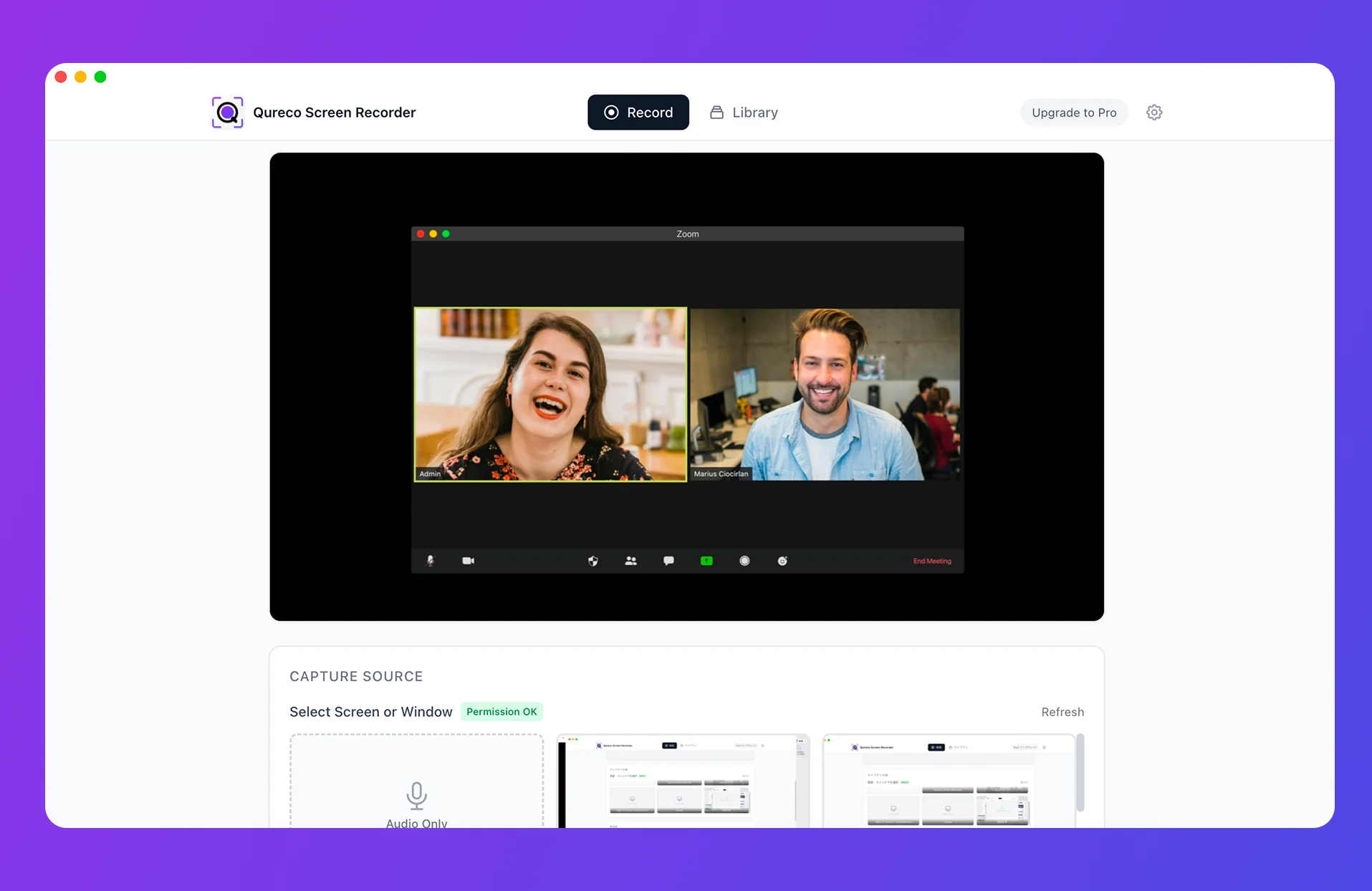
Example: auto-saving meeting notes to Notion
This is a top reason people look into the Notion API: "I want the meeting notes I keep copy-pasting by hand to go into Notion automatically."
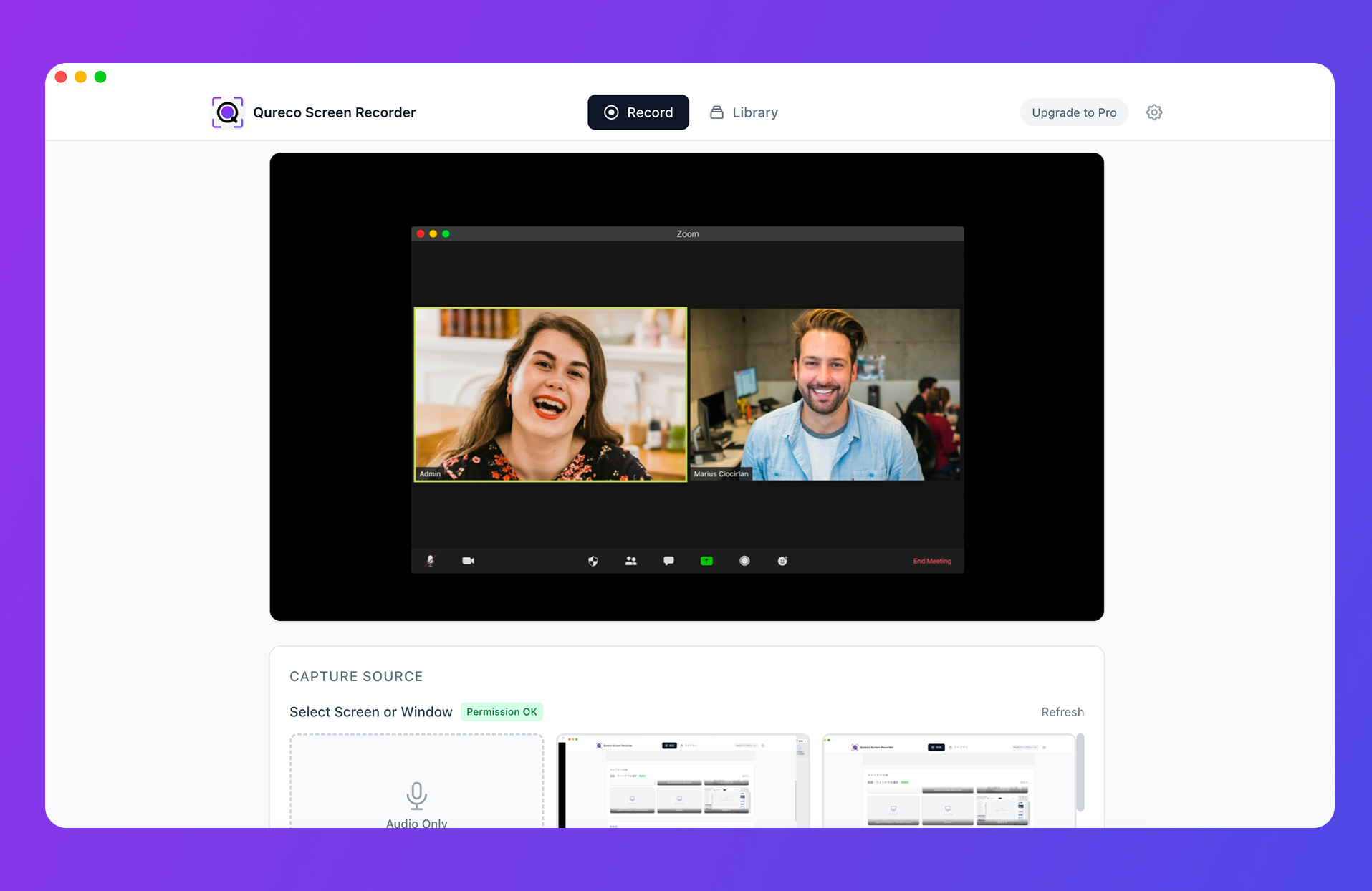
No token to issue, no Zapier to configure, no code. If your goal is simply "get the notes into Notion," it's a far shorter path than touching the API.
For automating meeting notes into Notion, there's a detailed comparison of three routes — no-code, code, and all-in-one. Worth a read:
- How to Auto-Post Meeting Notes to Notion: 3 Routes Compared
- The Complete Guide to Notion Meeting Note Templates
- How to Manage Meeting Notes with Notion AI Meeting Notes
Wrapping up
The Notion API isn't as intimidating as it looks. Let's recap the key points.
- The Notion API is "a window to operate Notion from the outside." External apps and programs can move data in and out of Notion.
- The API itself is free. But the connecting tools (like Zapier) can cost money.
- There's a no-code path. If you're a non-engineer, start by considering Zapier/Make.
- There are things the API can't do (record, transcribe, summarize). Set expectations: creating the content needs a separate mechanism.
- Depending on your goal, not touching the API is faster. To just get meeting notes into Notion, an all-in-one app (record → AI notes → one-click sync) does the job.
If you started with "what is the Notion API" and ended with a sense of "what's the shortest path for me," this article has done its job.
Qureco Screen Recorder
Powerful screen recording app for Mac
Record meetings, let AI handle the notes, just read what arrives in Notion.
Try all features free for the first two weeks.