Search "Zoom meeting notes Notion" and you'll get dozens of detailed guides. Search "Google Meet to Notion" or "Teams meeting to Notion" and the playbook suddenly gets thin — most articles only cover Zoom.
If you've ever had five tabs open looking for "how to auto-save Meet meeting notes to Notion" or "how to send Teams meetings to a Notion database" and walked away empty-handed, this piece is for you.
What "auto-archiving Meet & Teams to Notion" really involves
Before comparing tools, it's worth pinning down what the workflow actually breaks into.
Meeting-to-Notion is a four-step pipeline
| Step | What happens | How hard to automate |
|---|---|---|
| 1. Record | Capture audio (ideally video too) | Easy |
| 2. Transcribe | Turn audio into text | Medium |
| 3. Summarize | Pull out decisions and action items | Medium |
| 4. Save to Notion | Push into a structured database | Medium–hard |
Why Meet and Teams have their own quirks
A few platform-specific gotchas make this harder than Zoom:
- Google Meet recording requires Business Standard or above. Free Gmail and Business Starter don't include native recording.
- Teams recording depends on your Microsoft 365 license. E3/E5 and Business Standard work; free accounts are limited.
- Notion AI Meeting Notes is gated to Business. Personal Plus has caps; free workspaces aren't realistic.
- AI bots in client calls feel off. "AI Notetaker has joined" appearing in the participant list is something a lot of sellers and consultants want to avoid.
Each method below handles these obstacles differently.
Method 1: Notion AI Meeting Notes (native, Business plan required)
Notion's own AI Meeting Notes feature. The most native entry point on the list, and also the most expensive.
How it works: system audio capture inside the Notion desktop app
/meet on any page and an AI Meeting Notes block drops in. Hit record, and Notion captures your computer's system audio. The meeting ends, and the transcript and summary write themselves into the page.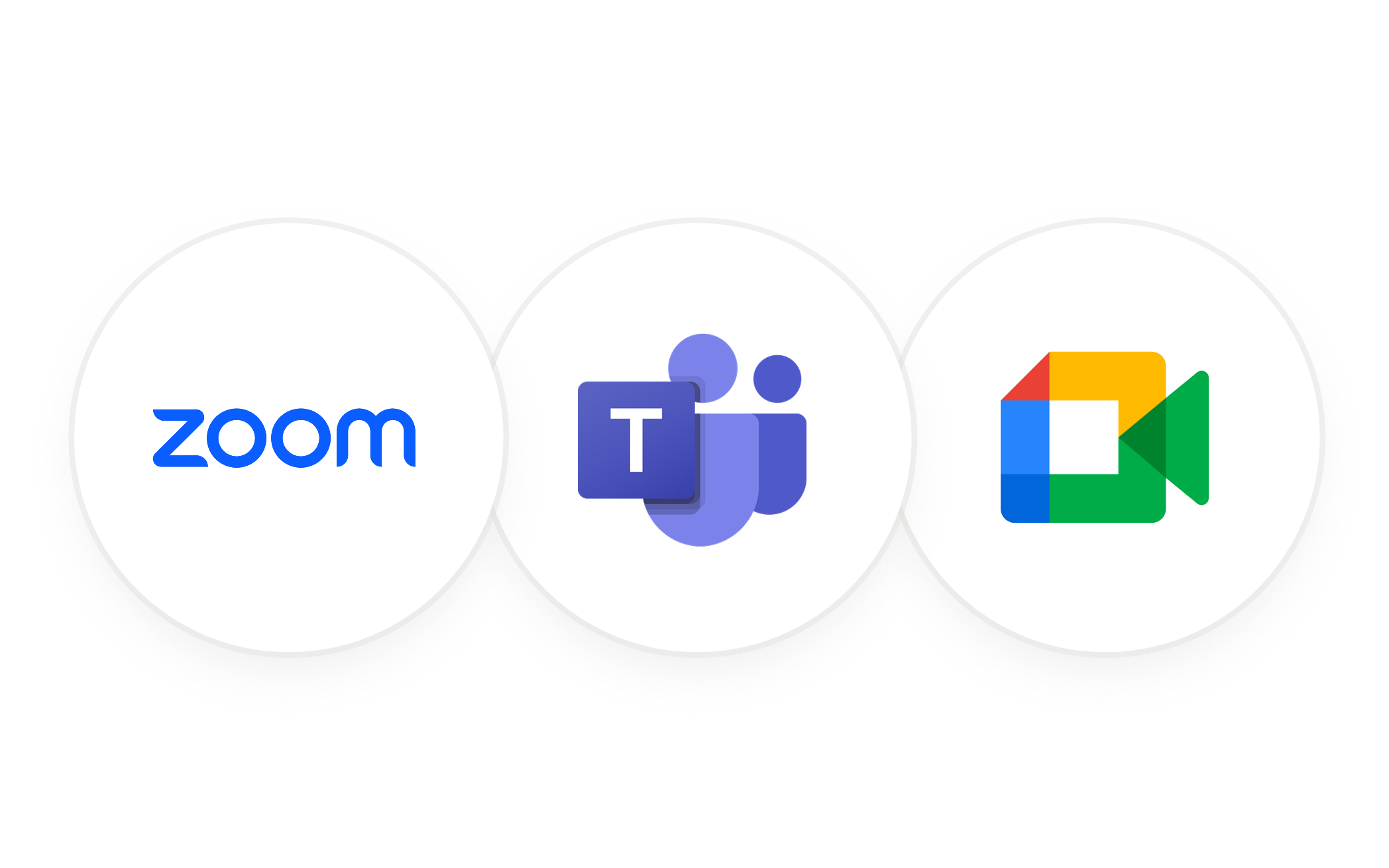
Best for: solo users on a paid Business workspace
If your company is already on Notion Business or Enterprise, this is the cleanest path. The transcript and summary land on a Notion page with zero glue code.
The catch: plan tier and a few real feature gaps
- No speaker identification — can't tell who said what
- No auto-join or timestamp links — no video, no jumpable references
- Limited structure — action items don't auto-assign to owners
- Desktop app required — no browser version; macOS 13+ or recent Windows
If you're on personal Notion, need speaker labels, or want structured client-call notes, you'll outgrow this fast.
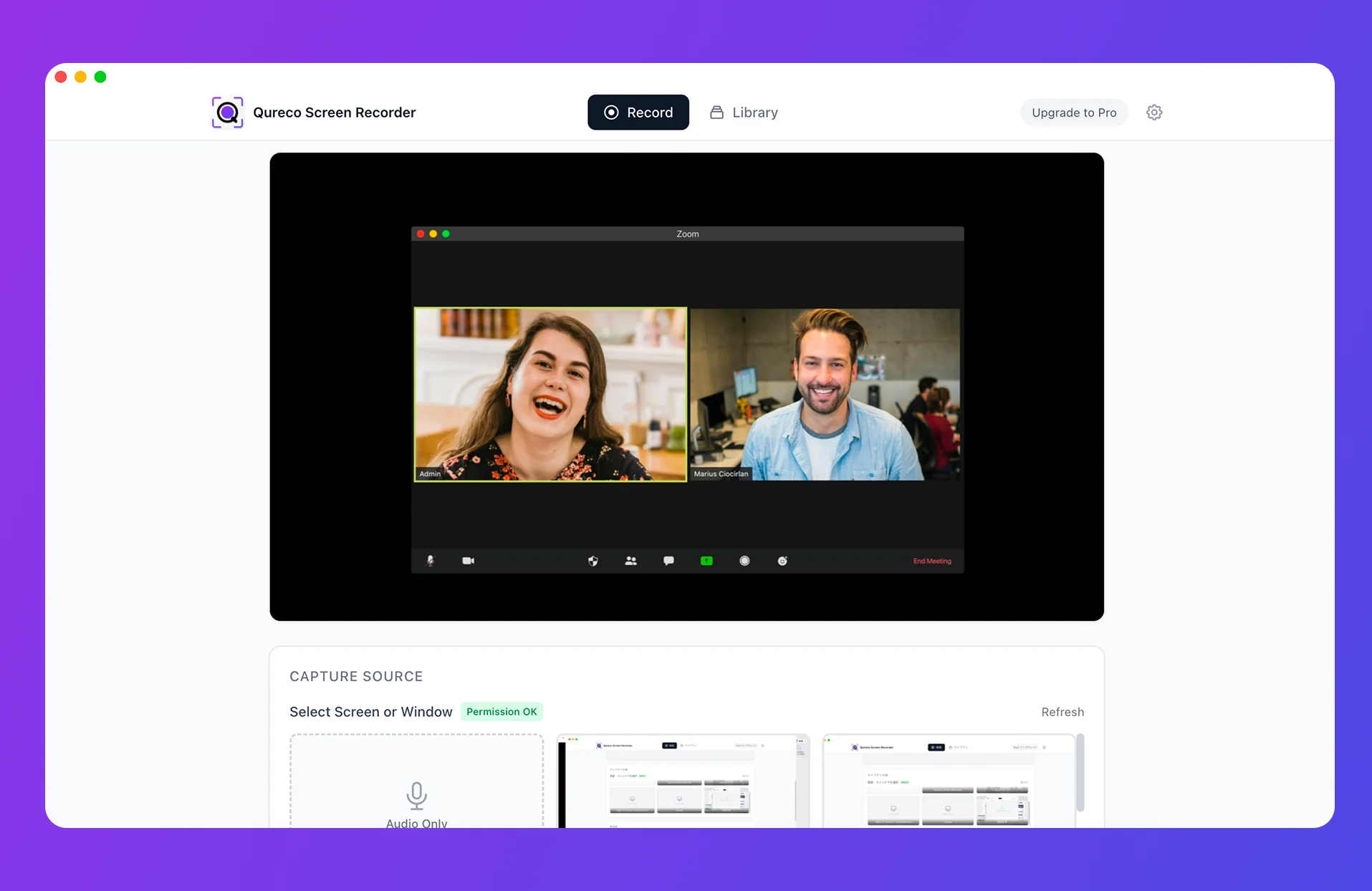
Method 2: Qureco — record, summarize, and push to Notion in one app
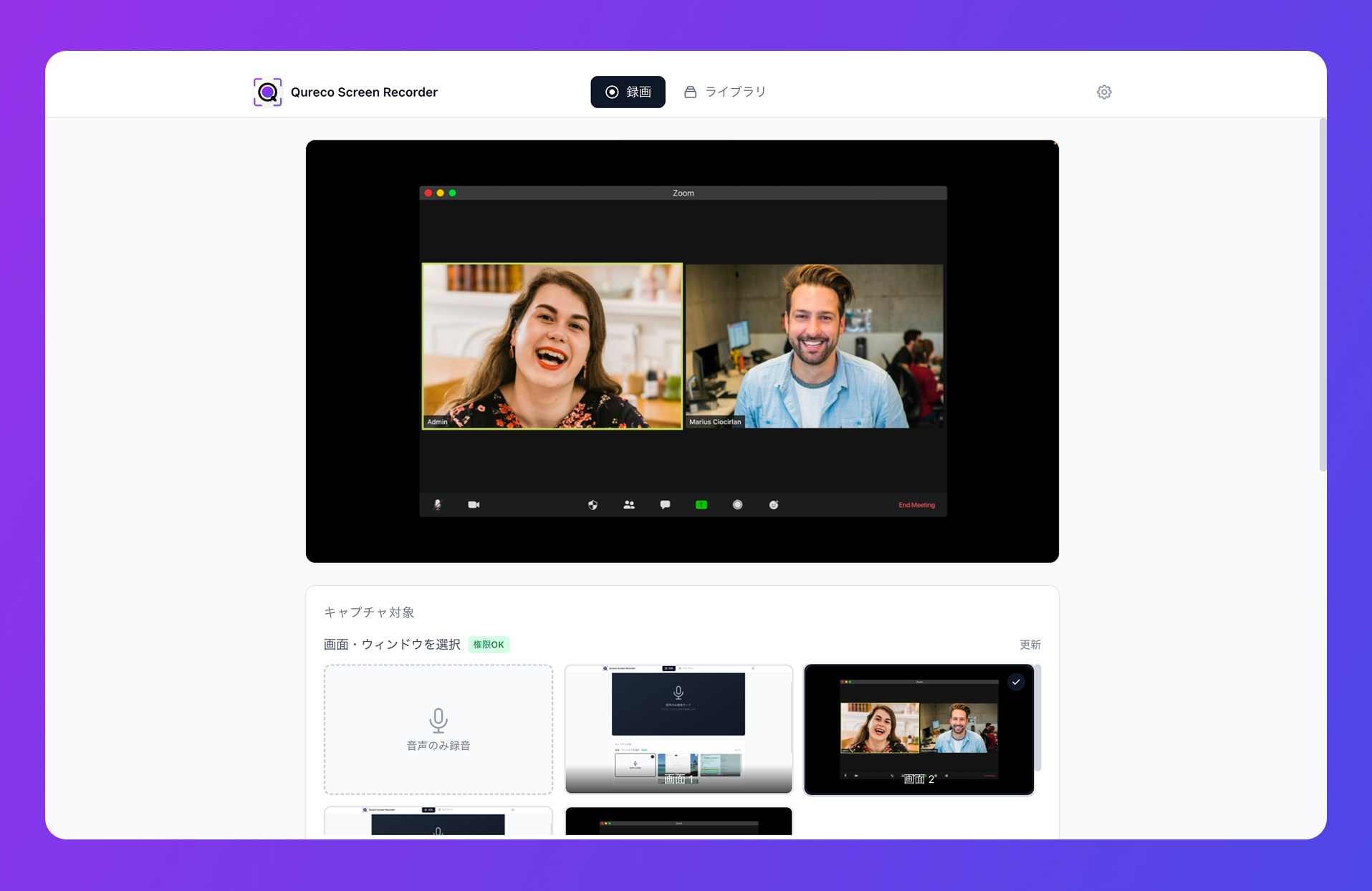
How it works: Qureco captures system audio, summarizes, and ships to Notion
The flow is short:
- Hit "record" in Qureco before the call
- Run your Google Meet, Teams, or any other call like normal
- Stop recording when the meeting ends
- Qureco's AI generates the meeting notes and pushes them into a Notion database in one click
Qureco in five steps
- Install Qureco. Free download from the official site. No virtual audio driver, ready to record the moment you install
- Hit record. Menu bar button or
Cmd + Shift + R - Run your Meet / Teams call. Nothing shows up on the other side — you're recording your own machine
- Generate the AI meeting notes. Pick the recording in your library, get a clean summary plus decisions and action items
- Send to Notion. One click to a connected workspace and database
Who Qureco fits
Qureco is the best pick when several of these are true:
- You bounce between Google Meet and Teams (and sometimes Zoom)
- You take client calls and don't want a bot in them
- You're not on Notion Business
- You want one app for the entire pipeline — no Zapier, no scripts
- You'd rather not stack another $20+/month subscription
If you juggle multiple Notion workspaces (personal + client A + client B), Qureco connects to all of them and lets you pick the destination at save time.
Method 3: AI bot-based tools (tl;dv, Bluedot, Notta, etc.)
Bots like tl;dv, Bluedot, Notta, Otter, and Fireflies join your meeting as a "participant," handle the recording, transcribe, summarize, and (usually) push to Notion.
A quick scan of the leading tools
| Tool | Meet | Teams | Notion sync | Bot in call | Monthly |
|---|---|---|---|---|---|
| tl;dv | ✓ | ✓ | ✓ (direct) | Yes / optional | $0–$29/user |
| Bluedot | ✓ | ✓ | ✓ | No (Chrome extension) | $18+/user |
| Notta | ✓ | ✓ | ✓ (via Zapier) | Yes | $12+/user |
Shared strengths
- Speaker labels and searchable transcripts — go back and find who said what, weeks later
- Templated summaries — sales call format, internal sync format, etc.
- Multi-language — tl;dv supports 30+, Bluedot 100+
Shared weaknesses
- "AI Notetaker" appears in the participant list
- Some clients freeze up the moment they realize they're being recorded
- Compliance-heavy industries (finance, healthcare, legal) may flat-out forbid third-party bots
Bluedot sidesteps this with a Chrome extension that records locally without joining as a participant — but then you're tied to a specific browser. Free plans across this category also cap recordings by minutes or count, so daily use generally pushes you into the paid tiers fast.
Qureco vs the other meeting SaaS, side by side
The full picture against the well-known meeting SaaS options (Notion AI Meeting Notes, tl;dv, Bluedot, Notta).
| Dimension | Qureco | Notion AI Meeting Notes | tl;dv | Bluedot | Notta |
|---|---|---|---|---|---|
| Monthly cost | $9/month (launch) | $20+/user (annual) | $0–$29/user | $18+/user | $12+/user |
| Meet support | ✓ | ✓ | ✓ | ✓ | ✓ |
| Teams support | ✓ | ✓ | ✓ | ✓ | ✓ |
| Notion plan required | Personal Plus+ | Business+ | Personal Plus+ | Personal Plus+ | Personal Plus+ |
| Bot in the call | None | None | Yes / optional | None (extension) | Yes |
| Speaker labels | ✓ | △ Limited | ✓ | ✓ | ✓ |
| Screen recording in the same app | ✓ | × | △ (in the SaaS) | △ (in the SaaS) | △ (in the SaaS) |
| Record → Notion in one app | ✓ | △ (notes only) | △ (via integrations) | △ (via integrations) | △ (via Zapier) |
| Free trial | Two weeks free, no card | Plus plan with limits | Free plan | Free trial | Free plan |
A quick decision shortcut
- Already on Notion Business / solo workflow → Method 1: Notion AI Meeting Notes
- Mac, Meet + Teams mix, client calls, personal Notion, tight budget, want the recording too → Method 2: Qureco
- All-internal meetings, the team's fine with bots, speaker labels matter → Method 3: meeting bots
The intersection of "personal Notion + Meet + Teams + client meetings + no bots + recording in the same app" is only fully solved by Qureco.
When in doubt, try Qureco first
One afternoon is enough to know whether "Meet or Teams, archived into Notion, no bot in the room" can be your default.
Three things worth getting right, whichever method you pick
Tell people at the top that you're recording
In many regions it's legally required. Everywhere else it's just basic courtesy. "Heads up, I'm recording this for our meeting notes" at the top of the call and you're set. Qureco in particular is invisible to the other side, so the responsibility for transparency sits entirely with you.
Confirm where the notes actually live
- Local files: backup risk is yours to manage
- Your Notion workspace: review access permissions
- Third-party SaaS dashboard: check data residency and retention
Treat AI notes as a draft, not the final word
Names, jargon, numbers — AI transcription gets these wrong some of the time. For board meetings, sales summaries, or anything driving a real decision, a 30-second human pass before sending is worth it. AI notes are the first draft, not the deliverable.
Wrap-up: your meeting platform shouldn't dictate your knowledge base
Three real ways to get Google Meet and Teams meetings into Notion:
- Method 1: Notion AI Meeting Notes — clean and native, but Business plan only
- Method 2: Qureco — record, AI notes, and Notion sync in one Mac app — works regardless of which meeting tool you're on or which Notion plan you have
- Method 3: Meeting bots (tl;dv, Bluedot, Notta…) — feature-rich, but bots in the room
If "no bot in the call, no Notion Business upgrade, mix of Meet and Teams" all apply, Qureco is the only one that hits all three at once.
Meeting notes earn their keep when they become inputs to the next decision. Don't let "we use multiple meeting tools" fragment that. Try the lightest option first, and let tomorrow's first call answer whether it fits.
Qureco Screen Recorder
Powerful screen recording app for Mac
Record meetings, let AI handle the notes, just read what arrives in Notion.
Try all features free for the first two weeks.