You join a Google Meet (or Teams) call hosted by a client, go to hit record, and — the record button is nowhere to be found. You dig through your menus assuming you set something up wrong.
First, the triage: three reasons the record button is missing
The details differ between Meet and Teams, but the causes fall into three buckets.
| Cause | What it means |
|---|---|
| ① Edition / license | You're on a plan that doesn't include recording (free or lower tier) |
| ② Permission / role | You're not the host / not in the host's org / joined as a guest |
| ③ Admin policy | Your organization's admin has turned recording off |
Why the record button is missing in Google Meet
The edition wall
Google Meet recording only works on supported editions.
- Supported: Business Standard / Business Plus, Enterprise Standard / Enterprise Plus, Education Plus, Essentials, and similar
- Not supported: Business Starter (it says "Business," but has no recording), free personal Google accounts
"I'm on Business, so I should be able to record" — then it turns out to be Starter. A very common mix-up.
Only the "host or same organization" can record
The admin has turned recording off
Even on a paid plan, if your organization's admin disabled Meet recording in the Admin console, the button won't show. You can't change this yourself — internally, you'd check with your IT team.
Why the record button is missing in Microsoft Teams
The free-version / license wall
Guests and external participants can't record
The admin policy (AllowCloudRecording) is disabled
AllowCloudRecording policy. In corporate tenants, it's not unusual for this to be disabled for security reasons. Again, you can't change it yourself — it requires a request to IT. Separately, if the OneDrive / SharePoint storage behind it is full, recording won't start either.The shared root cause — recording is tied to "the other side's environment"
| Google Meet | Microsoft Teams | |
|---|---|---|
| Plan needed | Supported edition (not Starter) | Paid M365 |
| Role limit | Host or same org only | Guests/external can't |
| Admin setting | Can be turned off in console | Controlled by AllowCloudRecording |
| Guest recording | Not possible | Not possible |
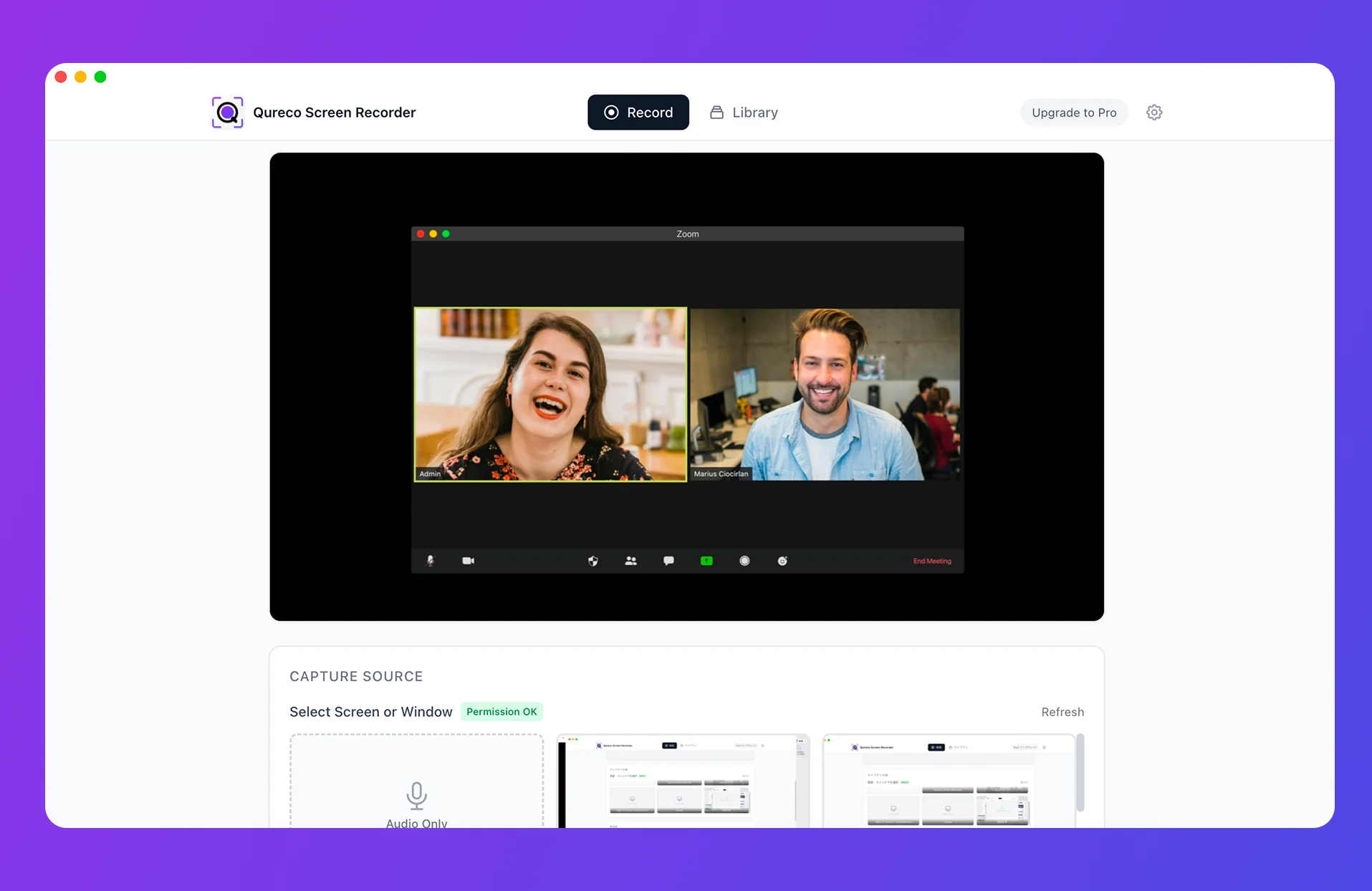
Recording reliably without permission — record on your own Mac
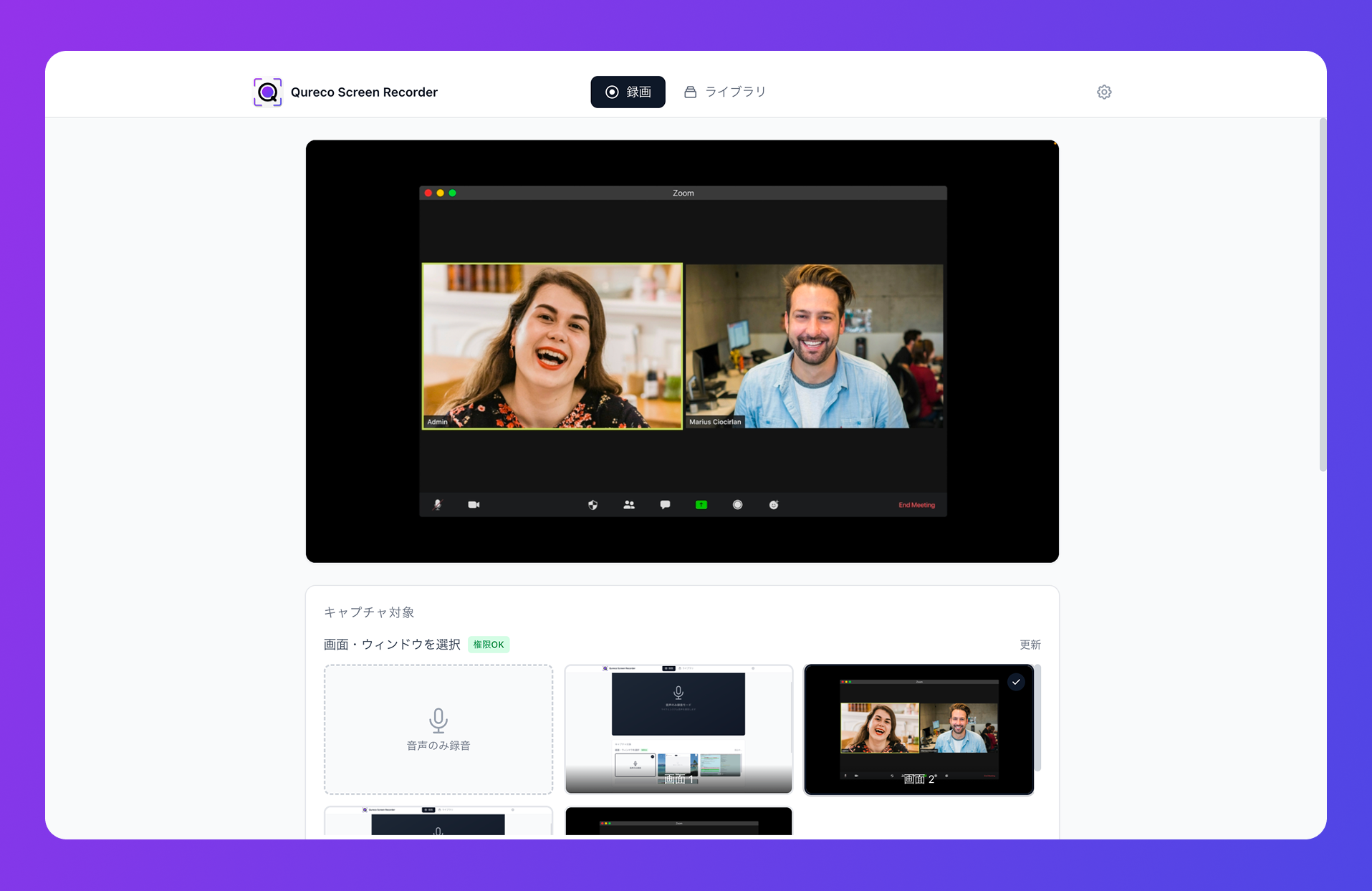
Mapped against where Meet / Teams got stuck:
| Where the meeting tool got stuck | Recording on your own Mac |
|---|---|
| Not a supported edition / not paid | Records regardless of plan |
| No record button as an external guest | Records regardless of role |
| Recording disabled by admin policy | Records regardless of their settings |
| Recorded, but minutes are a chore | Recording → AI minutes → Notion in one app |
FAQ
Q1: Will a paid plan make the record button appear?
Q2: Is there an official way for guests to record?
Unfortunately, not through the built-in recording feature — it's structurally blocked. The realistic workaround is to record on your own device (with notice and consent).
Q3: Won't recording on my own Mac be hidden from the other person?
Q4: Does it work on Windows?
Qureco is currently Mac only. To record without putting a bot in the call on Windows, tl;dv's desktop app is one option.
Summary — "no record button" is the other side's environment; your Mac solves it
To recap:
- A missing record button in Meet / Teams comes down to edition, permission, or admin policy
- In particular, external guests structurally can't record, even when they meet the other conditions
- When permission requests or IT tickets won't move, recording on your own Mac is the reliable path
- Not "in secret" — a consent-based recording with one spoken sentence

Qureco Screen Recorder
Powerful screen recording app for Mac
Record meetings, let AI handle the notes, just read what arrives in Notion.
Try all features free for the first two weeks.