Meeting transcription tools split into two camps
Camp 1: bot-as-participant (Notta / tl;dv / Otter / Fireflies)
You share the meeting URL, an AI bot joins as a guest, recording and transcribing happen in the cloud.
- Strengths: cloud-based, strong speaker identification on multi-person calls, high transcription accuracy
- Weaknesses: the bot shows up in the participant list as "Notta Bot," "Fireflies.ai Notetaker," etc.; can be blocked outright when the host hasn't enabled recording
Camp 2: local recording + AI notes (Qureco and friends)
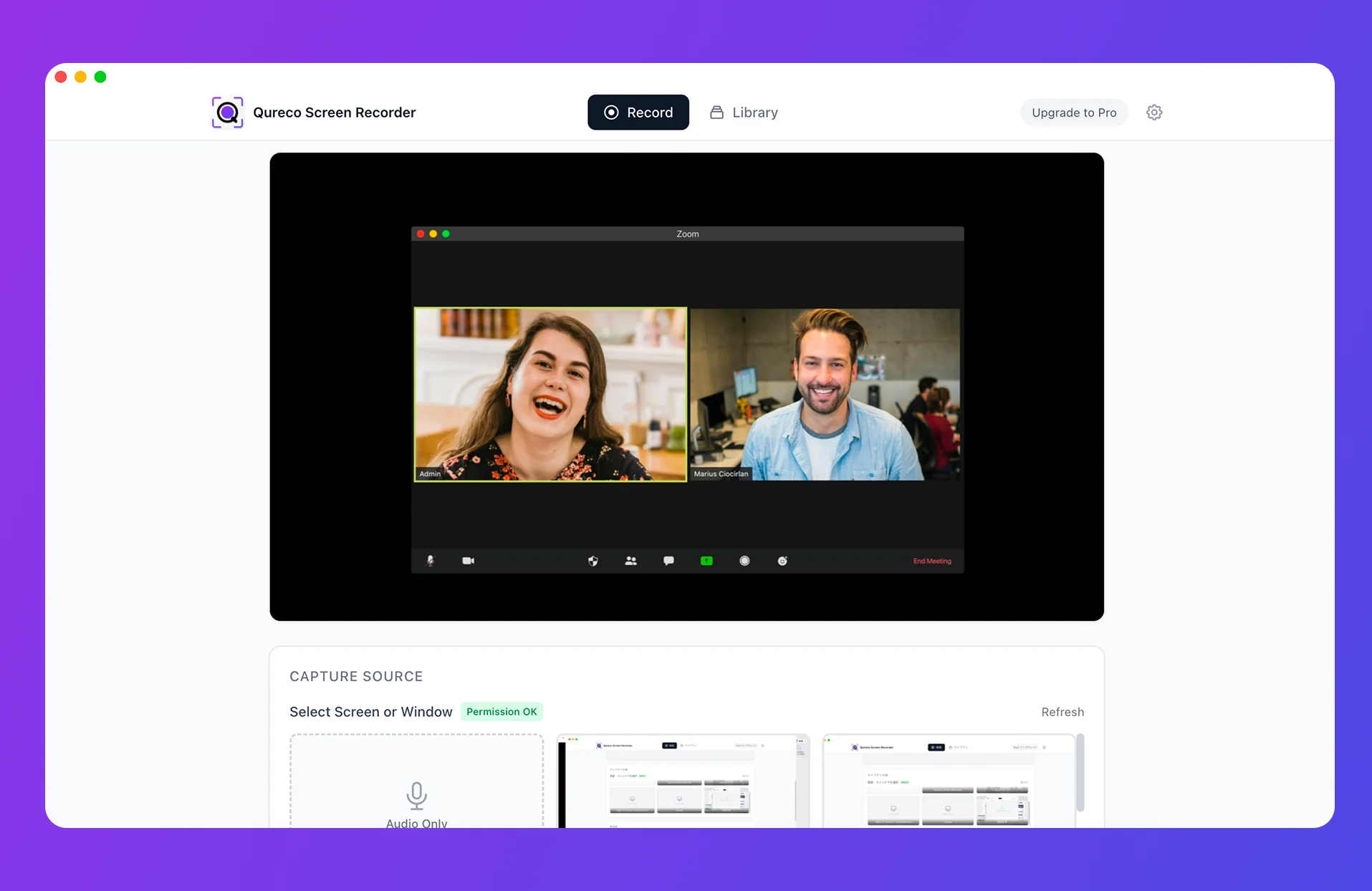
You record screen and audio locally on your Mac. AI generates the meeting notes from that recording afterward.
- Strengths: no bot to invite, nothing visible to other attendees; works even when you're a guest in someone else's meeting; everything starts on your machine, which is friendly for sensitive calls
- Weaknesses: currently mostly Mac; speaker identification on group calls is a step behind the bot-based tools
If "I don't want a bot showing up on the attendee list" or "I can't record because I'm a guest in this meeting" applies to you, the local-recording camp should be on your shortlist from the start.
All 7 tools at a glance
| Tool | Type | Free tier | Lowest paid plan | Speaker ID | Notion integration depth | Primary language |
|---|---|---|---|---|---|---|
| Notta | Bot | 120 min/mo | from $8.25 | ★★★★★ | ★★★★☆ (one-click page) | English & Japanese |
| tl;dv | Bot | 10 meetings/mo (recording + AI notes) | from $18 | ★★★★☆ | ★★★☆☆ (copy/paste export) | English (JP supported) |
| Otter.ai | Bot | 300 min/mo | from $8.33 | ★★★★★ | ★★☆☆☆ (Zapier only) | English only |
| Fireflies.ai | Bot | 800 min/mo | from $10 | ★★★★☆ | ★★★★★ (direct DB write) | English |
| Notion AI Meeting Notes | Notion native | None (Business plan required) | from $24/user | ★★★☆☆ | ★★★★★ (in-Notion) | English & Japanese |
| Otolio (formerly Smart-Shoki) | Bot | 14-day all-features trial | Contact sales | ★★★★☆ | ★★★☆☆ | Japanese-first |
| Qureco | Local recording | Recording is fully free, unlimited | from $9/mo (Pro, first two weeks free) | ★★★☆☆ | ★★★★★ (one-click) | English & Japanese |
Three axes do most of the deciding day to day:
- Notion integration depth — "Notion integration available" can mean anything from a copy-paste button to direct database writes
- What the free tier actually does — 120 free minutes vs 800 is one thing; whether summarization, export, and speaker ID are included is the actual story
- Speaker identification accuracy — anything works for a 1-on-1; in a four-person call, the gap shows up fast
Now into the tools.
Camp 1: the bot-as-participant tools, in detail
Notta — strong multilingual accuracy, practical Notion integration
- Strengths: Japanese accuracy is a clear notch above competitors; broad meeting platform support; one-click export to a Notion page
- Weaknesses: 120 minutes/month free runs out after two or three weekly meetings, so most users end up paying ($8.25/mo and up)
- Best for: teams running multilingual meetings (especially Japanese) who want clean notes archived in Notion
Notion integration: export transcripts or AI summaries to a Notion page in one click. You can't target a specific database directly, so the practical setup is to dump everything into an "inbox" database and sort from there.
tl;dv — biggest free tier in the category, strong on Zoom and Meet
- Strengths: generous free tier; higher plans go unlimited on recording and transcription; AI-generated highlight reels are genuinely useful
- Weaknesses: Japanese accuracy lags Notta by a step; Teams support is the weakest of the four; English-only UI
- Best for: individuals and startups who want to run high volume on a free or near-free budget
Notion integration sits at the "export transcript" level — no native database routing. Best for people comfortable with a light copy-paste step.
Otter.ai — the default for English-only meetings, 300 free min/mo
- Strengths: industry-leading English accuracy and speaker identification; 300 free minutes/month; OtterPilot auto-join is genuinely convenient
- Weaknesses: no Japanese support; English-only UI; Notion integration is Zapier-only
- Best for: teams whose meetings are essentially all English
If your meetings are mostly Japanese, Otter is not for you. If you live in English meetings with distributed teammates, this is the obvious first pick.
Fireflies.ai — the deepest Notion integration in the category, 800 free min/mo
- Strengths: direct writes to Notion databases; Salesforce / HubSpot / Slack integrations; long free tier
- Weaknesses: no Japanese UI; setup is more involved; Japanese accuracy trails Notta
- Best for: sales / CS teams who use Notion as their deal-tracking hub
The Notion integration here is the deepest of the seven: you can map fields like "meeting name → page title" and "date → date property" directly into a Notion database. No other tool here matches that level of field-by-field routing.
Otolio (formerly Smart-Shoki) — built for Japanese enterprise meetings
- Strengths: top-tier Japanese accuracy; supports industry- or company-specific terminology dictionaries; enterprise-grade security
- Weaknesses: pricing skews too high for individuals; contact-sales onboarding only
- Best for: mid-to-large Japanese companies (30+ users) rolling out meeting notes org-wide. Skip if you're outside the Japanese enterprise market.
Overkill for individual or small-team use, but it shines when adopted as the org-wide standard.
The Notion-native option — Notion AI Meeting Notes
If you want meeting notes to live entirely inside Notion, this is the first option to weigh. Records, transcribes, and writes the result onto a Notion page without ever leaving the app.
- Strengths: stays inside Notion, so UI and search are unified
- Weaknesses: Business plan or higher required ($24/user/month and up); doesn't record your screen — audio only; primarily designed for in-person meetings, with no cloud recording for web calls
- Best for: orgs already on Business / Enterprise who only need text notes
The hard wall is the Business-plan requirement. If you're on Free or Plus and don't want to upgrade an entire workspace just to unlock meeting notes, the local-recording option below is the natural next step.
The local-recording option — Qureco (Mac only)
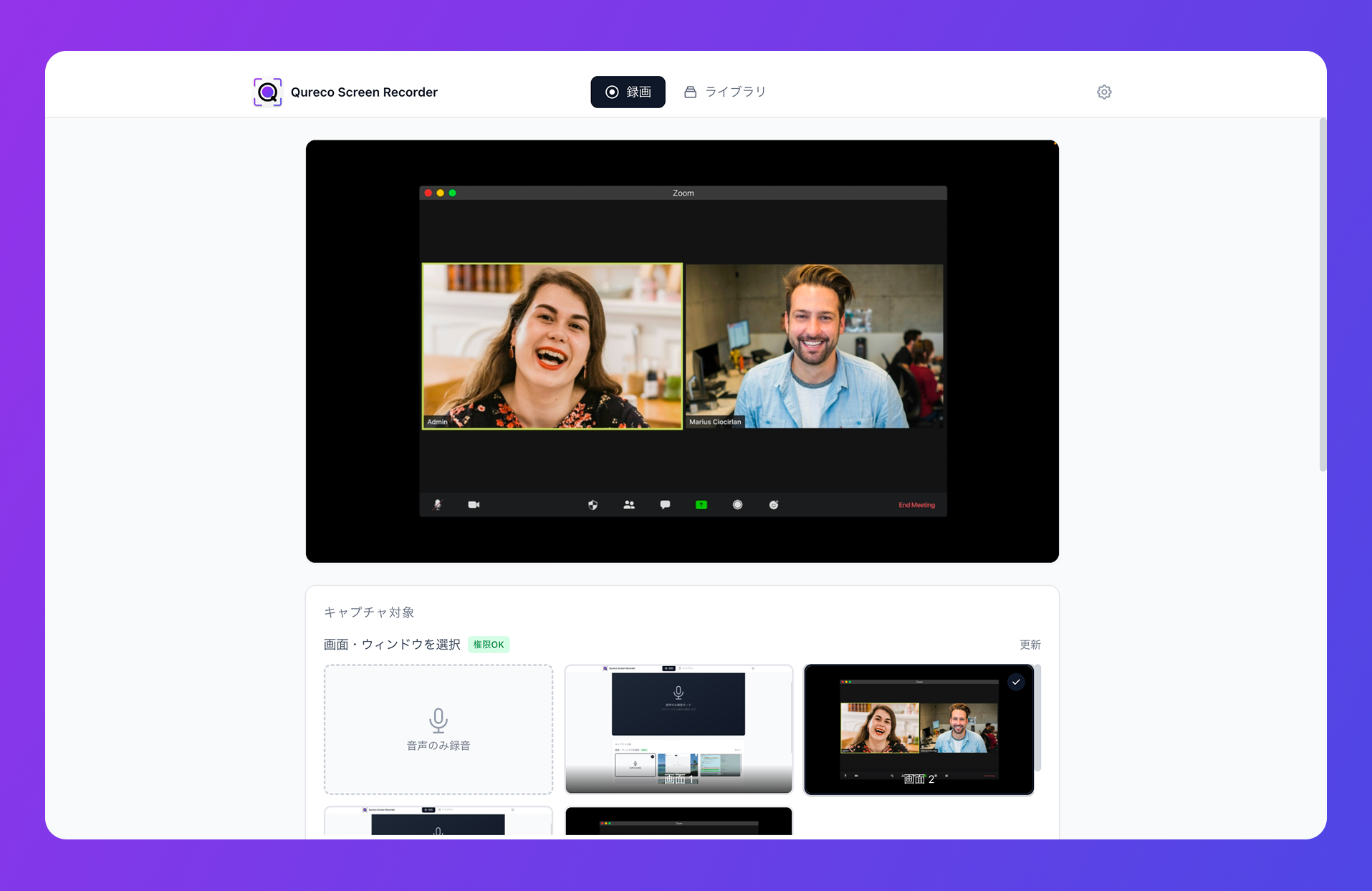
- Free tier: unlimited recording with no watermark and no time limit. Captures system audio with no virtual audio driver setup
- Pro tier (from $9/mo, first two weeks free): AI generates the meeting notes automatically; one-click export to Notion
The value sits exactly where bot-based tools can't reach:
- You can record meetings hosted by someone else and turn them into notes from your side
- Other attendees never see a bot join
- Screen recording is included, so demo videos and meeting recordings share the same workflow
- AI notes templates are customizable, and speaker identification is supported
Which one is yours? Scenario picks
After all seven, the obvious next question is "so which one?" Here are the most common situations.
Multilingual or Japanese-heavy meetings, accuracy first
Centralizing notes in Notion
Completely free
Can't invite a bot / you're a guest in the meeting
Almost all English meetings
Enterprise Japanese meetings with custom vocabulary
Already on Notion Business or higher
Pick on "free-tier substance" and "Notion depth"
If you only compare feature lists, every meeting transcription tool looks the same. What actually moves the needle in day-to-day use is:
- What the free tier actually delivers — minutes alone don't tell you whether summarization, export, and speaker ID are included
- How deep the Notion integration goes — copy-paste button vs direct database write
- Whether you have the option to skip the bot entirely
The point of this article is simple: by the time you finish reading, you should be down to one or two tools to actually try. Pick the one that fits your meetings, and stop second-guessing.
Qureco Screen Recorder
Powerful screen recording app for Mac
Record meetings, let AI handle the notes, just read what arrives in Notion.
Try all features free for the first two weeks.