"How do I do this on this screen again?"
Every time I got that question, I'd open Slack, drop a screenshot, draw arrows, add three lines of context, and end with "Ping me if you get stuck." I knew I was doing the same thing several times a week. The inbound questions kept growing, and the person answering — me — was going to break first.
I knew the answer was video manuals. The problem: I had over a hundred items waiting to be documented, and I was a one-person team. When I researched dedicated manual-production SaaS, every option started around several hundred dollars per month. There was zero chance my internal approval would clear that line.
The 100-a-month number, broken down
When you hear "100 video manuals a month," most people assume you need a video production team. I did too. But once you decompose the work, it's a number you can actually hit.
About 5 minutes per video
Here's what my per-video breakdown actually looks like:
| Step | Time | Notes |
|---|---|---|
| Pre-recording setup | 30 sec | Decide what screen, what to say, where to stop |
| Screen recording | ~3 min | One video, one task. Keep the body under three minutes |
| AI meeting minutes | ~1 min | AI auto-generates the summary text from the recording |
| Notion organization | 30 sec – 1 min | Drop the video link and text into a single page |
| Total | ~5 min |
"Three minutes of recording?" Yes. We'll get to why keeping it short is the single most important rule for scaling.
5 videos a day × 20 workdays = 100/month
At 5 minutes per video, you can produce 12 in an hour. That said, batching two hours of recording in the morning kills focus fast, so I cap myself at five per day and slot them between other work.
- 5/day × 20 workdays = 100/month
- Time spent per day: about 25–30 minutes
If you decide "I'll spend 30 minutes a day shooting manuals," 100 videos a month accumulates on its own.
About $9 a month, total tooling
Since I'm not paying for specialized SaaS, my tooling cost stays small.
| Item | Monthly cost |
|---|---|
| Screen recorder (Qureco Free → Pro) | $0 – $9 (Pro launch price; regular $12) |
| AI meeting minutes (included in Qureco Pro) | Same |
| Notion | $0 (personal plan) |
| Video editing software | Not used |
That's a fraction of typical specialized manual-production SaaS that runs hundreds of dollars per month. "Approvals will never clear" stopped being a useful excuse for me at that price point.
Three traps that stall video manual production
Before going further, let me share what failed for me first. In my first month, video manual production ground to a halt for three very specific reasons.
Trap 1: Editing eats all your time
I started out doing it "properly." Record, open the editor, cut dead time, add subtitles, sprinkle in sound effects. Each video took an hour or two to finish. At 100 videos, that's 150–200 hours of editing — basically a full month of full-time work just for editing. The math doesn't close.
The number one enemy of scaling video manuals is editing.
Trap 2: Videos are hard to search, so they don't get used
I managed to publish 10 finished videos to a shared folder. Six months later, the view counts were embarrassingly low. The reason was simple: when you have a three-minute video, there's no way to tell from the outside which 20 seconds contain the answer you need.
So team members did what they always did — DM me on Slack. The gap between "the manual exists" and "the manual gets used" is largely a searchability problem.
Trap 3: Updates stop happening
UIs change. Procedures change. A manual you recorded a month ago is sometimes already outdated. The more time you sank into editing, the more painful it is to throw away and re-record. So you keep using the stale version, new hires get confused, and you end up explaining it verbally again.
"Stop editing" was the answer
After hitting those three traps, I changed the whole approach.
Why dropping editing was the right call
The logic is simple. Internal manuals and customer-specific manuals have a very narrow audience. People aren't watching for entertainment — they're watching to get a specific job done. What they need is "I can clearly see the operation I'm looking for," not production value.
A three-minute video with no subtitles, no jingle, just a screen and a calm voice talking through the steps — that's already enough for work purposes. In fact, the more time you spend editing, the more your updates stall and the more your team operates on outdated information. The "polish trap" is far more dangerous than rough-looking videos.
What replaces editing
But "no editing" alone takes you straight back to Trap 2 (no searchability). The thing that fills that gap is automatic AI meeting minutes for the video.
- Video = shows the actual movements
- AI meeting minutes text = handles search, summary, and indexing
This pairing gives you "unedited video" + "searchable text index," which is the structure that scales.
Three conditions for unedited videos to still get watched
If you want unedited videos to actually get used, you need to follow a few rules:
- Under 3 minutes. Past three minutes, perceived burden spikes. Following "one video, one task" naturally keeps you under the limit.
- One video, one task. Don't pack "setting up A + troubleshooting B + advanced tip C" into one video. Short pieces are easier to watch and easier to update.
- Goal declared in the first 10 seconds. Open with "This video shows how to do X." That one sentence dramatically lowers drop-off.
The 4-step workflow that delivers 100 a month
Now the reproducible part. This is the four-step loop I run every day.
Step 1: 30 seconds of pre-recording setup
Before you press record, stop for 30 seconds:
- Screen to show: Which screen, which operation am I demonstrating today?
- Goal of what I'll say: In one sentence, what should the viewer be able to do after watching this?
- Stop condition: Which operation, when completed, ends the recording?
Decide these out loud or in a quick note. If you start figuring it out mid-recording, you'll re-record, and re-recording is what kills production.
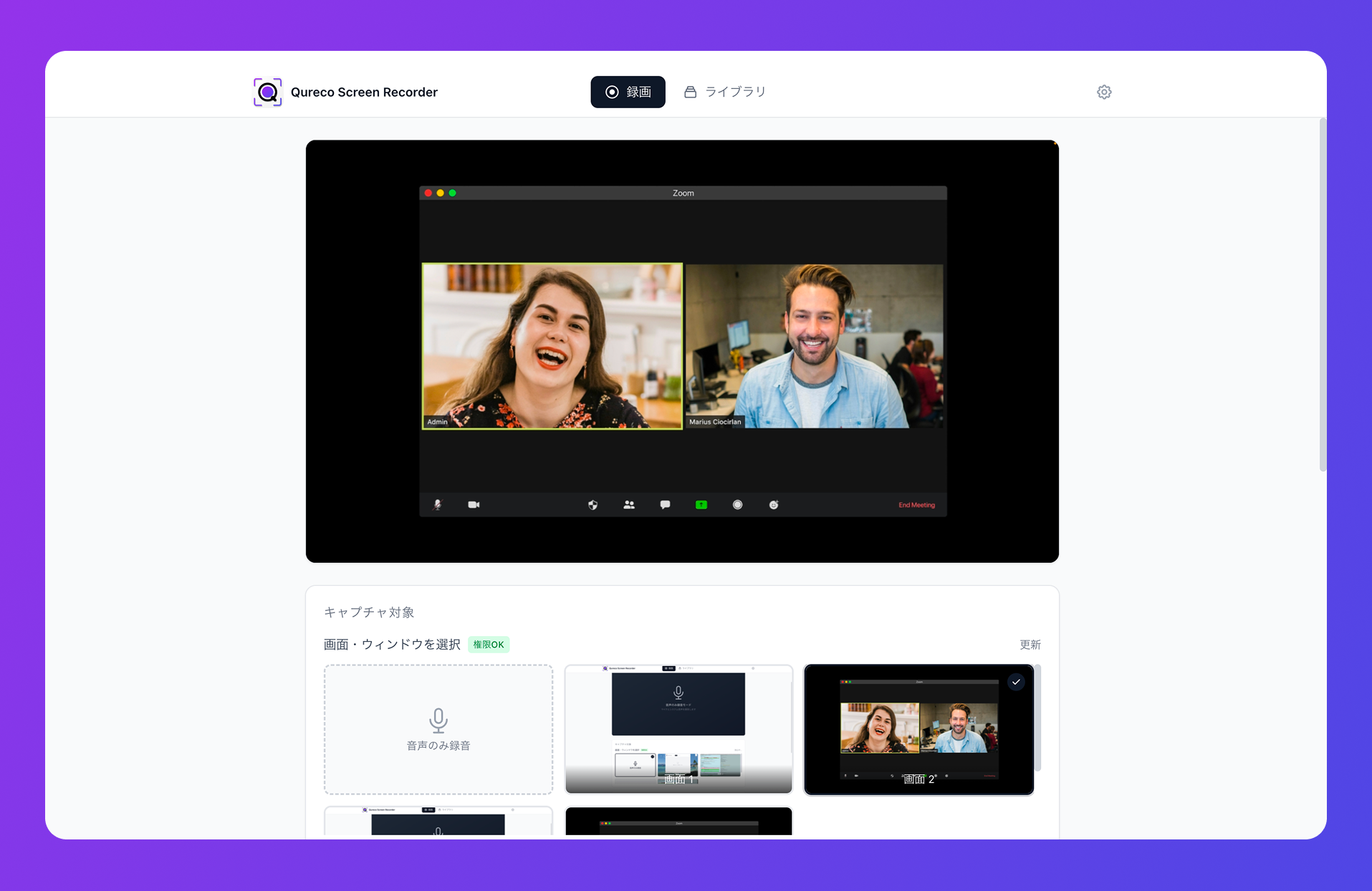
Step 2: Start recording in one click
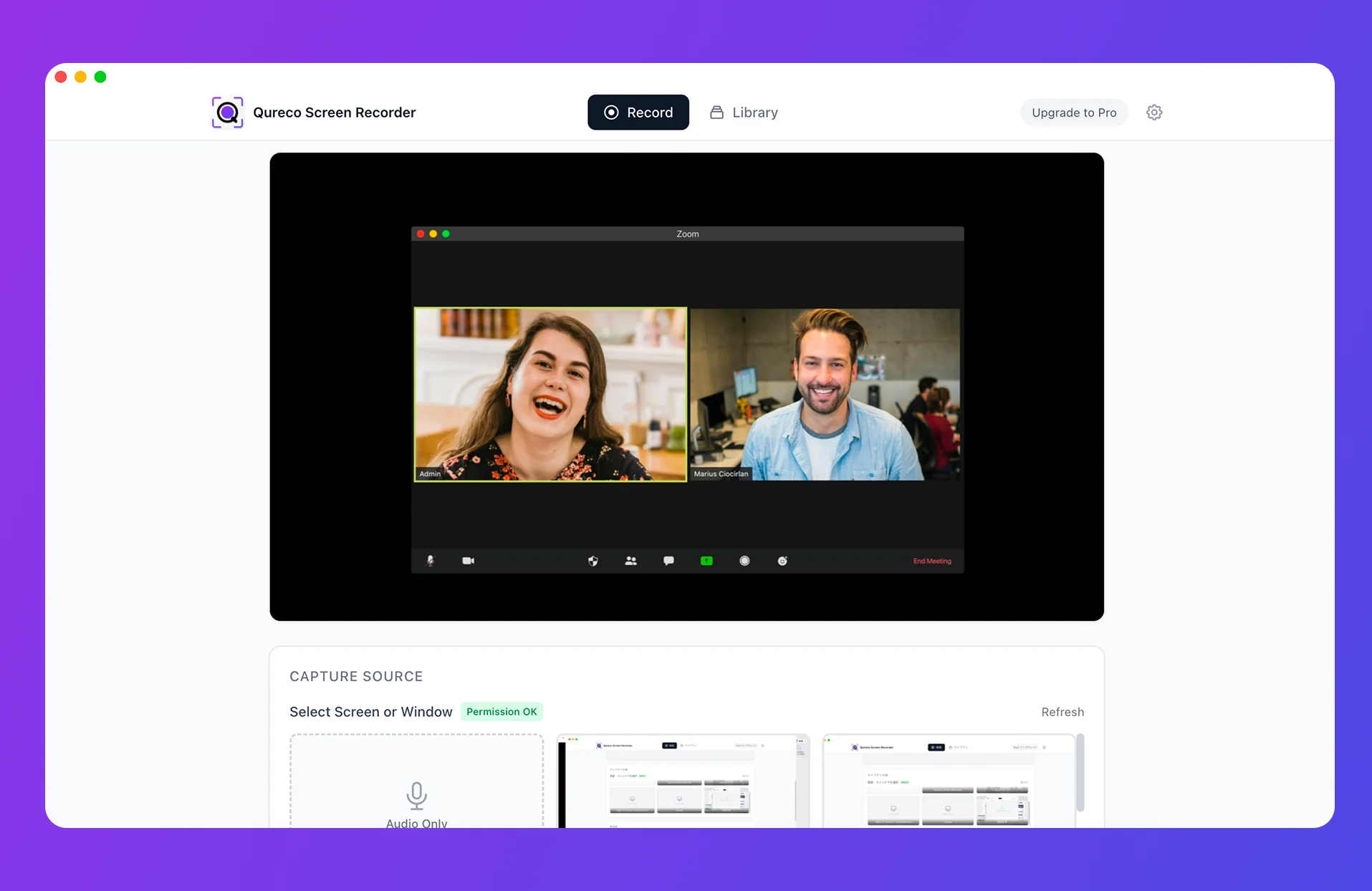
Pick a screen recorder you can launch in one click. If you need to configure virtual audio drivers or repick the recording area every single time, you'll burn minutes on setup alone.
I use Qureco. Three reasons:
- It works the moment you install it (no virtual audio setup needed)
- The free tier already has unlimited recording length and no watermark
- A keyboard shortcut (Cmd+Shift+R) starts recording the moment you have the idea
Step 3: Use AI meeting minutes to auto-text the video
After recording, let AI generate the meeting minutes. With Qureco Pro, you can generate AI meeting minutes directly from the recorded file.
The text you generate here doesn't need to be a perfect transcript. It just needs to cover:
- What operation does this video show (summary)
- Bullet list of the main steps
- Key terms that appear in the video
If you've captured those three, the text works perfectly well as a searchable index for the video. The goal is "I can roughly trace what's in the video from the text alone."
Step 4: Auto-link to Notion to build the index
Finally, drop the video link and the AI meeting minutes into a single Notion page. Qureco Pro's Notion integration handles this in one click.
I keep a single "Video Manual DB" in Notion, with each page carrying these properties:
| Property | Example |
|---|---|
| Title | "Initial setup for the XX feature" |
| Feature | Feature name as tag |
| Screen | Screen name as tag |
| Audience | New hire / existing member / customer |
| Published | Auto-filled |
Because the AI minutes text is stored on the same page, a search for "signup" surfaces every related video. Run the whole record → AI minutes → Notion loop as one motion, and you build a searchable, unedited video manual library at about 5 minutes per piece.
Closing the "video is hard to search" gap with text
Let me expand on Trap 2 a bit more. With video alone, the only signals about "where's the answer in this three-minute clip" are the thumbnail and the title. That's exactly why so many video manuals "exist but never get watched."
The fix: park the text minutes next to the video
Store the AI-generated minutes on the same Notion page as the video. Now you have a real flow:
- Team member runs a full-text search in Notion
- A matching meeting minutes page comes up
- They click the linked video on that page
This setup lets the AI minutes text shoulder the part video can't do — being searchable.
Use tags to filter "what I need right now"
With Notion's database features, you can filter by "Feature," "Screen," or "Audience." That lets you build a view for new hires only, or a view for one specific feature.
Once you hit 100 videos, no plain list will help you find anything. But filters cut it down to "the few I actually need right now." That's the structure that keeps information from drowning at scale.
An honest look at when this works and when it doesn't
If you got this far, you might be thinking "we could try this," or you might still be skeptical about going unedited. Honestly, this workflow has a clear fit and clear non-fit.
When this workflow fits
- Internal or specific-customer audience: Operational accuracy beats production value
- Mac environment: Qureco runs on Mac
- You need to scale as a single producer: No dedicated manual-production team, or SaaS approval won't clear
- Frequent manual updates: UI or procedures change often, and you need cheap re-recording
When it doesn't fit
- Consumer-facing manuals where polish matters: Subtitles, sound effects, and editing are part of the deliverable
- Windows environment: Qureco is Mac-only
- Video production is the value itself: You're a video team, not a manual team
When dedicated manual SaaS is the right call
For balance: tools like Teachme Biz, VideoStep, or tebiki shine in some scenarios:
- Manufacturing floors that require multilingual subtitles
- Tens to hundreds of people editing and operating manuals together
- You need strict viewing analytics (who watched how much)
If you need those, the dedicated SaaS investment pays off. For my use case — "solo producer, mostly internal" — the screen recorder + AI minutes + Notion stack is dramatically lighter on both startup and maintenance.
What you actually need to start today
If you're thinking "OK, I'll try one video," here's the full kit:
| What you need | Role | Cost |
|---|---|---|
| Qureco (screen recording) | Capture | Free → $9/month (Pro launch price; regular $12) |
| Qureco Pro (AI minutes + Notion) | Text + auto-collect | Included in Pro above |
| Notion (personal plan) | Storage + search | Free |
The Qureco free tier gives you unlimited recording length and no watermark, so starting with screen recording is the smallest possible entry point. If you eventually need AI minutes and the Notion auto-link, switch to Pro — the first two weeks are free and no credit card is required to start. The $9/month Pro plan is an early-user launch price; the regular price is $12. Lock in the launch price now and it stays at $9 for as long as you keep the subscription.
Wrap-up: scaling video manuals starts with dropping editing
To recap:
- The biggest enemy of solo video manual scaling is the time editing eats
- If your audience is internal or specific customers, unedited videos work
- AI meeting minutes text + Notion fixes the searchability gap
- "5 minutes per video × 5 per day × 20 workdays" makes 100/month genuinely reachable
- Some scenarios still call for dedicated SaaS — keep that in mind
Whether you hit 100 is up to your situation. But shooting one quick video tomorrow of "that one operation I always answer in chat" is something anyone can do. The scaling workflow only ever starts with that first recording — and once it's recorded, the third time someone asks the same question this month, you'll be glad it's already there.

Qureco Screen Recorder
Powerful screen recording app for Mac
Record meetings, let AI handle the notes, just read what arrives in Notion.
Try all features free for the first two weeks.