Why the Zoom record button is missing when you're a guest
There's a "Request to record" prompt mid-call, but in practice what usually happens is one of:
- The host is busy presenting and doesn't notice the prompt
- Asking "can I record?" in front of a customer feels uncomfortable
- Once declined, you can't really bring it up again
- The meeting invite arrived 30 minutes before kickoff, with no time to align beforehand
You really only have two options
Strip it down and there are two paths:
| Option | Pros | Cons |
|---|---|---|
| Ask the host for consent-based recording | Uses the official feature, recording can be shared with them | Depends on the host, awkward, may get declined, useless 30 seconds from kickoff |
| Record from your own Mac | No dependency on the host, same process every time | The file lives with you, and you have to manage it |
Option 1 — Ask with a 5-second script (when it's possible)
"I'd like to share clean notes with my team afterward — okay if I record this one?"
A few variations for different stakes:
- Customer call: "Just so I can take accurate notes and tighten up the follow-up, mind if I record this one?"
- Vendor call: "I'd like to share the call back with my team for context — okay to record?"
- Internal cross-team sync: "Recording so the people who couldn't make it can catch up — any objections?"
That said, there are real situations where the ask either won't work or isn't viable:
- The other side has an IT policy that flatly bans Zoom recording
- It's a customer relationship where probing about their setup feels intrusive
- The link landed in your calendar right before the call, with no time to coordinate
- You asked the last time, got a polite no, and don't want to push it again
For those cases, you need a fallback that doesn't depend on the host at all.
Option 2 — Record Zoom from your own Mac
Recording on your own Mac sidesteps the host's permissions and, frankly, even the other organization's policies. It's the most universal answer.
With that as the baseline, two real approaches on Mac.
QuickTime Player's built-in screen recording
QuickTime ships with a screen recorder:
- Open QuickTime Player
- File → New Screen Recording
- Pick a recording area and hit record
Capturing internal audio means dealing with virtual audio drivers
- Install BlackHole (Homebrew or the official installer)
- Open Audio MIDI Setup and create a Multi-Output Device
- Route audio to both BlackHole and your normal speakers
- Set QuickTime's audio input to BlackHole
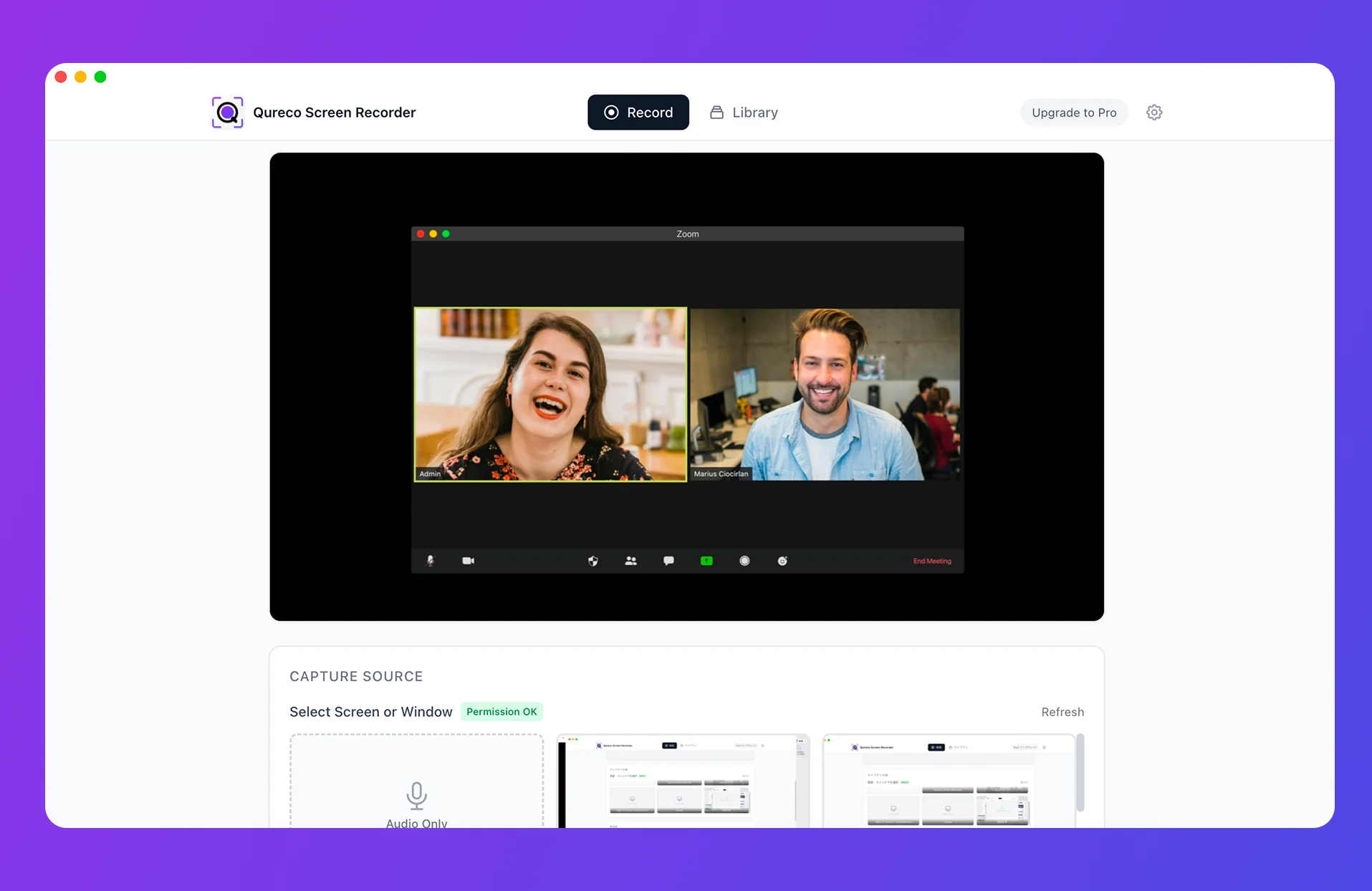
A Mac app that skips the virtual audio setup: Qureco
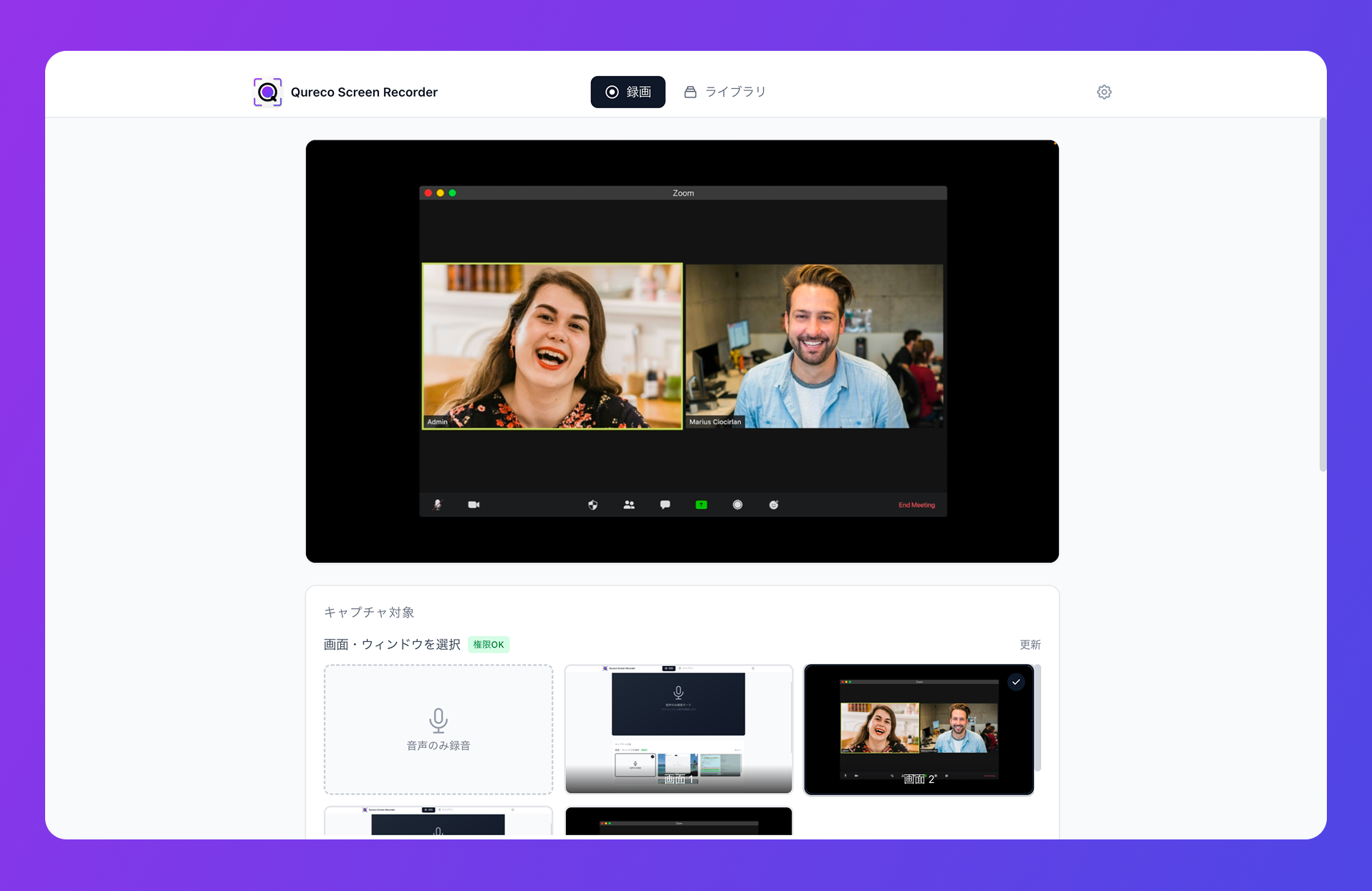
Quick highlights:
- Captures internal audio with zero virtual-audio configuration
- Unlimited recording time, no watermark, even on the free tier
- Recording happens on your Mac, so the Zoom participant list and "recording" indicator stay silent
- Works the same whether the host is on Free, has recording disabled, or doesn't know the option exists
Free to download. The recorder itself is free for as long as you want to use it.
From Zoom recording to AI notes in Notion — without a bot
Three broad approaches to AI meeting notes:
| Approach | Examples | Strengths | Weaknesses |
|---|---|---|---|
| Bot attendee | tl;dv, Otter, Notta, Fireflies | Polished SaaS, strong speaker ID | A bot shows up in the participant list — guests often can't invite one in the first place |
| Upload after the fact | ChatGPT, standalone transcription tools | Works from any audio file | You still do record → upload → cleanup → save by hand |
| Native recorder + AI | Qureco | No bot, recording and notes live in one app | macOS only today |
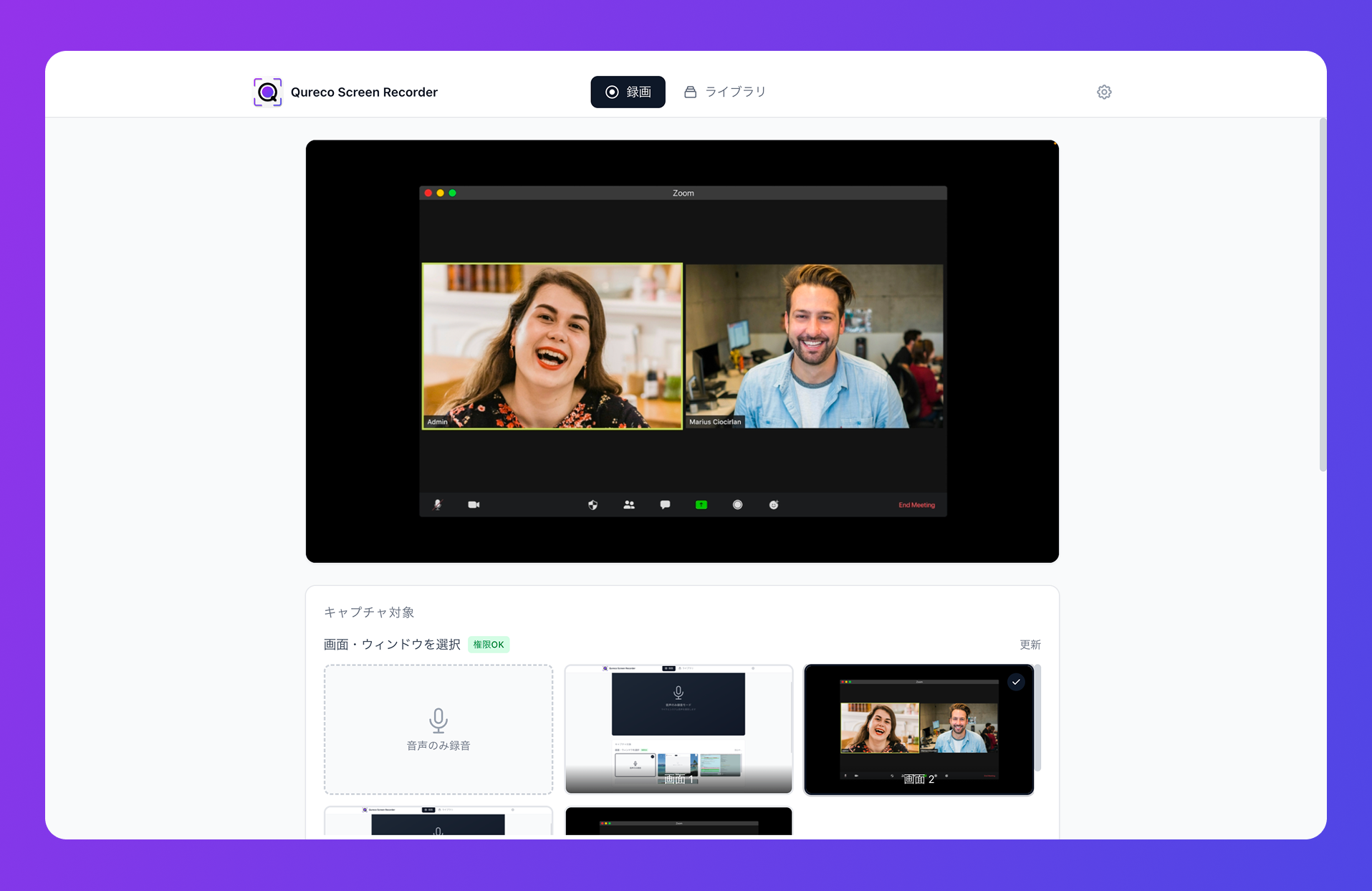
The flow looks like:
- Hit record in Qureco before the call (menu bar or
Cmd + Shift + R) - Run the Zoom call as usual — no indicator on the host's or other participants' side
- After the call, generate AI notes from the recording library
- Pick a connected Notion workspace and database, save in one click
FAQ
Is it legal to record a Zoom call from my own Mac without telling the host?
What's the difference between getting host permission vs recording on my own Mac?
Does the Zoom participant list show "recording" when I record?
Zoom's built-in recording shows a "recording" indicator to every participant. When you record using a Mac-side app (QuickTime, Qureco, etc.), Zoom can't detect it — so nothing appears in the participant list. That's exactly why leading with consent ("I'll be recording for our notes") at the top matters: the other side won't see anything that signals it.
My Mac is filling up with Zoom recordings — what do I do?
Zoom recordings range from a few hundred MB to over 1 GB per hour, so local-only storage fills up fast. Two options:
- Pick a tool with cloud storage built in (Qureco's Pro plan includes 30 GB)
- Organize recordings by account or project folders, and run a recurring cleanup (delete or archive anything over 60–90 days)
Can I record only audio (no video) to save space?
Yes — most Mac recorders, including Qureco, let you toggle screen capture off and record audio only. An hour of audio-only recording is typically 30–60 MB instead of several hundred. For meeting notes, audio is what matters anyway.
Will the host see anything if I record on my Mac?
No. From the host's perspective, you're just a normal participant. There's no notification, no badge in the participant list, no log entry. The only visible signal is whatever you tell them at the top of the call — which is exactly why we recommend doing that.
Wrap-up — "no record button in Zoom" is solvable from your Mac
To recap:
- Zoom's record button only shows up for participants the host has explicitly authorized in advance
- First, try asking with a 5-second script — most reasonable hosts will say yes if you lead with the purpose
- When that doesn't work, record from your own Mac — it sidesteps Zoom's permission model entirely
- QuickTime works for video, but you need virtual audio (BlackHole) to capture the other side's voice
- A purpose-built Mac app like Qureco skips that setup completely
- To make recordings actually useful, record → AI notes → Notion without a bot is the realistic shape of the workflow
Next time the record button isn't there, you don't have to push the host harder than they're comfortable with. Have a Mac-side capture in place by default. One afternoon of Zoom calls is enough to test the full flow from recording to Notion — and after that, you stop worrying about the record button entirely.
Qureco Screen Recorder
Powerful screen recording app for Mac
Record meetings, let AI handle the notes, just read what arrives in Notion.
Try all features free for the first two weeks.