The meeting ends, you open the transcript, and only your own voice is there. Everything the other person said is missing.
For that particular symptom, the cause is almost always one of two things: you're on the browser version, or system audio permission was never granted.
This guide is organized so you can look up your symptom and trace it back. Check where yours lands before you pay for anything.
Find your symptom
Start with whichever row sounds closest to what you're seeing.
| Symptom | Likely cause | Bucket | Does upgrading fix it? |
|---|---|---|---|
| The option isn't in the menu | You're in the browser, or the app is outdated | Environment | No |
| Recording won't start | Microphone or system audio permission missing | Permissions | No |
| Only your own voice is captured | Browser version, or system audio permission missing | Environment / Permissions | No |
| It stops working after some use | You've exhausted what Free or Plus allows | Plan | Yes |
| Transcript appears but no summary | The transcript is under roughly 300 characters | Volume | No |
| Recording fails later in a busy day | The 10-hour daily cap | Volume | No |
| Speaker names are labeled incorrectly | Speaker labeling is English-centric | By design | No |
Environment: you need the desktop app to record a call
This is the most common cause by a wide margin.
The browser version only captures your microphone
That is the leading explanation for "only my voice was recorded." If you were running Notion in a browser tab when you hit record, install the desktop app and record from there instead.
Mobile can't record an online meeting either
The mobile app can't capture audio playing on the same device. Joining a Zoom call on your phone and recording it with the Notion app on that same phone isn't something the app can do.
This isn't a Notion setting you've missed. It comes from the mobile OS's own policy, so there's no toggle that turns it on. Treat the mobile app as a tool for in-person conversations.
If the option isn't in the menu at all
If you're on the desktop app and still can't find it, two things are worth trying:
- Check your app version. An outdated build may not surface the feature at all
- Force a reload from the Notion icon in the top left. When the workspace hasn't loaded cleanly, this sometimes clears it
Permissions: microphone isn't enough, you also need system audio
Even on the desktop app, missing permissions will stop you.
There are two separate approvals
| Permission | What it captures |
|---|---|
| Microphone | Your voice, and people in the room with you |
| System audio access | Remote participants, and anything playing on your computer |
Grant only one and you'll only get one side of the conversation. This is the other half of the "only my voice" problem.
Where to check on a Mac
On macOS 13 and later, you approve this at the OS level the first time you record. If you declined it then, you can grant it afterwards from the privacy section of System Settings.
| macOS 15 and earlier | macOS 26 |
|---|---|
| Screen Recording | Screen & System Audio Recording |
| (no equivalent) | System Audio Recording Only |
Screen capture and system audio capture now live in separate lists. Searching for "Screen Recording" won't find it, which sends a lot of people in circles.
Restart the app after changing permissions
Easy to miss: permission changes don't take effect until the app restarts. Closing the window isn't enough. Quit Notion completely and reopen it.
Plan: the one bucket money fixes
Free and Plus are a trial, not a tier
You can sample AI Meeting Notes on Free or Plus, but not in a way you can rely on week after week. Articles describing it as "free meeting notes" are describing the trial.
Real use means Business or Enterprise
| Team size | Monthly (annual billing) | Per year |
|---|---|---|
| 3 people | $60 | $720 |
| 5 people | $100 | $1,200 |
| 10 people | $200 | $2,400 |
The plan also covers writing, summarization, translation and Notion Agent. If your team will use those too, it's a fair price. If meeting notes are the only draw, it's a lot for one feature.
Before you upgrade, read this
- Desktop-only recording
- Missing permissions
- Transcripts too short to summarize
- The 10-hour daily cap
- Speaker labeling language
If your symptom is one of those, paying changes nothing. Go back to the table at the top and confirm you're actually in the plan bucket.
Volume: no summary, or recording cuts out
These are numeric limits, not malfunctions.
Summaries need roughly 300 characters of transcript
A five-minute call where only twenty seconds of audio actually registered won't clear that bar. When a short meeting produces no summary, check the transcript length first. Often the real problem is upstream, in how little audio was captured.
There's a 10-hour daily cap
That cap doesn't lift on Business. For recording an all-day workshop or training session end to end, plan around it.
What upgrading won't fix, and how to work around it
Pulling together everything money doesn't solve:
- Recording requires the desktop app (no online meetings from mobile)
- Speaker labeling is English-centric, so names in other languages need checking
- The 10-hour daily cap
- Mangled product names, company names and jargon, which is a limit of AI transcription generally
Which means the piece to change is the recording, not where the notes live.
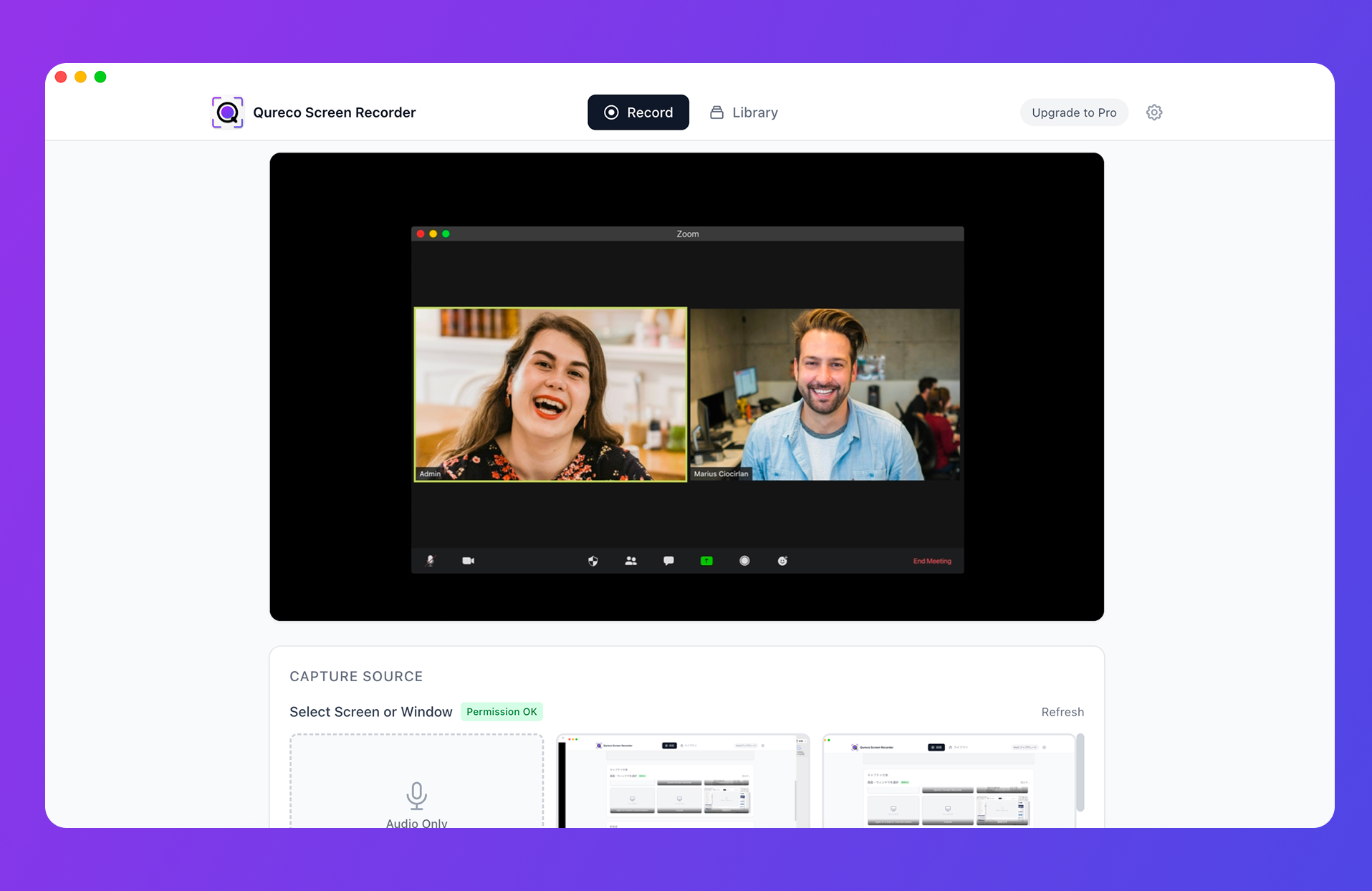
- Screen and audio recording are free, with no time limit and no watermark
- It captures system audio without a virtual audio driver like BlackHole
- The Pro plan generates AI meeting notes from a recording and sends them to a Notion database
- No bot joins the call, so nothing appears in the participant list
- The recording is kept, so a mangled company name is something you can go back and verify
Summary
- Causes fall into environment, permissions, plan and volume, and only the plan bucket is solved by upgrading
- "Only my voice was recorded" is nearly always the browser version or a missing system audio permission
- Recording an online meeting requires the desktop app. Mobile can't do it, by OS policy
- "Transcript but no summary" means you're under roughly 300 characters. Nothing is broken
- The 10-hour daily cap and English-centric speaker labels do not change on Business
Before committing $20 per person per month, check the table at the top and confirm your symptom is actually a plan problem. If it isn't, you'll be looking at the same screen afterwards.

Qureco Screen Recorder
Powerful screen recording app for Mac
Record meetings, let AI handle the notes, just read what arrives in Notion.
Try all features free for the first two weeks.