The third mid-career hire of the year starts next week, which means you are running the same onboarding session again. The slides from last time still exist. But half of what you actually say is spoken context that is not on them, so you will spend another two hours saying the same things.
This is the third time you have thought "I should have recorded that."
Start by working out what is actually being repeated
What repeats is the spoken half, not the deck
Training material usually exists. You still end up delivering it in person because the part that is not written down is the substance.
The slide says "first response to a customer within the same day." What you actually say is why it is same-day, which cases tolerate the following morning, and what went wrong the last time someone let it slide. That commentary exists only in speech, so handing over the deck does not transfer it.
Answers to questions do not persist either. The third hire asks essentially the same things the first one did, and you answer from scratch every time.
The teaching load is larger than it feels
If you think of it as "about two hours", you will miss the annual total.
There is never a "last time"
The other thing that is easy to miss is that this does not end.
As long as hiring continues there is a next one, and internal transfers mean you deliver the same explanation within your own team. Judged as a single two-hour session, setting up a recording looks like overkill. At four sessions a year it is eight hours, and closer to double that once you count answering questions.
Change the unit from one session to a year of sessions and recording wins.
Three obstacles to clear before anyone watches
Recording alone does not fix it. If you have posted one and watched it go untouched, one of these three is in the way. Clear it first.
You posted the full 90 minutes
This is the most common one.
| Video length | Average completion |
|---|---|
| 1 minute | around 80% |
| 3 minutes | around 65% |
| 5 minutes | around 50% |
Half, at five minutes. Post a 90-minute training recording and realistically nobody finishes it. That is not an attitude problem on the viewer's part. Watching 90 minutes straight through simply does not fit inside a working day.
The only entry point is a filename
Open the shared folder and you see "onboarding_20260401.mp4" and "training (revised).mp4". Nothing about that tells you what is inside.
Someone seeing it for the first time cannot even tell which one to start with. As long as the entry point is a file listing, they give up before opening anything.
Video is not searchable
The third reason is structural.
"I am sure I heard the rule about returns somewhere." In a video, you cannot look that up. Text takes one keystroke. Finding the relevant passage in 90 minutes of video means dragging the scrub bar and guessing.
So even people who watched it once do not come back. To function as a reference, it needs text alongside it.
Four conditions that make a recording a resource
None of these are production skills. They are all about how it is placed.
Condition 1: Split into 5 to 10 minute pieces
Condition 2: Order the contents list by when to watch it
| When to watch | Example content | Rough count |
|---|---|---|
| Day one | What the team does, which tools, what to do today | 2 to 3 pieces |
| Week one | Core workflows, decision criteria, when to escalate | 4 to 6 pieces |
| Month one | Edge cases, past failures, frequently asked questions | 3 to 5 pieces |
A new hire watches the three "day one" pieces and can start moving. Knowing they do not have to watch all of it is what lowers the barrier to opening any of it.
Condition 3: A transcript and summary sit alongside
Put the transcript and a summary of what was said underneath the video. Now it is searchable, and "watch only the relevant part" becomes possible.
People who only need to read, read. People who need the nuance go back to the video. That two-layer arrangement changes how often it gets consulted. As the person who recorded it, a summary also lets you see at a glance which parts have gone stale.
Condition 4: There is a rule for replacing things
The last one is who updates it and when. Without a rule, within a year it becomes "the place that probably contains some out-of-date information", and nobody trusts it.
The Q&A is worth more than the session itself
This is the part that gets overlooked.
Questions cluster in the same places every time
The session itself follows the material, so what you say is stable. Questions, on the other hand, land in the same spots every time: where the decision boundary is fuzzy, where there are many exceptions, where the internal vocabulary is idiosyncratic.
Make the questions and answers their own pieces
Cut the Q&A portion out of the recording and list it as frequently asked questions. One question per piece, two or three minutes each.
Questions keep arriving, so this set thickens naturally. Six months in, the first thing a new hire should watch may be the Q&A rather than the session. That is a good outcome.
Next time, the questions change
With the Q&A on record, the next hire does not ask the same things, because the answers already exist.
The questions you field in person become more specific and go deeper. Time spent repeating yourself turns into time spent on new ground.
What you need in order to just record it
Meeting the four conditions does not require production work. It requires five things.
- Recording starts immediately (no added preparation)
- No time limit (a two-hour session does not get cut off)
- No watermark (it can circulate as internal material)
- A transcript and summary appear automatically (condition 3)
- It can be sent to the destination automatically (so it lands with the contents list from condition 2)
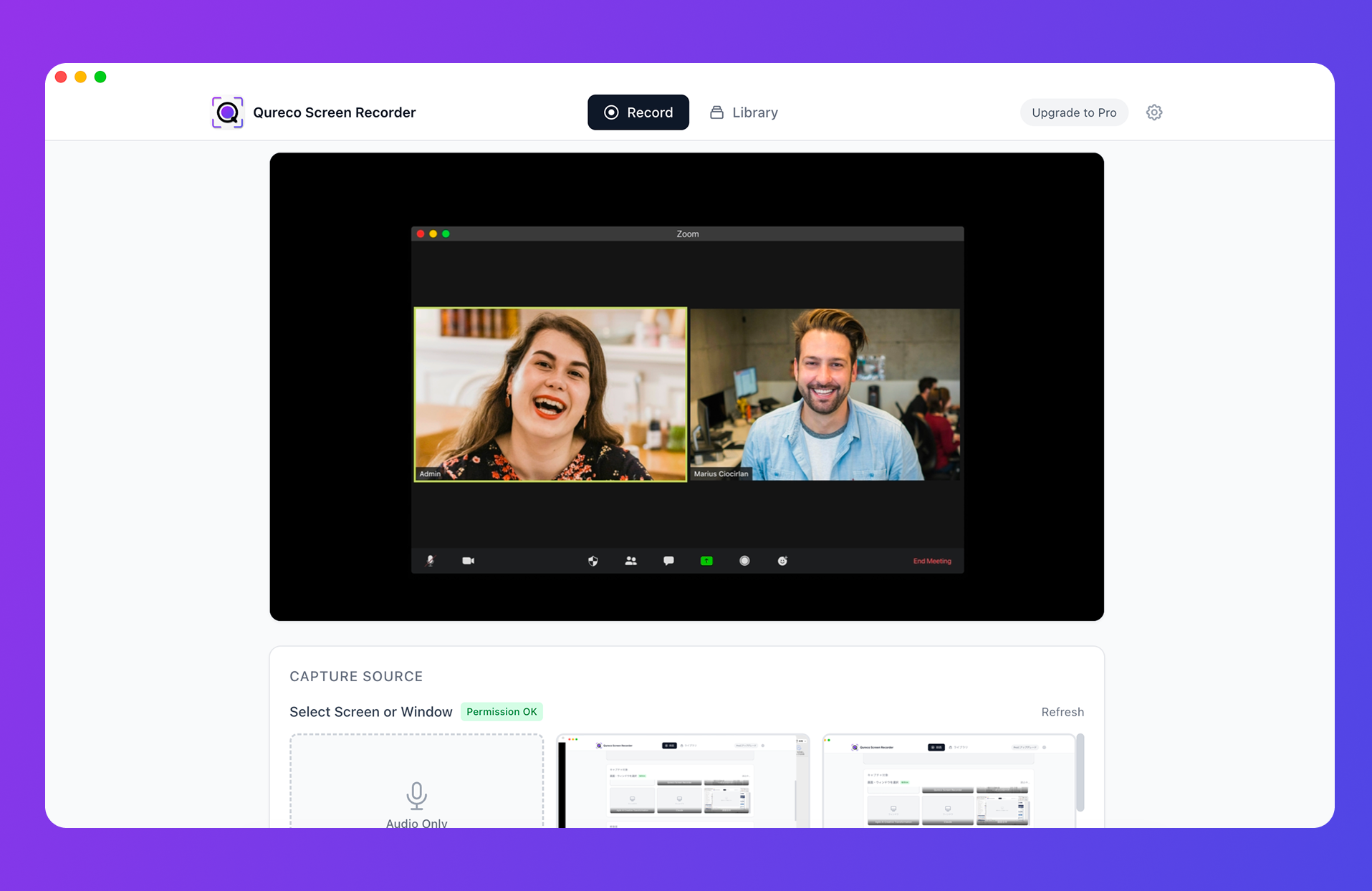
Recording starts right after install. No virtual audio driver is required, so audio played inside your slides is captured along with your voice. Afterwards, AI produces a transcript and summary, and you can export to a Notion database.
| Feature | Free | Pro |
|---|---|---|
| Screen and audio recording | Unlimited length, no watermark | Same |
| Resolution options | 1080p / 720p / 480p / 360p | Same |
| Audio-only recording mode | Yes | Same |
| Storage | Local | 30GB cloud with automatic backup |
| AI meeting notes (transcript, summary) | Not included | Auto-generate, regenerate, custom templates |
| Notion integration | Not included | Export, multiple workspaces supported |
Recording is free, and a two-hour session runs with no time limit and no watermark. The Pro plan, which adds transcripts, summaries, and the Notion integration, is $9/month at launch pricing, with no credit card required for the first two weeks. Training recordings add up locally, so dropping to 720p keeps the stored volume down.
Four steps, starting with your next session
A sequence that adds no preparation. Only the first round costs you about thirty minutes afterwards.
Step 1: Run the next session as planned, with recording on
No new material is needed. Deliver the session you were going to deliver, having pressed record first.
If it is in person, run screen recording on the Mac driving the slides. If it is online, record the meeting window. Keep recording through the Q&A. That is the part that becomes an asset later.
Step 2: Afterwards, cut it into 5 to 10 minute units
Split at topic boundaries. Clean editing is unnecessary as long as the in and out points are right.
Step 3: Put the contents list and summaries on one page
Create a single training database in Notion. Four properties are enough.
| Property | Type | Purpose |
|---|---|---|
| Title | Title | A name that says what it covers, e.g. "How returns are approved" |
| When to watch | Select | Day one / Week one / Month one |
| Type | Select | Session / FAQ |
| Updated | Date | Sorting oldest first at review time |
Step 4: Give the next hire only that page link
Stop holding a day-one session. Send one link, with a line: "Watch the three day-one pieces, then bring me whatever is unclear."
When a question comes, answer it and record that too. The Q&A set grows by one.
Some training should not become video
This is not an argument for replacing everything.
- Hands-on practice and role play: the value is correction in the moment. Make the watch-and-learn part a video and keep the practice in person
- Individual reviews and anything performance-related: the content varies per person, and the record needs careful handling
- Sessions that are really decision meetings: shaped like training but functionally a meeting. Better kept as meeting notes than as a video
Summary
- Repetition persists not because documentation is missing, but because the spoken context and the Q&A are not captured
- A recording goes unwatched because it is still 90 minutes long. Completion is around 50% at five minutes
- Four conditions make it a resource: 5 to 10 minute pieces, a contents list ordered by when to watch, a transcript alongside, and a quarterly review
- The Q&A repeats more than the session does, so record the questions too
- Hands-on practice and individual reviews stay in person. Not everything needs to be video
Start by pressing record once at next week's session. Cutting it up and building the contents list can happen afterwards. What you did not record cannot become a resource later.

Qureco Screen Recorder
Powerful screen recording app for Mac
Record meetings, let AI handle the notes, just read what arrives in Notion.
Try all features free for the first two weeks.