You recorded a twelve-minute walkthrough. The file is there, but when you open it, playback stops at one minute. Nothing in the app says why, so you went looking for an answer.
Nothing is broken. This is how the free version of EaseUS RecExperts works. It is confusing because the product page also says "no recording time limit," which is true of a different part of the process.
This article uses only numbers published by EaseUS and the App Store, checked in October 2026: what the free version actually allows, whether a watermark is added, what the paid version costs on each platform, and what your options are besides buying.
The short version
| Free | Pro | |
|---|---|---|
| Recording length | Unlimited | Unlimited |
| Playback / saving length | 1 minute | Unlimited |
| Watermark on recordings | None | None (can add your own logo) |
| Editing while recording | Not available | Available |
| Video trimming | Not available | Available |
| Mic boost and noise reduction | Not available | Available |
| Scheduled recording, auto-split, auto-stop | Not available | Available |
| Extract audio from video | Not available | Available |
| 24/7 technical support | No | Yes |
What the free version does and does not do
Why "unlimited recording" still stops at one minute
The official comparison table lists two separate rows for the free version: recording time is unlimited, playback time is one minute.
Those are not contradictory, because they apply at different stages. You can keep a recording running for as long as you like. The restriction appears afterwards, when you try to open the file or export it. At that point, only the first minute is usable.
So the free version records at full length but lets you watch and hand over only the opening minute. For a twelve-minute product walkthrough, the practical result is the same as not having recorded it.
The Mac product page states "no recording time limit" near the top and, further down in its own FAQ, says free users can save and play back one minute. If you read only the feature summary, you will reach the wrong conclusion.
Mac and Windows behave differently
On a Mac, plan around the one-minute figure. A review written from a Windows machine will describe a more generous free tier than the one you have.
What is not restricted
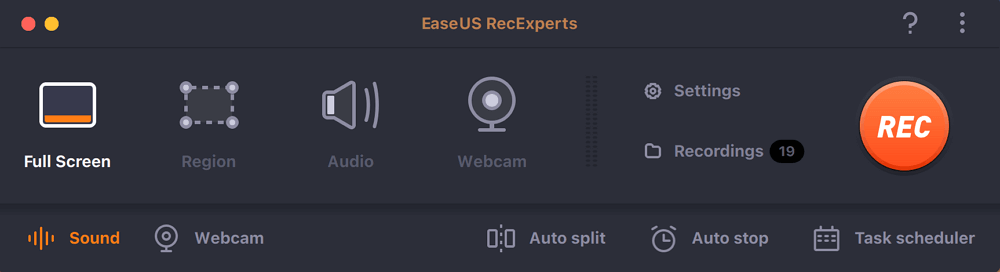
Video quality is not where the free version is held back. Resolution and frame rate settings match the paid version, and all the capture modes are available: full screen, region, webcam, audio only. For judging whether you like the app, the free version is enough.
What you lose is everything that happens after the recording stops: trimming, intros and outros, audio extraction, noise reduction. Scheduled recording and automatic splitting of long sessions are also paid features.
Does the free version add a watermark?
Current versions do not
Some articles say the free version stamps a watermark on your recordings. That is not the case in current builds.
The official site's own headline is "Screen Recorder | No Watermark," and the FAQ states there is no time limit and no watermark. Independent testers who ran the free version did not report one either.
The claim appears to come from older articles describing earlier versions that were never updated.
The "watermark" row in the comparison table means adding one
There is a second source of confusion. The feature table lists "watermark" as a paid feature, which reads as though the free version gets one imposed.
The one-minute cap decides this anyway
No watermark is good news, but if you can only save a minute, you still cannot produce a video for an external audience on the free version. For anyone weighing up watermarks, the minute is the part that actually decides things.
What EaseUS RecExperts costs (October 2026)
Pricing depends on which version you buy and where.
| Plan | Mac (official site) | Windows (official site) | Mac App Store |
|---|---|---|---|
| Monthly | $19.95 | $19.95 | $19.99 |
| Yearly | $49.95 | $39.95 | $49.99 |
| Lifetime | $79.95 | $69.95 | $79.99 |
| Multi-device | Business, 2 Macs: $119.95 | 2 PCs: $99.95 / 5 PCs: $199.95 | ー |
Two things worth noticing. The Windows license is cheaper than the Mac one at both the yearly and lifetime tiers, for the same product name. And buying through the Mac App Store costs effectively the same as buying direct, within four cents, so that choice comes down to whether you would rather manage the subscription through your Apple account.
One difference between the two Mac routes is the supported OS. The direct download runs on macOS 10.13 or later; the App Store build requires macOS 10.15 or later.
Monthly or lifetime
Using the Mac prices, the crossover points are:
- Five months of the monthly plan comes to $99.75, above the $79.95 lifetime price
- Two years of the yearly plan comes to $99.90, also above it
If you know the job will be finished within four months, the monthly plan is cheaper. Past that, the lifetime license wins.
Is EaseUS RecExperts safe to use?
Enough people search for this that the facts are worth stating plainly.
Where you download it matters more than the app itself. Avoid sites offering a "full version free download" or a cracked license. EaseUS warns about these on its own blog. Use the official site or the Mac App Store.
Three options when you hit the one-minute wall
The choice is not only between paying and giving up.
| Option | Best when | Cost |
|---|---|---|
| Buy the paid version | You want recording, editing and export in one app | $19.95 to $79.95 |
| Use macOS screen recording | Your own voice is enough and you need no editing | Free |
| Use a recorder with no length limit | You just need the full recording saved | Free |
Option 1: Buy it
If the work continues after you stop recording, the paid version is the straightforward answer. Cutting dead air, adding an intro, pulling out the audio track, reducing noise: keeping all of that in one app saves real time. Scheduled recording and automatic splitting of long sessions are also uncommon in free apps. If you produce videos regularly, $79.95 once is a reasonable line item.
Option 2: Use the macOS built-in recorder
Command + Shift + 5. There is no time limit and no watermark.Option 3: Record with something that has no length limit
If today's problem is simply saving twelve minutes end to end, pick a recorder that does not cap it, and add an editor later if you ever need one.
If you only need the recording itself, there is Qureco
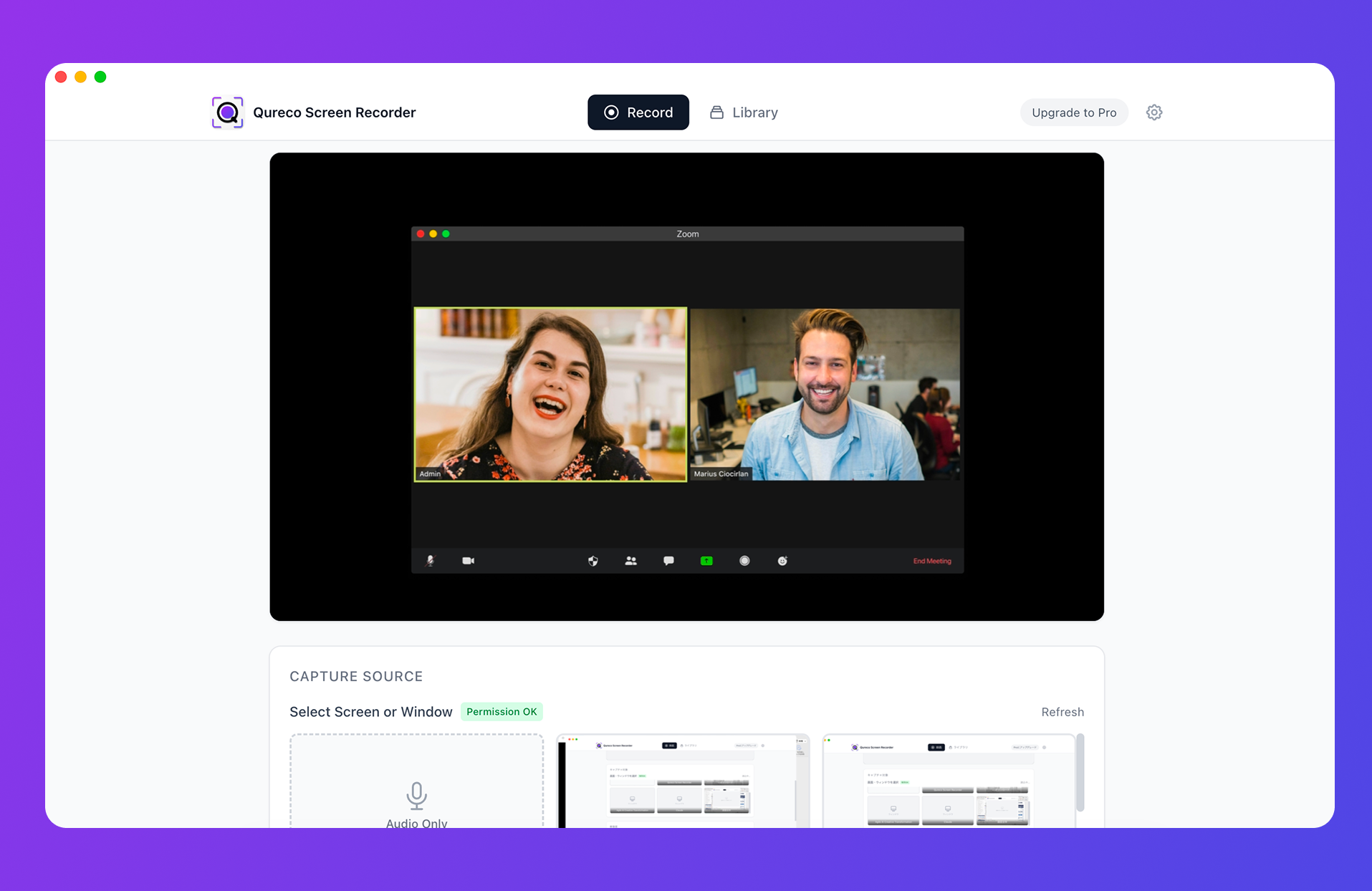
For meetings, the Pro plan ($9/month) turns a recording into AI-generated minutes and sends them straight to Notion, so what you keep is searchable text rather than a growing folder of video you never rewatch. Pro is free for two weeks and does not ask for a credit card.
Summary
Four things to take away about the free version of EaseUS RecExperts:
- Recording length is unlimited, but only the first minute can be played back or saved. Record twelve minutes and you can use one
- No watermark is added in current versions. The "watermark" row in the comparison table is a paid feature for adding your own logo
- Pricing is $79.95 lifetime on Mac, $69.95 on Windows, $79.99 through the Mac App Store as of October 2026, with VAT excluded
- Three ways forward when you hit the cap: buy it, use the macOS built-in recorder, or record with something that has no length limit
If the editing matters, buy it. If you just need the recording kept whole, a recorder without a cap settles it today.

Qureco Screen Recorder
Powerful screen recording app for Mac
Record meetings, let AI handle the notes, just read what arrives in Notion.
Try all features free for the first two weeks.

Frequently asked questions
Is the free version a time-limited trial?
No. It does not expire, and you can keep using it. The one-minute playback and saving limit stays in place for as long as you use it.
Is the part past one minute stored anywhere?
The recording itself runs until you stop it, but the free version gives you access to the first minute only. Reaching the rest requires a license.
If I buy a license later, can I open recordings I already made?
Does one license cover both Windows and Mac?
No. They are sold separately, with different purchase pages and different prices. Using both means buying both.
What is the difference between the App Store version and the direct download?
Mainly the minimum OS. The direct download supports macOS 10.13 or later; the App Store build requires macOS 10.15 or later. Prices are within four cents of each other.
How can I record something long for free?
Command + Shift + 5) has no time limit and no watermark, but it will not capture system audio. To get internal audio for free, compare the options in 7 free Mac screen recorders that capture internal audio.