You read about Granola in a newsletter, opened the site, and the pitch landed: AI meeting notes with no bot joining the call. Then a practical question showed up. Does it actually work in the language your meetings are held in?
Here's what the official documentation and pricing page actually say, split into what Granola does in your language and where it stops short.
Granola at a glance
| What you're checking | Where it stands (August 2026) |
|---|---|
| Non-English transcription | Supported: 10 languages on desktop, including Japanese |
| Interface language | English only |
| Bot joining the meeting | None. It listens to your own system audio and mic |
| Audio and video saved | No. Nothing is stored, so there is nothing to replay |
| Free plan | Yes, but your meeting history is limited |
| Notion sync | Business plan, $14 per user per month |
| Platforms | macOS and Windows desktop apps, plus an iPhone app |
How far does the language support go?
Transcription and summaries handle more than English
A meeting held entirely in any one of those languages transcribes and summarizes without trouble. There's no reason to rule Granola out on language grounds alone. Quality does vary by language, and English and the major European languages are where it's strongest.
No bot appears in the call, whatever the language
Granola's docs put it plainly with the line "There is no meeting bot," and explain that Granola runs only on your computer, using your system audio and microphone. Rather than joining as a participant, it listens to what your machine plays and what your mic picks up.
Note templates carry over to any language
Granola lets you customize note templates, so the shape your team expects (decisions, open questions, action items) can be set up in advance and reused. Templates are available on the free plan too.
Where Granola stops short
The interface is English-only
As of August 2026 the app UI ships in English only. For your own use that's a small thing. For rolling a tool out to a team that doesn't work in English day to day, it's one more layer of friction to price in, rather than discover after you've bought seats.
Mixing two languages in one meeting costs you accuracy
Granola picks a single language for the transcript, and its own guidance is to stay in one language per meeting. A call that switches back and forth produces noticeably messier output than one that doesn't. Recurring meetings with a mixed-language group are not where this tool is at its best.
Proper nouns are where transcripts really break
Language coverage is rarely what ruins a transcript. Company names, product names, and internal acronyms are. Every AI transcription tool mangles them, and non-Latin scripts add their own inconsistencies in how a name gets rendered. The workable habit is listing recurring terms in your template up front and fixing the handful of proper nouns after the call.
No audio, no video, so you can't go back and fix it
This is the real fork in the road. Straight from the documentation: Granola "does not record or save audio or video at any point during the call." Audio is transcribed in real time and discarded. What you keep is text.
As a privacy design that's a genuine strength. No meeting audio sits on your machine or in a vendor's cloud, which is exactly the posture some organizations want.
It becomes a constraint in four specific situations.
| The situation | What happens |
|---|---|
| The summary came out thin or off-target | There's no source audio to regenerate from. You edit the text by hand or accept it |
| You need the exact wording of something someone said | You can't replay it. You're trusting the transcript |
| Someone needs the record for a handoff, an audit, or a disagreement | No primary recording exists |
| The screen share mattered, whether a deck, a demo, or a design | Video was never captured, so it's simply gone |
Note how this compounds with the proper-noun problem above. The names most likely to be transcribed wrong are also the ones you can no longer go back and check.
Keeping the recording without inviting a bot
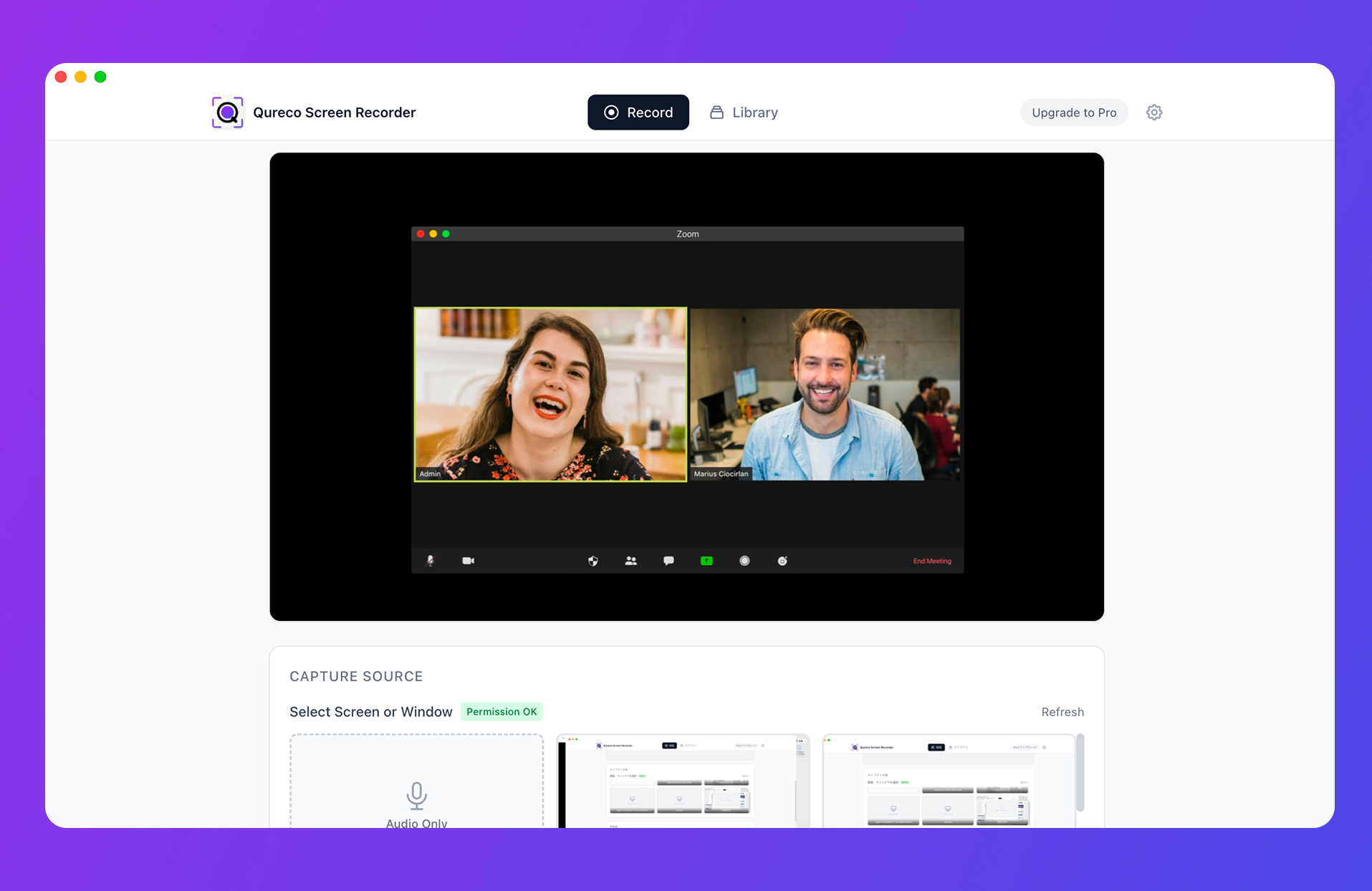
Three differences matter.
The Pro plan, which adds AI meeting notes and Notion sync, is $9/month at launch pricing, with the first two weeks free and no credit card required. Set that against the pricing in the next section and the gap for Notion sync specifically is a wide one.
One caveat: Qureco is macOS-only today, with a Windows version in development. If your requirement is one tool for a mixed-OS team, Granola meets that and Qureco doesn't.
Pricing and the free plan
Now for Granola's own numbers, from the official pricing page:
| Plan | Per user, per month | What it covers |
|---|---|---|
| Basic | $0 | AI notes, AI chat, shared folders, templates, multi-language, with limited meeting history |
| Business | $14 | Unlimited history, Notion / Slack / HubSpot / Zapier integrations, API, MCP, user management |
| Enterprise | $35 | SSO, org-wide controls and auto-deletion, audit features |
Two things to flag. First, the free limit lands on history rather than features. The official wording is "limited meeting history" with no published number, and reviews report roughly 25 notes. It's plenty while you evaluate, and it becomes the wall the moment you start going back through past meetings.
Choosing between them
| What you're weighing | Granola | Qureco |
|---|---|---|
| Non-English transcription | 10 languages on desktop | Japanese |
| Interface | English | Japanese |
| Bot in the call | None | None |
| What you're left with | Text notes only | The recording plus generated notes |
| Replaying, regenerating a summary | Not possible, no source audio | Possible, straight from the recording |
| Screen-share content | Not captured | Kept as video |
| Free tier | AI notes with limited history | Unlimited recording, no watermark |
| Notion sync price | From $14/mo (Business) | From $9/mo (Pro) |
| Platforms | macOS, Windows, iPhone | macOS (Windows in development) |
If you want to keep comparing before you decide, these go deeper:
- For the full workflow from recording to notes to Notion, How to Manage Meeting Notes in Notion with AI
- To see the broader field side by side, Meeting Transcription Tools Compared for 2026
Frequently asked questions
Wrapping up
- Language: transcription and summaries cover ten languages on desktop, including Japanese, and no bot appears in the call regardless of language
- Where it stops: the interface is English-only, mixed-language meetings lose accuracy, proper nouns get mangled, and no audio or video is ever saved, so you can't replay, regenerate, or produce a primary record
- Pricing: the free plan caps history, and Notion sync begins at $14 per user per month, billed monthly only
It comes down to one question: what do you need to still have after the meeting? If text is enough, Granola is a polished answer. If you'll want to listen back, rebuild the summary, or keep what was on screen, choose something that keeps the recording, and you can do that without ever adding a bot to the call.

Qureco Screen Recorder
Powerful screen recording app for Mac
Record meetings, let AI handle the notes, just read what arrives in Notion.
Try all features free for the first two weeks.