"I read this and I still cannot tell what we decided."
Have you had that come back on minutes you submitted? During the meeting you were fully occupied just keeping up, and now you do not know whether the problem is the format or the writing.
This article covers how to fix your own writing through before-and-after examples, the three things worth capturing while the meeting runs, three copy-paste formats, and a 15-minute routine for finishing.
One scope note: statutory minutes such as those for shareholder or board meetings have legally defined requirements. This article is about internal standups, working sessions, and 1-on-1s, not those.
Three things that make minutes unreadable
Start by locating where yours breaks down. It is almost always one of these.
Cause 1: listing what was said, in order
Meetings loop back on themselves. Transcribe that flow and the reader has to relive the meeting, reaching the conclusion only after reading everything.
Cause 2: decisions and open discussion mixed together
This is the one that frustrates readers most.
Before: Discussed the pricing change. Options A and B were raised, and there seemed to be more support for A. Cost concerns were also mentioned. We will talk about it again next time.
After reading it, you still cannot tell whether A was chosen.
After: [Open] Pricing change will continue to be explored with option A as the base. Decision at the next standup (10/8).
- Majority support for A, on the grounds of lower impact on existing customers
- Recalculate the cost estimate (Owner: Tanaka / Due: 10/4)
Declaring up front whether something was decided lets the reader choose whether to keep reading.
Cause 3: no owner and no due date
Minutes that end with "we agreed to do it" move nobody.
Before: The deck will be updated.
After: Update the pricing page of the proposal deck (Owner: Yamamoto / Due: 10/6 / Share with: sales team)
A task that is not written down does not exist. Owner, due date, and completion state together are what make it an action.
What every set of minutes needs
Decide the containers before the writing. These six cover any meeting.
| Field | What goes in it | Priority |
|---|---|---|
| Basics | Date, location (or the tool, if remote), attendees, absentees, note-taker | Required |
| Agenda | The topics covered | Required |
| Decisions | What was agreed, organized by agenda item | Highest |
| Action items | Who, what, by when | Highest |
| Open questions | What was carried over, and when it gets decided | Required |
| Next meeting | Date and main topics | Recommended |
People who were not in the meeting read the minutes. Phrasing that only makes sense to those who were there ("the thing we talked about", "that issue") leaves them nothing to work with.
Write decisions as subject, verb, deadline
A decision line reads clearly when it has all three.
- Subject: which person or team
- Verb: what they will or will not do
- Deadline: by when, or starting when
Example: "The sales team will switch the October proposal deck to the new pricing version starting 10/10."
Write action items as one line each
Action items buried in paragraphs get missed. Give them their own checklist.
- [ ] Redo the cost estimate (Owner: Tanaka / Due: 10/4)
- [ ] Update the pricing page of the deck (Owner: Yamamoto / Due: 10/6)
- [ ] Draft the customer announcement (Owner: Takahashi / Due: 10/8)
Open questions make the next meeting faster
This is the field most often skipped. Recording what was not decided, along with when it will be, lets you resume at the top of the next meeting. Without it, the same discussion starts over from zero.
Seven rewrites, before and after
Open your own minutes alongside this section.
1. From a list of statements to the conclusion first
Before: Tanaka raised a concern about the deadline. Yamamoto responded that it was not a problem. Sato then proposed adding a mid-point check. Tanaka agreed.
After: [Decided] Deadline unchanged; a mid-point check will be held on 10/20.
- Tanaka raised a deadline concern; Yamamoto confirmed current progress is sufficient
- Sato's proposal adopted, adding a mid-point check to reduce risk
Conclusion on top, history underneath. Changing only the order changes the readability.
2. Put the subject back in
Before: There was discussion that the schedule should be revised.
After: Sato proposed revising the schedule and will prepare a revised draft before the next meeting (Owner: Sato).
3. Replace vague deadlines with dates
Before: We will handle it as soon as possible, sometime next week.
After: Complete by 17:00 on Friday 10/10.
"Soon", "next week", and "this month" land three days apart depending on the reader. Write the date, and the time when it matters.
4. Expand internal shorthand
Before: PJ team picks up the ET item.
After: The project team will own the existing-customer trial (hereafter ET).
Spell it out on first use, then abbreviate. Your future self reading this in six months benefits too.
5. Separate fact from opinion
Before: Inquiries are up this month, probably because of the ads. We need to respond.
After:
- [Fact] September inquiries were 142, 1.4x the previous month
- [Opinion] Yamamoto suggested the ad campaign launched in September as a likely cause
- [Decided] Run a root-cause analysis (Owner: Yamamoto / Due: 10/9)
When the note-taker's guess reads as fact, later decisions get skewed. Label it or split the line.
6. Break long sentences into one idea each
Before: Regarding the pricing change, because the impact on existing customers is significant we will roll it out in stages, applying it to new customers first while existing customers move next fiscal year, though large accounts will be handled individually, with the announcement to be written by the sales team.
After:
- Pricing change rolls out in stages
- New customers: new pricing from 10/1
- Existing customers: from next fiscal year (April)
- Large accounts: handled individually. Sales team writes the announcement
A sentence chained together with commas forces the reader to rebuild the structure. Splitting it into bullets solves it.
7. Retire "there was talk of"
Before: There was talk of revising the hiring plan.
After (decided): [Decided] The hiring plan will be revised. Revised version due in November (Owner: department head). After (open): [Open] Revision of the hiring plan was raised (by the department head). Decision at the next leadership meeting.
Answers to the questions people get stuck on
Knowing the tips does not stop you from freezing over details. Four common ones:
| Question | How to decide |
|---|---|
| Formal or conversational register | Internal minutes: keep it terse and impersonal. Records shared with clients or externally: use full, polite sentences. If your organization has a convention, follow it |
| Verbatim or summary | Summary by default. Verbatim is for meetings where the words themselves become evidence later: labor negotiations, incident response, confirming a commitment on a spec |
| Names and titles | Internal minutes usually drop honorifics ("Tanaka"). External versions use full names and titles. Never mix the two in one document |
| Numbers and hedging | Not "increased significantly" but "1.4x the previous month (142)". If no number came up in the meeting, write "figure not confirmed" |
When in doubt, ask whether someone who was not in the meeting could act on this alone. That resolves most of it.
During the meeting, capture only three things
This is where minutes become painful.
Writing the finished version live does not work
Trying to record every statement leaves you behind the discussion. With your attention on writing, you lose the thread, and you miss the moment something is decided. That is how you end up with minutes full of statements and no decisions.
The three to capture
- The moment of decision: when the room lands on "let's go with that". One line on what was agreed
- Assignments: anything handed to someone. Name and task, nothing more
- Numbers and proper nouns: what you will not recall later. Amounts, dates, counts, tool names, company names
The reasoning and the nuance you can skip. With these three, you can rebuild the rest afterward.
Use symbols to go faster
The way to write faster is to stop writing sentences.
O pricing change, option A adopted
> Tanaka cost estimate 10/4
> Yamamoto deck update 10/6
? handling of large accounts, next time
O decided, > action item, ? open, # number. Four symbols are enough to keep the cleanup unambiguous.Ask in the room when you miss something
Saying "sorry, just to confirm, the decision is X?" during the meeting is a legitimate part of the note-taker's role. It costs less than chasing people afterward, and forcing the decision into words often catches a mismatch among the attendees.
Three copy-paste formats
Changing the shape by meeting type speeds up the writing. These paste into Notion, Google Docs, or Word as-is.
Recurring standup
# [Standup] Team X Weekly (2026/09/24)

## Basics
- Date: 2026/09/24 14:00-15:00
- Format: Remote (Google Meet)
- Attendees: Tanaka, Yamamoto, Sato, Takahashi (notes)
- Absent: Suzuki

## Decisions
-
-

## Action items
- [ ] (Owner:  / Due: )
- [ ] (Owner:  / Due: )

## Open questions
- (decided by: )

## Notes by agenda item
### 1.
### 2.

## Next meeting
- Date:
- Main topics:
Decision meeting
# [Decision] Direction for X (2026/09/24)

## Decision
- What was decided:
- Why:
- Decided by:

## Options considered
| Option | Description | Upside | Concern | Outcome |
|---|---|---|---|---|
| A | | | | Adopted |
| B | | | | Not adopted |

## Why the others were rejected


## Action items
- [ ] (Owner:  / Due: )

## Still to decide
-
Keeping the options in a table means that six months later, when someone asks why you did not go with B, you have an answer. In decision meetings, the rejected options are the real asset.
1-on-1
# [1-on-1] Tanaka x Takahashi (2026/09/24)

## What we talked about
-
-

## What we decided
-

## Before next time
- Team member:
- Manager:

## Next session
- Date:
A 1-on-1 has few decisions, so splitting "before next time" into both people's columns is what makes it work.
A 15-minute finishing routine
If you are spending two hours after the meeting, break the work into stages.
| Stage | Time | What you do |
|---|---|---|
| 1. Transfer | 5 min | Move the symbol notes into the format. Do not polish the prose |
| 2. Lock the decisions | 5 min | Sort into decided, open, and background; rewrite decisions as subject, verb, deadline |
| 3. Check the actions | 3 min | Confirm every owner and due date is filled in. Ask if anything is missing |
| 4. Send | 2 min | Send it. No fine-tuning |
Same-day delivery is the biggest quality factor
Eighty percent quality today beats perfect three days from now. Memories are fresh enough for attendees to correct you, and the action items start moving sooner.
Ask for confirmation instead of chasing perfection
Where you are unsure, write it anyway and add a line.
Note: please flag anything in the third decision that does not match your understanding.
Written that way, the attendees fix the errors. Trying to produce the correct version alone is what makes it slow.
The option of not writing them by hand
Everything above assumes a person is writing. But not every meeting needs that.
Which meetings suit which approach
| Better by hand | Better handed to a machine |
|---|---|
| Short sessions with a single topic | Standups running an hour or more |
| Meetings where the exact wording becomes evidence | Meetings with many people and overlapping speech |
| Meetings where the note-taker does not participate | Meetings where the note-taker also has to speak |
The last row is the hardest case. If you are contributing to the discussion and taking the minutes, one of the two always suffers.
Record, let AI draft, and keep the judgment for yourself
Reordered, the process looks like this.
- Record the meeting
- AI produces the transcript and a draft of the minutes
- You lock the decisions and fill in owners and due dates
Step three is the part only a person can do. AI captures what was said accurately, but whether a given exchange was a decision depends on the room and on organizational context. The upside is that your part takes about three minutes.
Qureco handles recording, AI notes, and Notion in one app
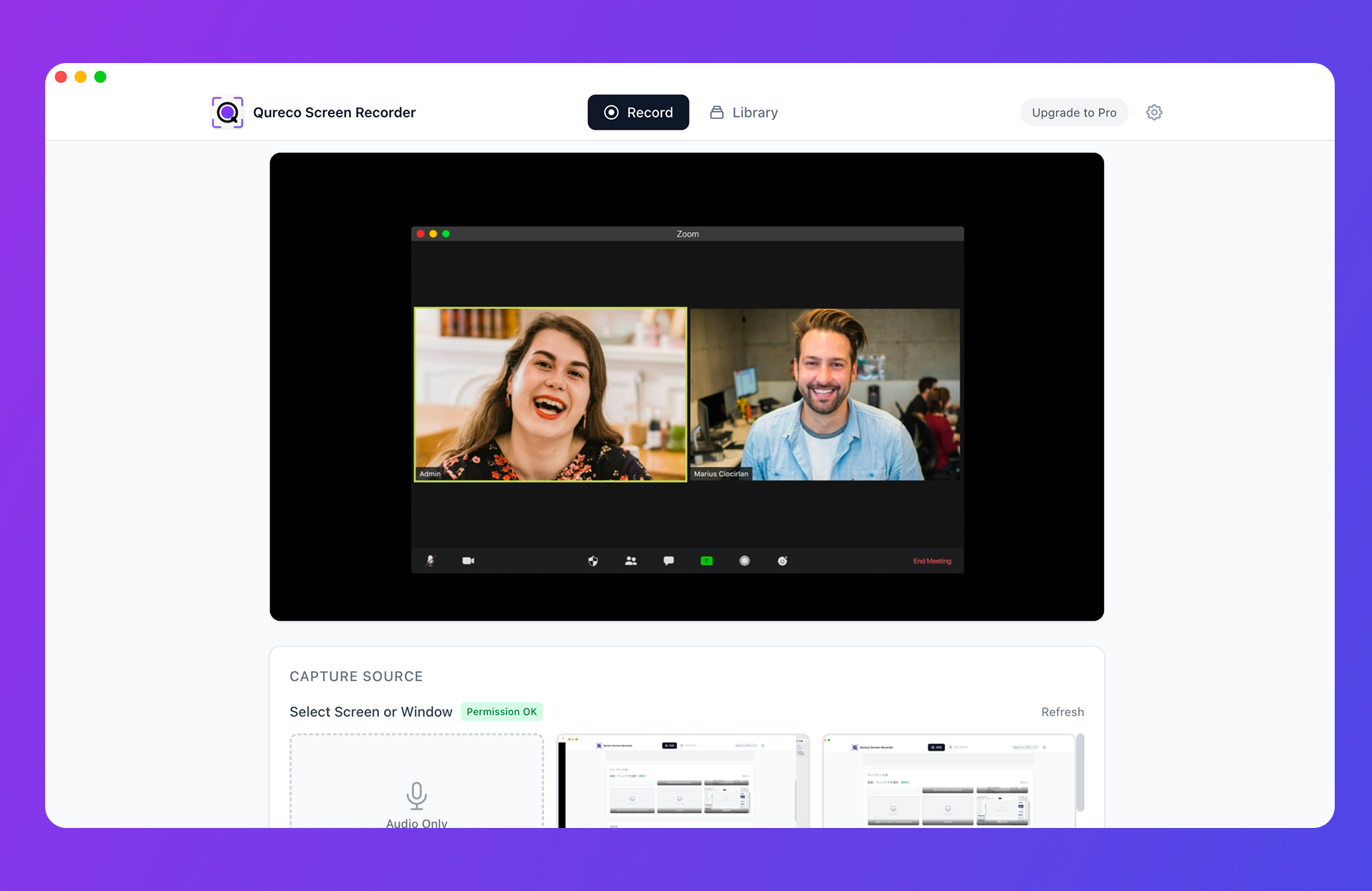
- No virtual audio setup. Install it and you can record meeting audio right away
- AI generates the minutes, and the output template is customizable, so you can have it produce the format from this article (decisions, action items, open questions)
- Speaker identification is supported, so who said what is preserved
- Notion sync saves the generated minutes straight into your meeting notes database
- No note-taking bot joins the call, so there is nothing for the other side to configure or consent to
The free plan records with no time limit and no watermark. AI notes and Notion sync are part of the Pro plan ($9/month, first two weeks free, no credit card required).
One caveat: Qureco runs on macOS only, with a Windows version in the works.
Wrapping up
Why minutes fail to land, and how to fix it:
- The cause is process, not writing ability. Producing the finished document live means doing both jobs badly
- Capture three things during the meeting: the moment of decision, assignments, numbers and proper nouns. Use
O > ? #to write fast - Pour it into the format afterward: decisions as subject, verb, deadline; actions as who, what, by when; open questions including when they get decided
- Run the seven rewrites against your own minutes. Sorting "there was talk of" into decided, open, or background does the most work
- Ship in 15 minutes, same day. Eighty percent today beats perfect in three days
- For meetings where you also have to speak, record it, let AI draft, and keep the decision-locking for yourself
For your next meeting, try just the four symbols. You will write less and listen more.

Qureco Screen Recorder
Powerful screen recording app for Mac
Record meetings, let AI handle the notes, just read what arrives in Notion.
Try all features free for the first two weeks.