There is an unfamiliar bot sitting in the participant list of your client call, and someone asks what it is. You explain that it is an AI notetaker.
Plenty of people stop using those tools after that happens once.
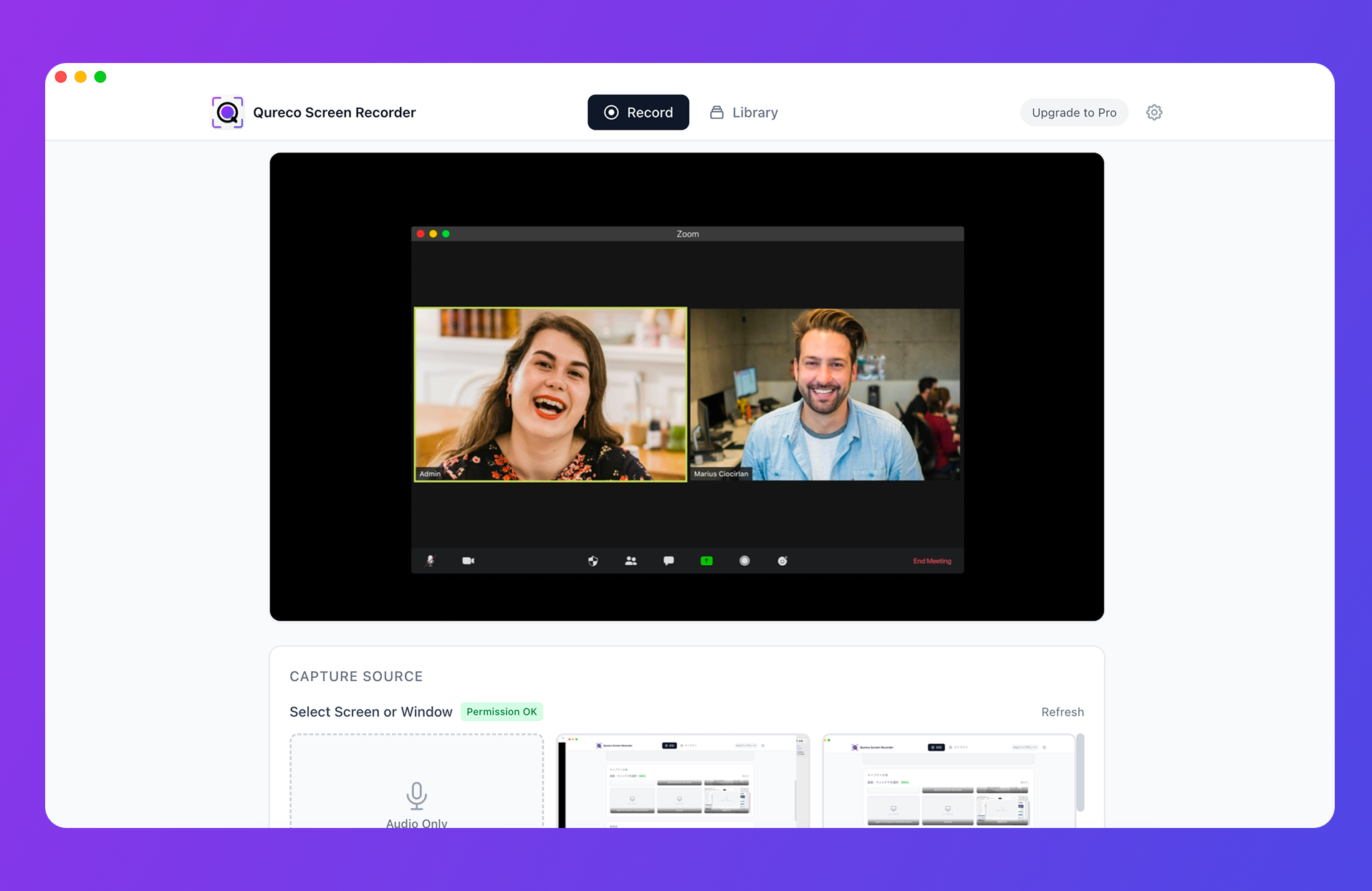
If you want the recording kept as well: QurecoA recorder for Mac that, like jamie, never joins your call as a participant. The difference is what survives afterwards: the screen and the audio stay as a recording, so shared slides and figures are still there a week later. Recording itself is free, with no cap on meetings or length. The comparison comes later in this article, but you can try it first.
How it records without joining the meeting
It processes the audio playing on your device
That holds true with headphones on: whatever you hear is what it captures. You do not change how you join or host, so the difference between Zoom, Teams, and Google Meet largely stops mattering.
Apps ship for Mac, Windows, iOS, and Android. Because it is a native app rather than a browser extension, switching browsers changes nothing.
It runs only while you are recording
"It listens to my device audio" is the kind of sentence that makes people uneasy.
Language coverage, and where the edges are
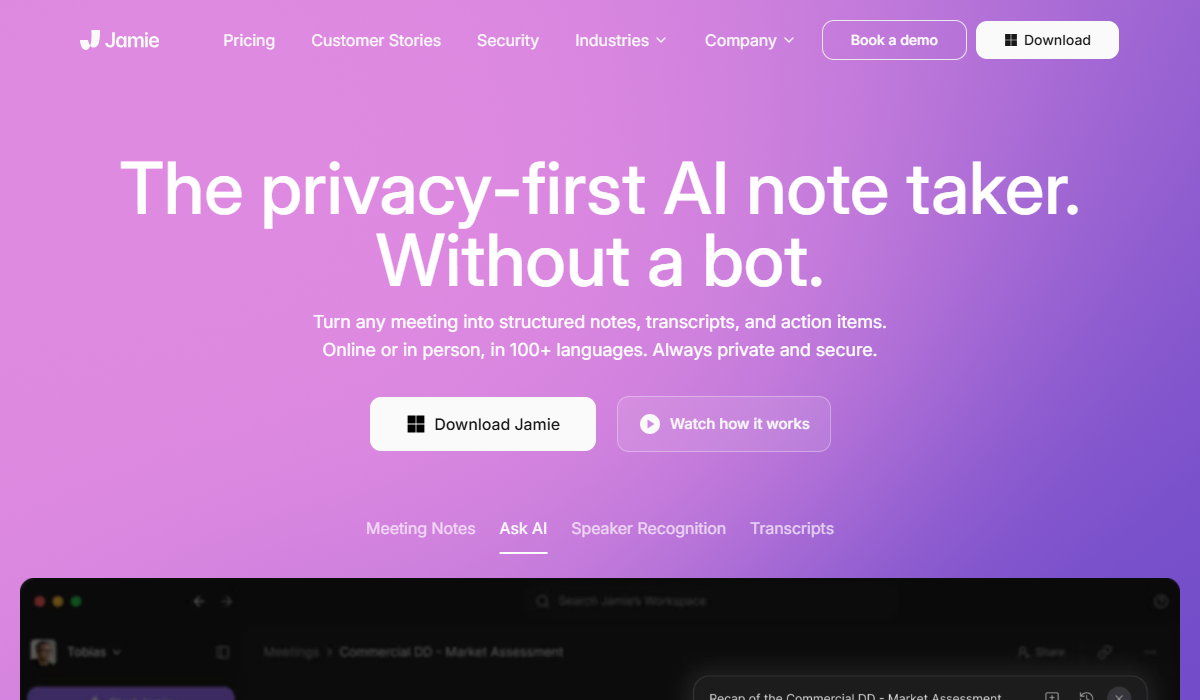
jamie advertises notes and transcripts in 100+ languages with speaker recognition, for online and in-person meetings alike.
The practical read for any non-English meeting: the flow of the conversation and the decisions come through, but names, companies, and figures are not at copy-and-paste accuracy. If the notes go out to a client, keep a step where you check proper nouns and numbers with your eyes.
Pricing and what the free plan really covers
The plans
| Plan | Price (billed annually) | Meetings per month | Length limit | Key integrations |
|---|---|---|---|---|
| Free | €0 | 10 | 30 minutes | Notion / Google Docs / OneNote |
| Plus | €21/mo | 20 | 2 hours | Same as above |
| Pro | €39/mo | Unlimited | 5 hours | Salesforce / HubSpot / Asana and more |
| Team | €33/seat/mo (2 to 10 people) | Unlimited | 5 hours | Central billing, collaboration |
| Enterprise | Custom (10+ users) | Unlimited | 5 hours | SAML SSO / SCIM / ISO 27001 |
Who fits inside 10 meetings and 30 minutes
The numbers only mean something against a real calendar.
- Two recurring meetings a week, 30 minutes or less: 8 a month, inside the free plan
- Three or more meetings a week: 12+ a month, so the free plan runs out mid-month
- Mostly hour-long meetings: the 30-minute cap rules the free plan out entirely
The free plan suits "short meetings, twice a week." It is a real trial, not a workflow you keep for free if your calendar is full.
Why quoted prices differ between articles
The audio is deleted after transcription
This is the most distinctive part of the design.
What that buys you
If you would rather not have recordings of client conversations sitting in a cloud account, that is a straight benefit.
What it costs you
In day-to-day use, three things follow from it.
- You cannot listen back. When you want to check how something was phrased, the transcript is all there is
- Screen-shared material is not kept. This is an audio and text tool, so video was never in scope. "Which slide was that number on" has no answer here
- Transcript quality is final. Anything the transcription missed cannot be recovered from the original audio later
What survives a meeting
| What is kept | jamie | A screen-recording tool |
|---|---|---|
| Notes and summary text | Kept | Kept |
| Full transcript | Kept | Kept |
| Meeting audio | Deleted after processing | Kept (when saved) |
| Screen-shared video | Not in scope | Kept |
Who jamie fits, and who it does not
| Situation | Is jamie enough? |
|---|---|
| You do not want a bot visible in the call | Yes, that is the core of the design |
| You would rather not retain audio | Yes, it is deleted after processing |
| EU hosting and GDPR are requirements | Yes |
| Short meetings about twice a week | Yes, on the free plan |
| Mostly meetings over an hour | Plus or above |
| Names and figures must be exact in a non-English language | Keep a checking step |
| You want to review audio or video afterwards | You need a separate recording |
If you want the recording as well
If your requirement is "no bot, but I also want something I can go back to," you either pair jamie with a recorder or pick a tool shaped differently.
- Screen and audio are kept as a recording, so shared material and figures can be checked later
- Audio-only mode exists for conversations where you would rather not keep video
- Recording itself is free, with no cap on meetings, no time limit, and no watermark
- AI meeting notes and the Notion export are on the Pro plan ($9/month launch pricing, first two weeks free, no credit card required)
Frequently asked questions
Yes, within 10 meetings a month at 30 minutes each. Once used up, you wait for the next month, so busy months stop early.
Summary
- jamie puts no bot in the call and processes the audio playing on your device. It runs only while you are recording
- Coverage is 100+ languages, but beta languages behave differently: Japanese, for instance, must be enabled in settings and is described as less accurate than English. Keep a checking step for names and figures
- The free plan is 10 meetings a month, 30 minutes each. Fine for two short meetings a week, useless for hour-long calls. Paid starts at Plus €21 and Pro €39 (billed annually)
- Audio is deleted after transcription. Good for privacy, but you cannot listen back and screen-shared material is never kept
- The deciding question is whether you need video as a record. If not, jamie fits. If you do, choose something that keeps the recording
Run one short meeting through the free plan. However many proper nouns you end up fixing in the notes is your real estimate of the ongoing cost.

Qureco Screen Recorder
Powerful screen recording app for Mac
Record meetings, let AI handle the notes, just read what arrives in Notion.
Try all features free for the first two weeks.