You are putting together a quarterly review and trying to find which meeting a particular decision came out of three months ago. Every recording is there. The standing meetings, the project calls, the client sessions. Thirty minutes have gone by and you still do not know which file to open.
There are dozens of recordings in that folder. When was the last time you played one yourself?
This is not an article about how to record. It is about what happens after you record, and why. The short version: recordings do not go unwatched because your team is undisciplined. The format itself makes them hard to come back to.
The people watching recordings are the ones who were not in the room
What a survey of 198 workers found
The survey numbers are blunt.
| Behavior | Share |
|---|---|
| Use video or audio recordings to capture meeting information | 36.9% |
| Use recordings in most or almost all meetings | 28.8% |
| Revisit at least some recordings | 39% |
| Revisit only a few recordings | 51% |
| Never bother revisiting recordings | 9.6% |
| Likely to revisit a recording of a meeting they attended | 27% |
| Likely to revisit a recording of a meeting they missed | 78% |
Those last two rows are the whole point. A recording gets played almost exclusively when the person was not there. For meetings people did attend, three out of four never open the file again.
So recordings work well as a stand-in for attendance, and barely work at all as a record for everyone else. If you treat that gap as a storage problem or a video quality problem and try to fix it there, very little will change.
80% of people go back to their notes
The same survey asked about notes.
| Notes | Recordings | |
|---|---|---|
| Used in most meetings | 63.8% | 28.8% |
| Revisited at least sometimes | 80% | 39% |
| Referred to even after attending | 64% | 27% |
Two records come out of the same meeting and get used this differently. Notes hold less information, yet they get opened far more often.
The difference is compression. A note contains what somebody decided was worth keeping. A recording makes no decisions at all. Everything is preserved equally, and everything is buried equally.
Reviewing an hour-long meeting takes an hour
You cannot skip to the part you need
One participant in the study put it plainly: the meeting takes an hour, but going back through the recording takes almost an hour. Another wanted to jump to the point in a city council recording where a specific bill was discussed and could not get there. The researchers also describe a team that started recording meetings and abandoned the practice, because people rarely returned to the files.
You cannot know where in the timeline a given sentence sits until you play it. Text lets your eye skip; video makes you wait at normal speed. Playing at 2x helps, but 2x of an hour is still thirty minutes.
Watching it later never gets scheduled
There is a practical problem on top of the format problem. The moment a meeting ends, the next one usually starts.
Right after recording, you genuinely intend to go back and sort through it. That later never lands on a calendar. Days with a free hour to review a one-hour meeting are rare. The recording sits there until the next recording pushes it further down the list.
It is less that people lack the will to review, and more that the time to review does not structurally exist.
Meeting notes are the second hardest thing to find
The breakdown of what people could not find matters here.
| Information people could not find | Share |
|---|---|
| Past internal documents | 45.8% |
| Meeting minutes | 43.1% |
| Email and chat history | 40.5% |
Records of meetings being hard to find is a measured problem, not a feeling. On top of that, the largest group (30.5%) spends one to three hours a week searching and organizing, roughly 10% spend more than ten, and those figures run highest among middle managers.
More records, less findability. That is a different kind of loss from not recording at all. You are paying the cost of capture without collecting the benefit.
Three shifts that drop the watch-it-later assumption
The direction here is not to make recordings easier to watch. It is to convert them into something you do not have to watch.
1. From storing to converting
Keep the recording as the original and build a separate thing to read: a transcript and a summary.
What matters is that this conversion happens automatically after every meeting. A workflow where you plan to send files off for transcription later ends up in exactly the same place as planning to watch them later. The readable version has to exist without you doing anything.
2. From keeping everything to deciding what to keep
Keeping every recording is a storage problem, but it is a bigger noise problem. When an important client call sits in the list with the same weight as a casual check-in, deciding which one to open takes time.
Splitting by meeting type is the quickest fix.
| Meeting type | Original recording | Summary text | Rough retention |
|---|---|---|---|
| Decision-making meetings, client calls | Keep | Keep | A year or more |
| Standing meetings, status updates | Can be deleted once summarized | Keep | Summary indefinitely |
| Screen-share walkthroughs, demos | Keep (the video carries value) | Supporting only | Until the steps change |
| 1:1s, performance or HR conversations | Default to not recording | Decide the scope in advance | Short |
For 1:1s and anything touching employment matters, the presence of a recording changes what people say. Draw that line before you start, not after.
3. From finding to searching
The last piece is where things live. When transcripts sit in Google Drive, summaries land in Slack, and recordings stay in a local folder, you spend your first minute deciding where to look.
A workflow that uses recordings without watching them
From the end of the meeting to something readable
Three steps are needed.
- Record the meeting
- Generate a transcript and summary from the recording automatically
- Deliver the summary to a fixed location with a link to the original recording
A person only touches the last part, the reading. If human work sits between steps 1 and 2, or between 2 and 3, that step eventually stops. Whatever gets skipped during a busy week becomes a permanent hole.
How Qureco handles it
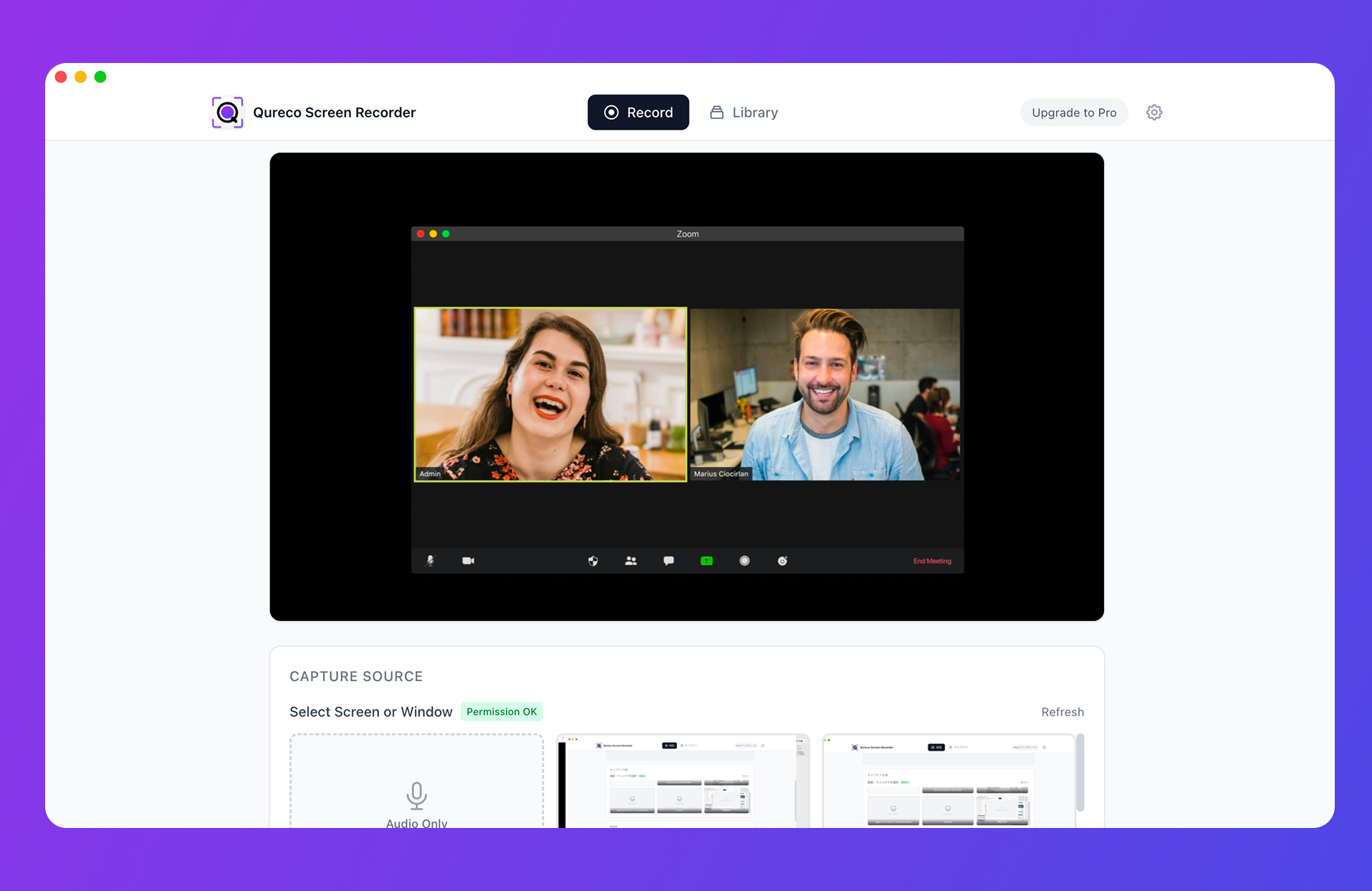
Recording starts right after install, with no virtual audio driver to configure. The free tier has no time limit and no watermark. Because you record on your own machine, there is no note-taking bot to invite into the call.
On the Pro plan, an AI summary is generated as soon as the recording stops. Speaker identification is supported, and you can define the format of the summary yourself. Summaries export to a Notion database, and the original recordings sit in 30GB of cloud storage. The three steps above are simply how the product works.
When the recording itself is the thing you need
None of this is an argument for not recording. It is an argument for giving recordings a narrower job.
Some things only survive as video. A walkthrough done over screen share becomes much harder to follow as text. The motion of a demo, which part of the interface was clicked, how an error appeared: none of that lands in a summary.
Tone and pauses are the same. What was really happening during a tense stretch of a discussion often does not reproduce in writing.
And for anyone who missed the meeting, the recording is the strongest option available, as the numbers at the top of this article show. At 78%, that is where recordings do their best work.
| What you want to keep | Summary text is enough | Original recording needed |
|---|---|---|
| What was decided | ◯ | |
| Who owns what | ◯ | |
| Numbers and names | ◯ | |
| On-screen steps and demos | ◯ | |
| Tone and phrasing | ◯ | |
| Evidence of what was agreed | ◯ |
Wrapping up
- 27% of people revisit a recording of a meeting they attended, against 78% for one they missed. Recordings get played almost only when someone was absent
- From the same meeting, 80% revisit their notes and 39% revisit the recording. The difference is compression, not video quality or storage
- In a survey of 226 workers, the second hardest thing to find was meeting minutes, at 43.1%, and the search burden fell heaviest on middle managers
- Three shifts: convert the recording, decide what to keep, and collapse to one entry point
- Recording is still worth doing. For demos, on-screen steps, and catching up after an absence, nothing beats it
If you want one thing to try this week, take your most recent meeting, transcribe it, and put the summary where your team will look. The next time somebody asks how a decision got made, watch whether they reach for the play button or the search box. That tells you whether the change is worth making.

Qureco Screen Recorder
Powerful screen recording app for Mac
Record meetings, let AI handle the notes, just read what arrives in Notion.
Try all features free for the first two weeks.