Transcribe a 90 minute interview in full and less than 20% of it reaches the draft.
The other 80% is acknowledgements, false starts, and warm-up talk that was never going to be quoted. Transcribing all of it is why the gap between finishing an interview and starting the draft takes half a day.
This article works from a different premise: there are only three things worth extracting from interview audio. It covers how to pull those three, how to record so that pulling them is easy, how to handle off-the-record material, and when to delete the file.
(Written for people who interview and then write. If a verbatim transcript is itself the deliverable, for example in legal records or academic research, this approach is not for you.)
Interview audio gets used three times
Before cutting the transcript, separate what the audio is actually for. The required accuracy is different each time.
| Use | When | Accuracy needed |
|---|---|---|
| Finding a moment while writing | Mid-draft | Enough to know roughly where it was said |
| Checking a quote | Before filing | Word for word. This is where accuracy matters |
| Checking a fact | Before filing and at proof stage | Numbers, names, dates. A mishearing becomes a correction |
Pull three things, not a transcript
1. Headings: timestamp every change of topic
During the interview, or on your first pass through the audio, note only where the subject changes.
0:00 Background and career
4:30 Why they started the company (coming out of their last job)
13:10 The stretch where the first product was not working ★
24:05 How the team is organised now
38:40 What comes next
52:00 Closing message
That alone gives the audio a table of contents, and the search time while drafting disappears.
2. Quote candidates: verbatim, but only here
Write your own prose in your own words. Only what goes inside quotation marks has to be exact.
3. Facts: numbers, names, and dates in a separate list
This is where a mishearing turns into a correction notice. Keep it apart from everything else.
- Founded April 2019 (not 2018, confirm)
- 3 people at the start
- 48 employees now
- Previous employer: [company], check official spelling
- Series A closed November 2022
What to skip
- Acknowledgements ("right", "I see", "sure")
- Repeated false starts
- Small talk
- Verbatim versions of your own questions
Unless the piece runs as a strict Q&A, your questions only need their gist.
Record online and in-person interviews differently
| Online interview | In person | |
|---|---|---|
| What to capture | Screen and audio | Audio only |
| What to use | Screen recording on your Mac | Mac audio recording, or a handheld recorder |
| What you gain | Expression, shared slides, names that appear on screen | Room sound as a safety net |
| Watch out for | The other person's notifications appearing on screen | Place it centrally, it picks up paper shuffling |
Online interviews are worth capturing as video
Recording the screen as well as the audio gives you more to work with.
In person, commit to one device
Put it in the middle of the table, with no documents or vases between you. In a cafe, avoid sitting directly under a speaker or next to the door.
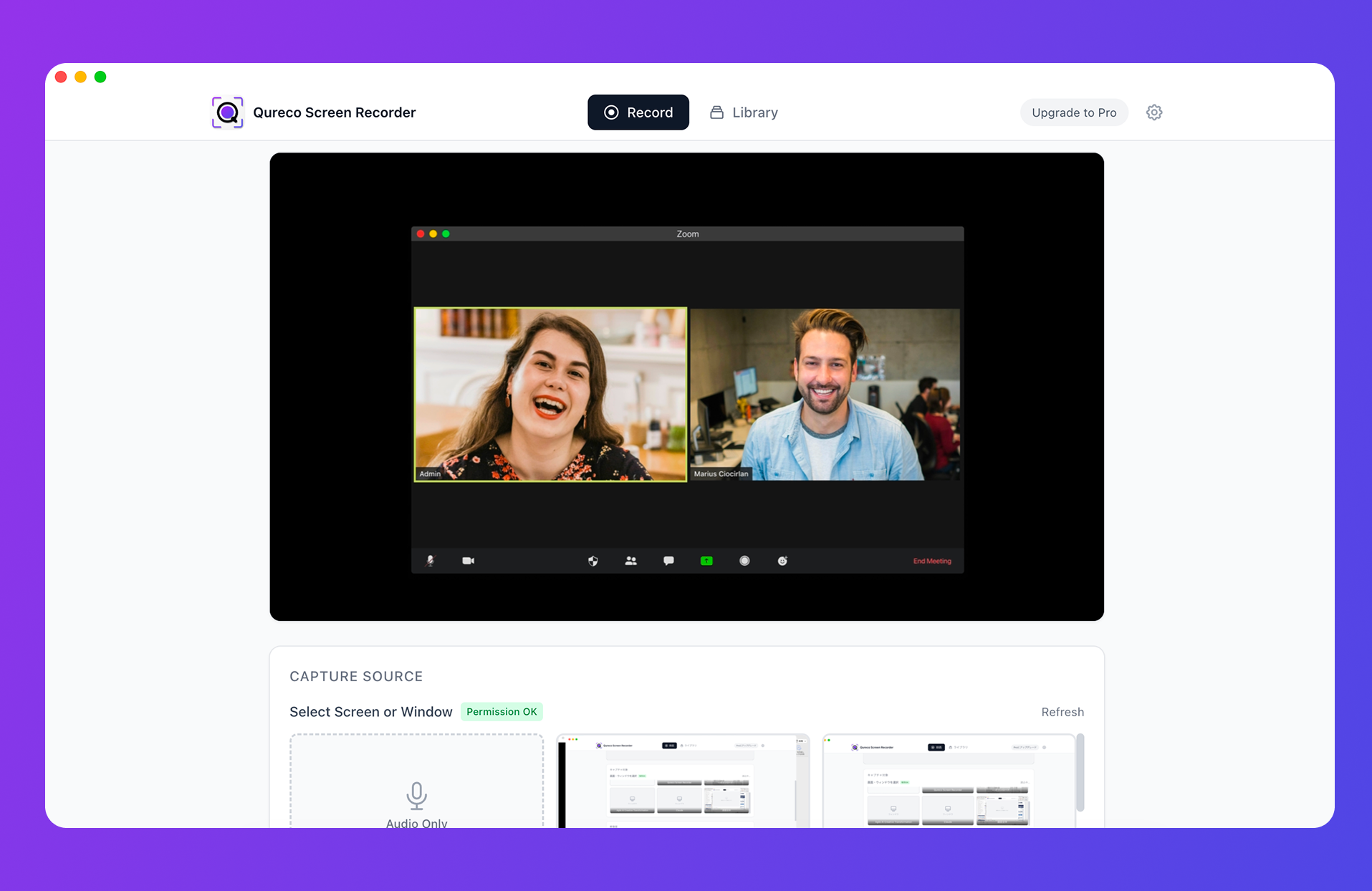
Record interviews with QurecoA Mac recording app offering unlimited recording length, no watermark, and an audio-only mode in its free tier. Capture the screen for online interviews, audio alone in the room, and keep both in one library.
Permission, and what to do with off-the-record material
What to say at the start
Mention recording when you set up the interview, then confirm it again at the top of the session. Leading with the reason makes it easy.
"I'd like to record this so I get the details right. It's only used for writing the piece, and the file doesn't go anywhere else."
"If you share slides, I'd like to capture the screen too, just so I can check figures."
Marking off-the-record sections
[OFF RECORD] 34:20 - 39:05
What you must not do is transcribe that section and leave it sitting in your notes. It then mixes into the working document, and a path exists for someone downstream to use it.
When the boundary is unclear, ask in the room. "Is that the whole section, or is it fine without the company name?" usually settles it.
If they decline to be recorded
Where the audio lives, and when it goes
Keep it per assignment
rec_20261010.mp4 is unsearchable six months later. Tie each file to its assignment.| Assignment | Date | Interviewee | Audio | Off the record | Delete by |
|---|---|---|---|---|---|
| Case study, [client] | 2026-10-10 | Comms lead | link | 34:20-39:05 | 2027-01 |
| Series #3 | 2026-09-28 | Researcher | link | none | 2026-12 |
Decide the deletion date in advance
Follow-up questions arrive in the one or two months after publication. Past that, there is rarely a reason to hold the file.
Doing it yourself, with AI, or outsourcing
| Cost | Turnaround | Suits | |
|---|---|---|---|
| Full manual transcription | Your time (4 to 6 hours for 90 minutes) | Same day | Short audio, unusually sensitive material |
| AI draft, you clean it up | Tool subscription | Minutes | Most interviews. The standard approach |
| Outsourcing | Per audio minute. In Japan, roughly 100 to 300 yen per minute, averaging about 13,000 yen for an hour | 2 to 3 days | Panel discussions, poor audio quality |
What to look for in a recording tool
| Requirement | Why it matters |
|---|---|
| No time limit | Interviews run past 90 minutes. Free apps often cut off at 5 or 30 |
| An audio-only mode | In-person work needs no video, and the files stay small |
| No watermark | A watermark over a shared slide can hide the number you needed |
| A library view | Parallel assignments outgrow file naming quickly |
| Control over storage location | This is a recording of someone's voice. You should decide where it sits |
- Unlimited recording time, no watermark, export to MP4 or MP3
- An audio-only recording mode for in-person interviews
- No virtual audio driver setup, with microphone and system audio toggled independently
- A recording library with playback, inline title edits, and a configurable storage folder
The Pro plan ($9/month) generates AI notes from a recording with speaker identification, which makes a usable first pass at the topic headings. It exports to Notion directly.
FAQ
The audio is still there, so you can always go back. What makes that painful is not knowing where to go back to, which is exactly what the topic timestamps fix. Do not skip that step.
Two voices into one microphone in a room is the hard case. It helps to let each person speak at some length early in the session, which gives the model more to work with. Online interviews start from a much easier position.
Audio is enough to write from. Video earns its place when slides are shared and when you want to describe demeanour. If the piece calls for "they paused before answering," you need the footage. If not, use audio-only mode.
Summary
- Interview audio gets used three times: finding a moment, checking a quote, checking a fact. Only quote checking needs verbatim accuracy
- Extract three things: topic timestamps, quote candidates word for word, and a list of numbers and names
- Skip acknowledgements, false starts, and small talk. Careful transcription lands at around three minutes
- Capture online interviews as video. Figures and names shown on screen survive that way
- In person, audio only and one device. Note takers that join the call do nothing in a room
- Mark off-the-record sections with a start and end timestamp, and keep them out of the transcript
- Store audio per assignment and set a deletion date, three months after delivery as a default
On your next interview, try just the topic timestamps. That change alone shortens the distance to the first draft.

Qureco Screen Recorder
Powerful screen recording app for Mac
Record meetings, let AI handle the notes, just read what arrives in Notion.
Try all features free for the first two weeks.