The meeting is over and the notes are written. That is when the real work starts.
You paste the full text into the team channel and tag whoever missed it. You retype a cleaner version into an email for the client. You send a third copy to the account manager with "here's what we covered." Same content, three different shapes.
Three days later someone asks what was decided, and you find yourself searching for notes you wrote yourself.
Why sharing minutes turns into duplicate work
Here is what the common methods actually cost you.
| How you share it | Times you repaste | Findable a week later | Edits reach the reader |
|---|---|---|---|
| Paste the full text into chat | Once per recipient | Hard to find | No |
| Attach a file to an email | Once per recipient | Buried in the inbox | No |
| Send a link | Once | Reachable from one place | Yes |
You are reformatting the same notes for every recipient
This is where the time goes. Slack for the team, email for the client, a summary for your manager. Three destinations means three rounds of copying, pasting and fixing the formatting that broke along the way.
Chat is built to flow past
Chat is chronological by design, which is the opposite of what you want for something people will come back to.
An attachment freezes time on the reader's side
Sending a document as an attachment is still standard practice, and the usual advice is to compress it if the file is large.
If someone points out a wrong figure after the meeting and you send a corrected version, two files now exist in the world. You have no way of knowing which one anybody is looking at. With a link, everyone who opens it sees the current version.
Four routes for sharing minutes as a link
Before adding a tool, check what the tools you already pay for can do.
Route 1: Hand over the meeting recording link
If you already record to the cloud, this is the shortest path. The three major platforms behave quite differently.
Route 2: Share the Notion page
For external recipients, publishing avoids asking them to create an account. The trade-off is a wider audience.
Route 3: A cloud storage file link
If you write minutes in Word or Google Docs, turning the file into a link is the smallest change you can make.
Google Drive, OneDrive and Dropbox all issue per-file links. You keep writing exactly as you do now and only change the delivery from attachment to link.
Route 4: A share link issued by your notes tool
Here the minutes themselves become a web page. Not a file, not a document, just one page built for reading.
The four routes side by side
| Route | Recipient needs an account | Works outside the company | Password | Best for |
|---|---|---|---|---|
| Meeting recording link | No (with Zoom public setting) | Depends on the platform | Zoom: yes | People who need the whole meeting |
| Notion (invite) | Yes | If they also use Notion | Not available | Teammates, ongoing partners |
| Notion (publish to web) | No | Yes | Not available | Notes meant to circulate widely |
| Cloud storage | Often no | Yes | Varies by service | Keeping your current file workflow |
| Notes tool share link | No | Yes | Varies by tool | Readers who just need to read |
Three things to decide before you send
Whichever route you pick, the same three decisions apply. Make them up front and nothing surprises you later.
1. Who can see it
For internal recurring meetings, the first is fine. The judgment call arrives when the notes leave the company, and when internal notes touch hiring, compensation or contracts.
2. Whether it needs a password
For external minutes that contain pricing or contract terms, add one.
Zoom cloud recordings support passcode protection from the share settings. Some notes tools let you attach an optional password to a share link.
3. When it expires, and when you revoke it
This is the least known part, and the platforms take opposite positions.
| Tool | Link lifespan |
|---|---|
| Teams (OneDrive / SharePoint) | Expires automatically 60 days after recording by default. Anyone with edit or delete rights can change the expiry date, and admins can change the default via PowerShell. Deleted files are recoverable for 90 days |
| Zoom (cloud recording) | You can set an expiry date on the share link. Without one, the account retention setting applies |
| Notion (publish to web) | Never expires on its own. Stays live until you unpublish it |
| Cloud storage | Never expires on its own. Some services allow an expiry date |
Notion publishing runs the other way. Anyone with the URL can open it, and that stays true until you manually unpublish. Nobody is going to remind you to take down the notes from a project that ended.
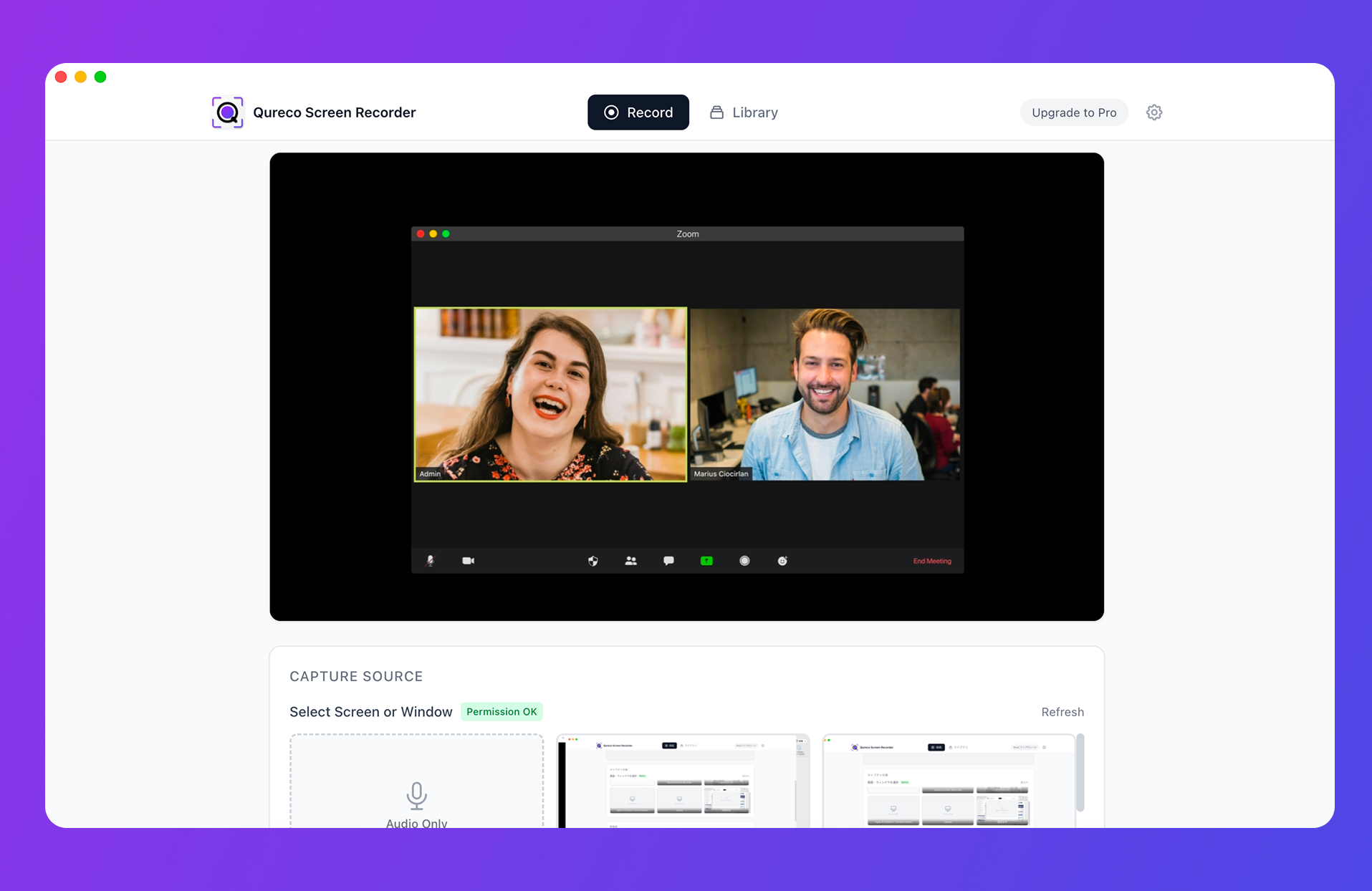
Want a link for your minutes? Try QurecoQureco turns a recording into AI meeting minutes, then issues a share link for those minutes. You can set an optional password, and revoke the link from the app at any time. Recording itself is free, with no time limit and no watermark.
Share the recording separately from the minutes
Treating minutes and recordings as one package makes everything harder, because they behave nothing alike.
| Minutes (text) | Recording (video) | |
|---|---|---|
| Size | Light | Heavy |
| Searchable | Yes | No |
| Quotable | Yes | Not really |
| Time to consume | A minute | As long as the meeting |
How to hand minutes to each kind of reader
The same URL performs differently depending on what you write around it.
For people who missed the meeting
Quick summary of yesterday's sync, decisions only:

- Release date locked to November 14
- Final design review due Friday (owner: Tanaka)
- No revised quote needed

Full notes and recording: https://...
For people outside your company
Reread the notes before sending. Three checks:
- Internal shorthand and informal references to people. AI-generated minutes often capture small talk and asides along with the substance
- Other companies' names. A stray mention of a client who was not in the room becomes an incident
- Access scope and password. The three decisions above
For external recipients, a separate page written to be shared beats forwarding the internal version. It looks like extra work, and it costs far less than cleaning up after a leak.
For your future self and your team
The real audience for minutes is you, six months from now.
Sharing minutes as a link with Qureco
If you want one tool that covers the conditions above, here is how Qureco handles it.
- Recording is free. No time limit, no watermark, and no virtual audio setup
- AI meeting minutes (Pro) are generated from the recording or audio, with speaker identification and a template you define
- A share link (Pro) publishes the minutes as a web page that anyone with the link can read. You can set an optional password, and revoke the link from inside the app at any time. When you stop sharing, or delete your account, the shared page data is deleted
- Notion integration (Pro) sends minutes straight into your Notion database, so you can keep internal notes in Notion and use share links for external readers
The work of reformatting for each recipient becomes: open the minutes, create the link, send the URL.
Frequently asked questions
Usually because the link is all there is. Use the pattern above: three lines of decisions, then the URL. People who only needed the decisions stop there, and only those who need more click through. Faster for everyone.
Yes, if you publish it to the web. The Publish tab in the share menu makes the page readable by anyone with the link. That is a separate feature from inviting someone, which does require a Notion account. Because the audience is wider, decide the takedown date at the same time.
No. Anyone who opens the link sees the current version. That is the main advantage over an attachment. When the change is significant, resending the same URL with a note such as "corrected the pricing figures" is a courtesy worth the ten seconds.
Summary
- Sharing minutes becomes duplicate work because you reformat them for each recipient. Stop pasting, start publishing and sending a link
- Four routes to a link: meeting recording links, Notion, cloud storage, and a notes tool's share link. Start with whatever you already use
- Decide three things before sending: who can see it, whether it needs a password, when it expires
- Link lifespans are opposite across tools. Teams expires at 60 days by default, Notion pages stay live until you unpublish
- Share minutes and recordings separately. The link to the minutes for everyone, the recording for the few who need it. Distributing video is a different tool's job
- For people who missed the meeting, skip the full text. Three lines of decisions plus a link is the format that gets read
Before your next meeting, pick one place to keep the notes. Removing one round of pasting removes a round of searching with it.

Qureco Screen Recorder
Powerful screen recording app for Mac
Record meetings, let AI handle the notes, just read what arrives in Notion.
Try all features free for the first two weeks.