The client call ends and the next one starts. The minutes get written at night, and they go out the following morning.
Keep that order for a few weeks and the client's version of the meeting sets before yours arrives. Once someone says "that was decided, wasn't it," a document sent afterwards does not move them.
A transcript-shaped document does not get read
Value is structure multiplied by speed
Because it is a multiplication, one weak factor takes the whole thing to zero. Beautifully structured minutes delivered three days later arrive after the decision.
Cutting is the job
So a list of statements in the order they were said is the raw material. What survives the cut is the document.
Late minutes lose to whatever people already remember
There is a practical argument too: writing hours later can triple the time you spend shaping the text. Writing at night is not only later, it is slower.
To have a draft waiting when the call ends: QurecoA recorder for Mac that turns the recording into an AI draft of the minutes as soon as the meeting finishes. You spend the 15 minutes editing rather than starting from an empty page, and no bot appears in the client's participant list. The operating setup is covered later in this article, but you can try it first.
Keep decisions, action items, and open questions
Put the decision in the first two lines
In practice:
Decided today: Go-live is fixed for 1 October. Data migration is limited to the last three years.
With that at the top, nobody has to read further to know where things stand. Not spending the reader's time is what gets the rest read.
Action items need an owner and a date
The most common failure in an action list is losing track of whose item it is.
- Good: "(Us) Submit the list of records in scope by 18 Sept"
- Good: "(Client, IT) Issue test environment accounts by 20 Sept"
- Bad: "Continue organising the migration data"
Name the owner in brackets and give a date. "By next time" is fine for an internal standup; on a client engagement, write the date.
Write down what was not decided
This is the section most minutes skip.
Every meeting leaves something unresolved. Leave it out and the next meeting reopens the argument from the beginning. Give open questions their own heading next to the decisions.
Open: Split of responsibility for ongoing support. Revisit on 25 Sept once the client confirms its operating model.
What goes in, what stays out
| Item | Write | Do not write |
|---|---|---|
| Decision | Go-live fixed for 1 October | We discussed the go-live date |
| Action | (Us) Submit data list by 18 Sept | Continue organising the data |
| Open | Support split, revisit 25 Sept | Support also came up |
| Rationale | Only when the reason fits in one line | The discussion in the order it happened |
Keep rationale only where "why we chose this" fits in a single line. For anything you might be asked about in three months, one line of reasoning saves an archaeology session later.
Stop taking notes during the meeting
You cannot chair and record at once
When one person facilitates the discussion and writes the minutes, one of the two always suffers.
Type while you steer and you are late to move the conversation on. Focus on the notes and you let vague statements slide past unchallenged.
Turning vague statements into commitments is the value you add
So you do not let "we will look into it positively" pass:
- "By positively, can I take that as a decision within September?"
- "Which side would own that work?"
Whether you ask that question changes what there is to write. The quality of minutes is set by listening, not by typing.
Track exactly one thing live
Decisions and action items are shared understanding the moment they happen, so they can be recovered. Unresolved threads evaporate. One word in a notes app ("support split") is enough.
The 15 minutes after the call
| When | Minutes | What you do |
|---|---|---|
| Immediately | 3 | Write the two opening lines (decisions) |
| Next | 3 | Write action items with owners and dates |
| Next | 4 | Write open questions and when each is revisited |
| Then | 3 | Run the pre-send checks below |
| Finally | 2 | Paste the two opening lines into the email and send |
Since you are not writing up the discussion, 15 minutes is enough. Reshaping a transcript never fits in that window.
Treat the two-hour rule as a ceiling. In practice, right after the call is both the fastest and the most accurate moment you will get.
Three minutes of checks before sending
This document goes to a client, so make the check a step rather than a habit. Four things:
- Proper nouns and numbers. Company names, departments, amounts, dates. Errors here cost you credibility on the whole document
- Decisions not mixed with proposals. Writing something still under consideration in the decisions block is the most damaging mistake available. When unsure, put it under open questions
- No action items the client never agreed to. Inventing work in the action list turns the next meeting into a negotiation
- Nothing that should not leave the room. Third-party names and internal context get cut
Run these even when an AI produced the draft. Proper nouns and figures are exactly where transcription quality shows up.
Keep the recording, keep the minutes short
Once you stop writing during meetings, the worry becomes "what if I miss something." That is what a recording is for.
- You can record without being the host, since capture happens on your machine. Meetings opened from a client's link are not a permissions problem
- No bot joins the call, so nothing unfamiliar appears in the client's participant list and nothing needs explaining
- The AI notes template is customizable, so output can be shaped into decisions, actions, and open questions. Your 15 minutes start from a draft rather than a blank page
- Audio-only mode exists for calls where video is unnecessary
- It sends to Notion, so each engagement gets its own chronological file
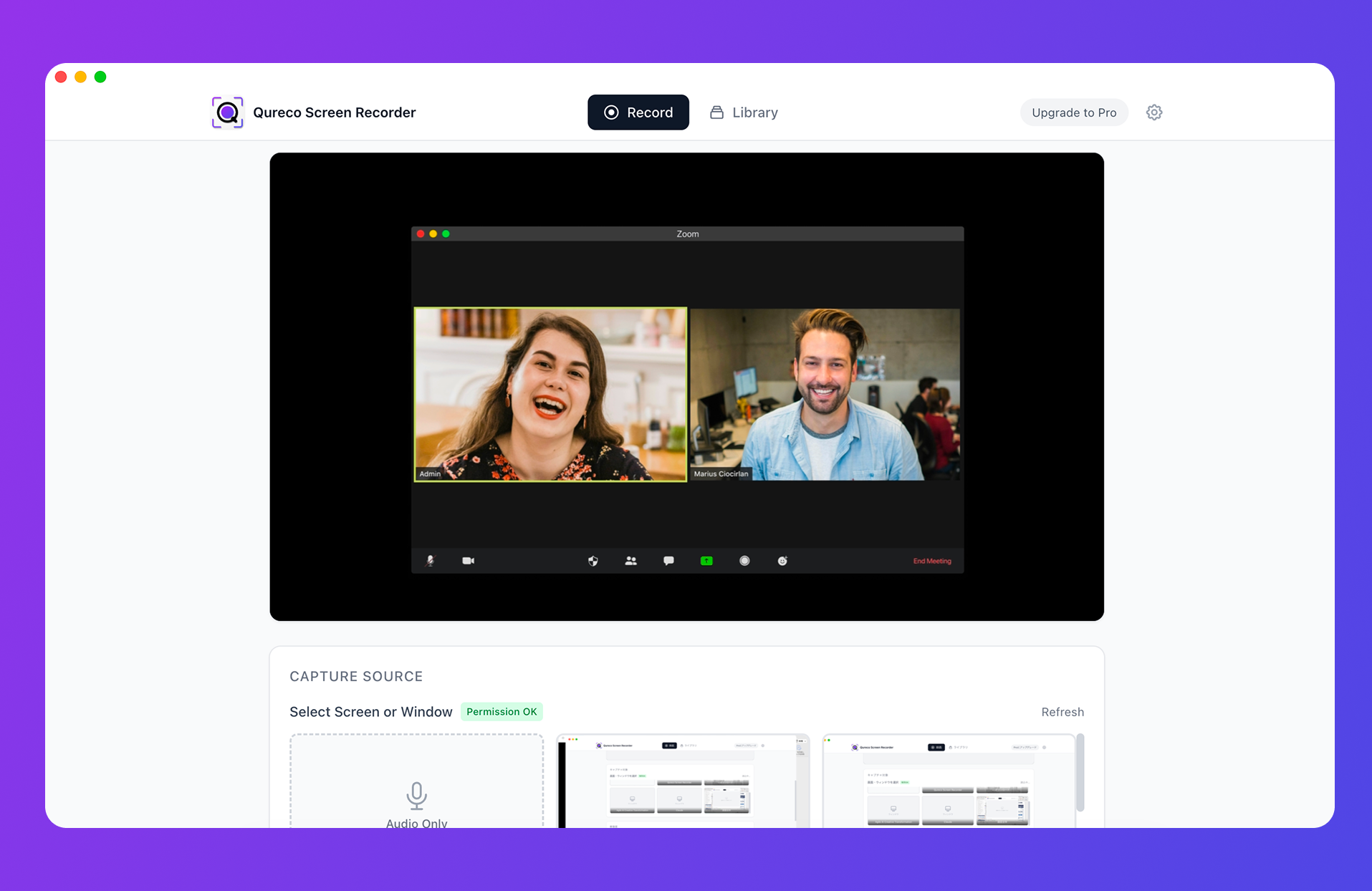
Recording is free, with no time limit and no watermark. AI notes and the Notion export are on the Pro plan ($9/month launch pricing, first two weeks free, no credit card required).
On a client call, one sentence at the top covers it:
I will record this for the minutes. What I circulate is the decisions and action items.
Frequently asked questions
Send the transcript as a separate file. Do not merge it into the minutes: decisions drown in a sea of dialogue and stop being read. They are two documents with two jobs.
Summary
- The value of client minutes is structure multiplied by speed. Weak on either and they do not reach a decision
- Keep decisions, action items, and open questions. Two lines of decisions at the top; every action gets an owner and a date
- Do not take notes during the call. Chairing and recording compete. Turning vague statements into commitments is the value you add
- Send within 15 minutes: 3 for decisions, 3 for actions, 4 for open questions, 3 for checks, 2 to send
- Before sending, check names and numbers, decisions versus proposals, invented action items, and anything that should not leave the room
- The transcript stays out of the minutes, but keep the recording so the three-month-later question has an answer
On your next client call, stop taking notes. The 15 minutes afterwards will produce something shorter, and it will go out sooner.

Qureco Screen Recorder
Powerful screen recording app for Mac
Record meetings, let AI handle the notes, just read what arrives in Notion.
Try all features free for the first two weeks.